Jump to content
View in the app

A better way to browse. Learn more.

KH13 · for Kingdom Hearts

A full-screen app on your home screen with push notifications, badges and more.

To install this app on iOS and iPadOS
  1. Tap the Share icon in Safari
  2. Scroll the menu and tap Add to Home Screen.
  3. Tap Add in the top-right corner.
To install this app on Android
  1. Tap the 3-dot menu (⋮) in the top-right corner of the browser.
  2. Tap Add to Home screen or Install app.
  3. Confirm by tapping Install.

lostmemory123

Verified Member
  • Joined

  • Last visited

  1. lostmemory123 posted a status update

    Ayyyyyy lmao

  2. lostmemory123 posted a status update

    Ayyyyyy lmao

  3. Grotesquery left a comment on lostmemory123's profile

    Consider yourself gently accosted for your foolishness. all is as it should be

    lostmemory123 replied

    ....What did I do?

  4. lostmemory123 posted a status update

    At least 10PM was a time where Id normally be up anyways.

  5. lostmemory123 posted a status update

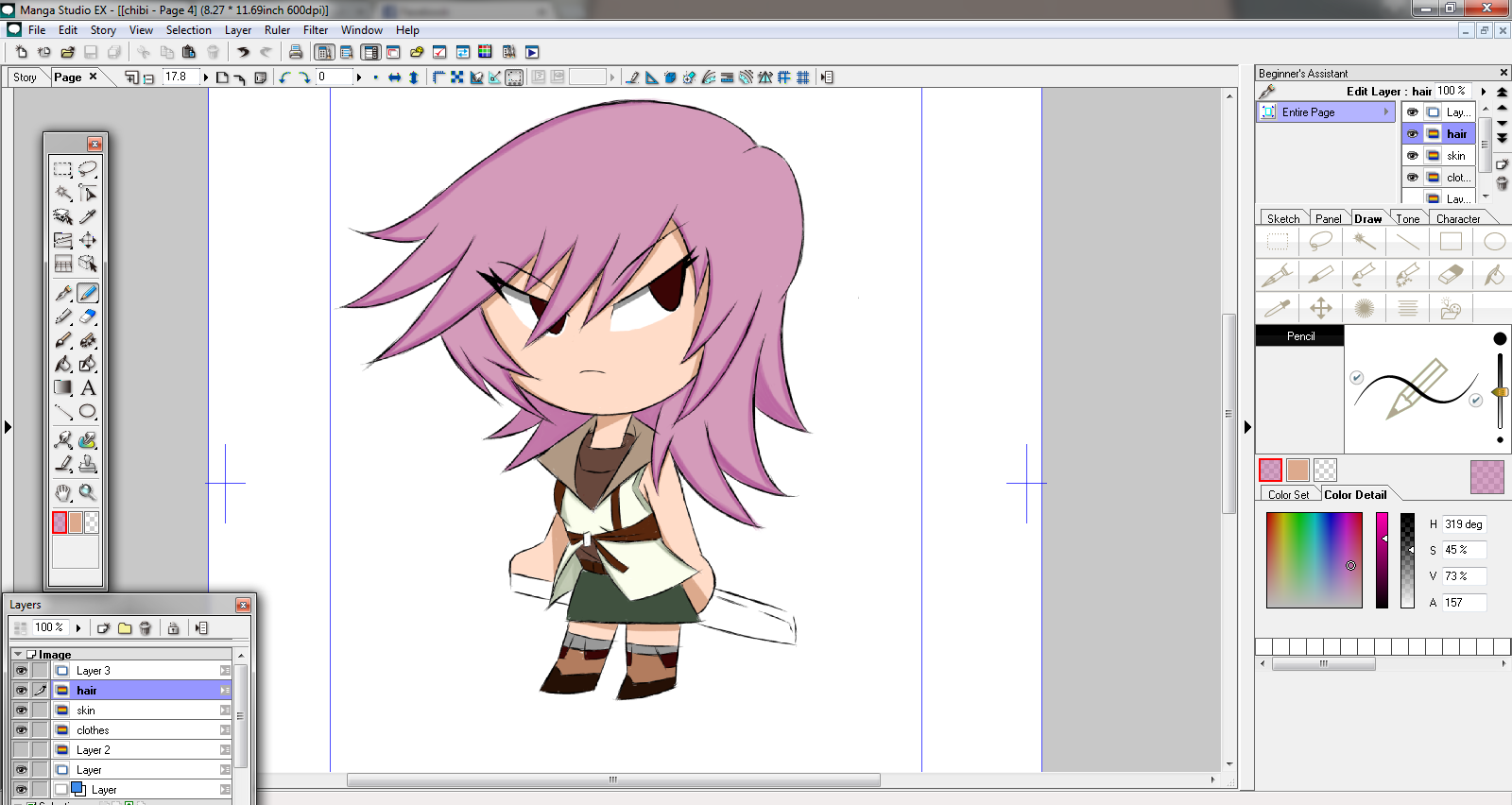
    Ive updated the forum, so now its a full complete comic, go see it here:http://kh13.com/forum/topic/91655-why-inside-out-wont-work-a-kh-fan-comic/#entry1737536

  6. lostmemory123 posted a status update

    I DID IT! I FINISHED THE COMIC! OH GOD IM FINALLY FREE!

  7. lostmemory123 posted a status update

    OH MY GOOODDD BBS YES,YES,YES

  8. lostmemory123 posted a status update

    There is gonna be a stream for Sony today right? Where are you guys hosting it?

  9. lostmemory123 posted a status update

    THE HYPE WAS REAL!

  10. FrightfurUnversed left a comment on lostmemory123's profile

    hello again buddy!

  11. lostmemory123 posted a status update

    God dang, Anime Expo is gonna be fun.

    Soravids replied

    When is it happening and where can I stream it???

  12. Soul Eater Evans left a comment on lostmemory123's profile

    you've played Katawa too?

    Mine isnt even started, we'll probably start on the weekend when we have free time.


    I appreciate the offer.

    lostmemory123 replied

    Whenever your ready man,remember Im here if you want feedback.

    And we'll have the manliest feedback.

    No ratings

    No criticism

    Pretzels are ok.

  13. lostmemory123 posted a status update

    THE SMASH DEMO IS NOTHING BUT PERFECTION

  14. lostmemory123 posted a status update

    SHE LOOKS SOOO OP,THIS IS AMAZING!

  15. lostmemory123 posted a status update

    LADY PALUTENA!

  16. lostmemory123 posted a status update

    This squid game looks pretty interesting

  17. lostmemory123 posted a status update

    BAYONETTA,OH GOD,THAT WAS AMAZING

  18. lostmemory123 posted a status update

    NEW ZELDA LOOKS SO BEAUTIFUL,I CANT EVEN

  19. lostmemory123 posted a status update

    THE CLOSEST WE GET TO REGGIE IN SMASH

Configure browser push notifications

Chrome (Android)
  1. Tap the lock icon next to the address bar.
  2. Tap Permissions → Notifications.
  3. Adjust your preference.
Chrome (Desktop)
  1. Click the padlock icon in the address bar.
  2. Select Site settings.
  3. Find Notifications and adjust your preference.
Scroll to the top