




Jkittycat
Verified Member
-
Joined
-
Last visited
-
-
 Temporal Shenanigans, made by Rachel Macwhirter for Homestuck.
Roxas: In the End - Linkin Park (I think) Xion: Reflection - Mulan/Stand in the Rain - Superchick Larxene: Cruella de Ville - 101 Dalmatians Xigbar: Eye of the Tiger And my personal favorite match~ Organization XIII: We Are - Ana Johnsson http://www.youtube.com/watch?v=VK4EWF4chUk
Saix. (Lookit me, I'm being original! )
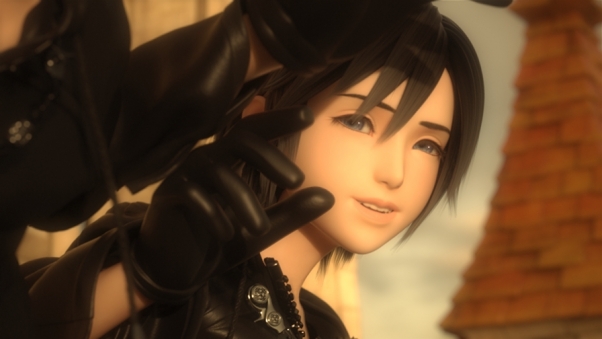
"Even if I'm not ready...I have to make this choice. You have poured so many memories into me...given me so much...that I feel like I'm about to overflow. Look at me, Roxas. Who do you see? If you see somebody else's face...a boy's face...then that means I'm almost ready. This puppet will have to play her part." ~Xion
Negative ninety.
Pocketful of Sunshine, by Natasha Bedingfield. Even though I don't know who Natasha Bedingfield is.
Why do I have to get in the van?
O.O Dude...you picked the exact same things I did. I'm serious. Every one.
Yeah, imagine the Firebird as a boss!
Aqua would win by a tiny margin.
Temporal Shenanigans, made by Rachel Macwhirter for Homestuck.
Roxas: In the End - Linkin Park (I think) Xion: Reflection - Mulan/Stand in the Rain - Superchick Larxene: Cruella de Ville - 101 Dalmatians Xigbar: Eye of the Tiger And my personal favorite match~ Organization XIII: We Are - Ana Johnsson http://www.youtube.com/watch?v=VK4EWF4chUk
Saix. (Lookit me, I'm being original! )
"Even if I'm not ready...I have to make this choice. You have poured so many memories into me...given me so much...that I feel like I'm about to overflow. Look at me, Roxas. Who do you see? If you see somebody else's face...a boy's face...then that means I'm almost ready. This puppet will have to play her part." ~Xion
Negative ninety.
Pocketful of Sunshine, by Natasha Bedingfield. Even though I don't know who Natasha Bedingfield is.
Why do I have to get in the van?
O.O Dude...you picked the exact same things I did. I'm serious. Every one.
Yeah, imagine the Firebird as a boss!
Aqua would win by a tiny margin. Jkittycat reacted to a post in a topic:
Are you happy now that we've got the release dates of KH3D for North America?
Yes, please sub it soon...for all of us poor saps who can't understand Japanese and refuse to have spoilers until they can see the whole game's cutscenes.
Jkittycat reacted to a post in a topic:
Are you happy now that we've got the release dates of KH3D for North America?
Yes, please sub it soon...for all of us poor saps who can't understand Japanese and refuse to have spoilers until they can see the whole game's cutscenes.
