Jump to content
View in the app

A better way to browse. Learn more.

KH13 · for Kingdom Hearts

A full-screen app on your home screen with push notifications, badges and more.

To install this app on iOS and iPadOS
  1. Tap the Share icon in Safari
  2. Scroll the menu and tap Add to Home Screen.
  3. Tap Add in the top-right corner.
To install this app on Android
  1. Tap the 3-dot menu (⋮) in the top-right corner of the browser.
  2. Tap Add to Home screen or Install app.
  3. Confirm by tapping Install.

soraismynigga

Verified Member
  • Joined

  • Last visited

  1. soraismynigga posted a status update

    mcas tomorw:(

  2. soraismynigga posted a status update

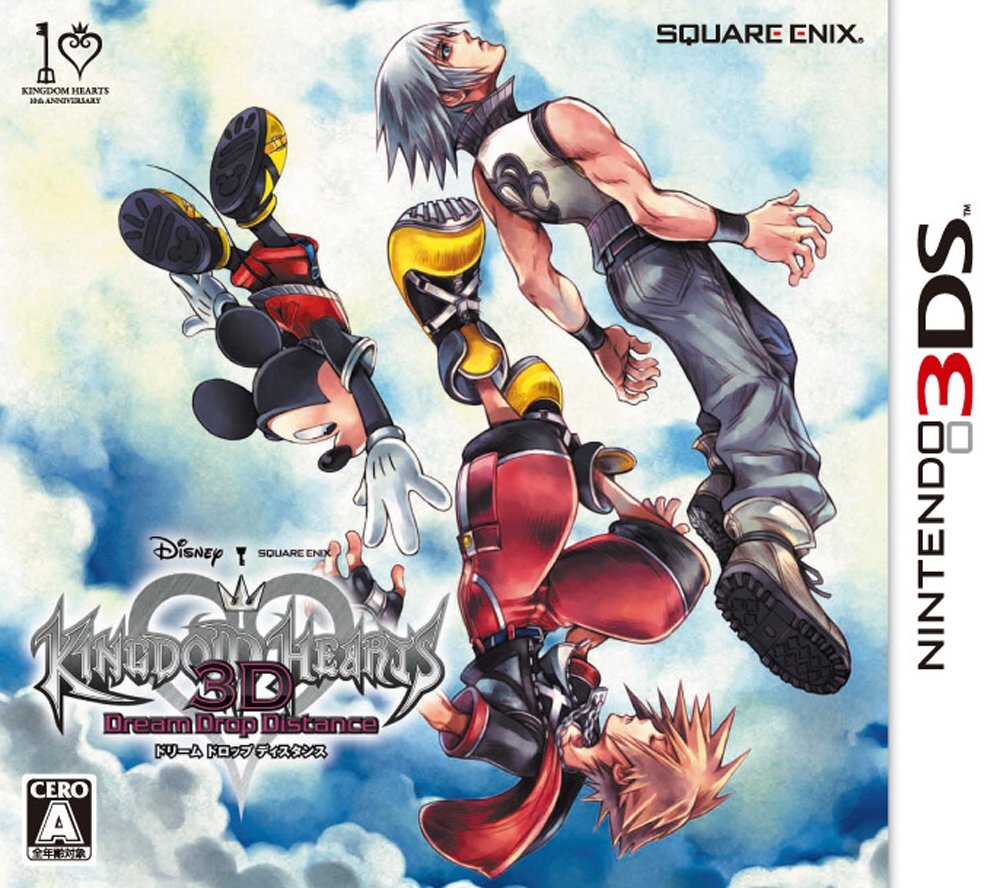
    KH 3D COMES OUT IN NOVEMBER :DDDDDDDDDDDDDDDDDDDDDDDDDDDDDDDDDDDDDDDDDDDDDDDDDDDDDD

    soraismynigga replied

    hahaa ik but i bet it will all rpg come out in NA in november most of them


    Oishii replied

    It will come out as quick as they can get it done.

    WHAT? I'M NOT WAITING THAT LONG.

  3. soraismynigga posted a status update

    3d 45 days -_____-

    replika13 replied

    yeah hard to think it was 66 moment ago xD

    soraismynigga replied

    yea but thats not even for NA :(


Configure browser push notifications

Chrome (Android)
  1. Tap the lock icon next to the address bar.
  2. Tap Permissions → Notifications.
  3. Adjust your preference.
Chrome (Desktop)
  1. Click the padlock icon in the address bar.
  2. Select Site settings.
  3. Find Notifications and adjust your preference.
Scroll to the top