Jump to content
View in the app

A better way to browse. Learn more.

KH13 · for Kingdom Hearts

A full-screen app on your home screen with push notifications, badges and more.

To install this app on iOS and iPadOS
  1. Tap the Share icon in Safari
  2. Scroll the menu and tap Add to Home Screen.
  3. Tap Add in the top-right corner.
To install this app on Android
  1. Tap the 3-dot menu (⋮) in the top-right corner of the browser.
  2. Tap Add to Home screen or Install app.
  3. Confirm by tapping Install.

Ienzo88755

Member
  • Joined

  • Last visited

  1.    Ienzo88755 reacted to a gallery image: Kingdom Key Keyblade PROPLICA 2
  2.    Ienzo88755 reacted to a post in a topic: The Foreteller Reincarnation theory
  3.    Ienzo88755 reacted to a post in a topic: Something very strange...
  4.    Ienzo88755 reacted to a post in a topic: New story update in Kingdom Hearts χ[chi]
  5. 215! So fun!
  6.    Ienzo88755 reacted to a post in a topic: Kingdom Hearts Unchained χ General Help
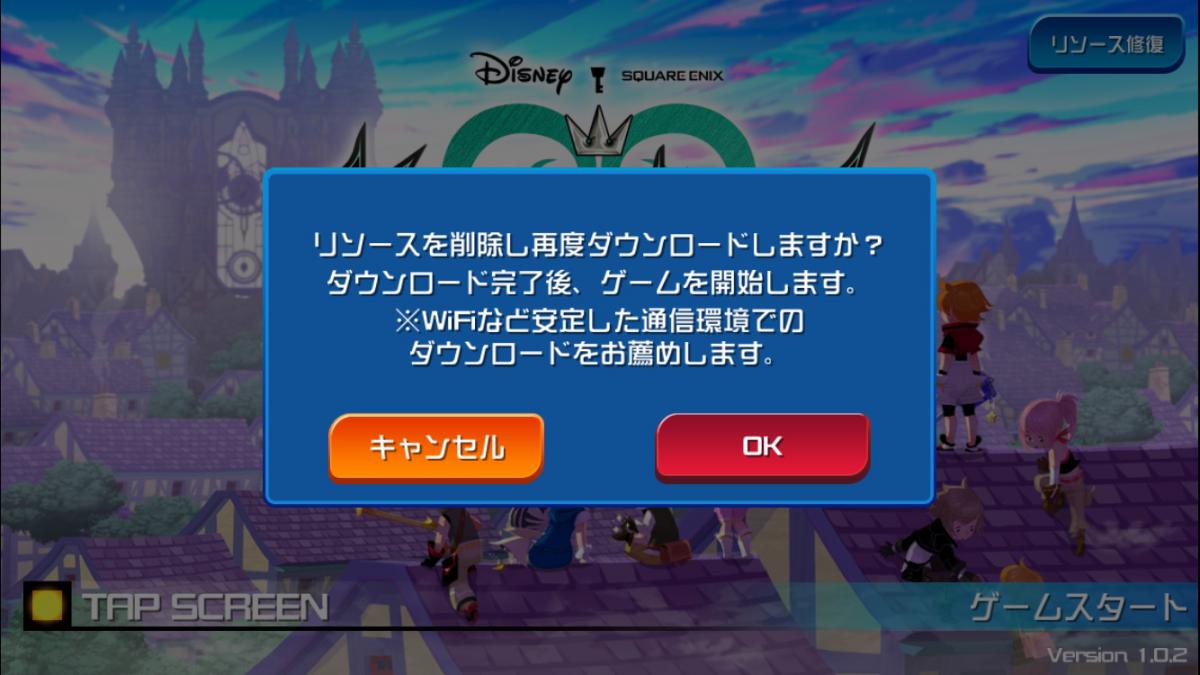
  7. I'd also like to know how to add a friend. But what does this message mean? Something about wifi?
  8. Finally the App Store put unchained x up
  9. i wonder if they'd make a 3D HD but it be a final remix
  10.    Ienzo88755 reacted to a post in a topic: The Return of Ursala.......MWUAHAHA
  11.    Ienzo88755 reacted to a post in a topic: The Return of Ursala.......MWUAHAHA
  12. its on random guys i, i doubt its real...
  13.    Ienzo88755 reacted to a post in a topic: Looking back, I'm always surprised
  14.    Ienzo88755 reacted to a post in a topic: Looking back, I'm always surprised
  15. ZEXION !!!! His brain is so sexy...
  16. It's different. I like it!!
  17. It's "which" not "witch"... Sorry I'm a grammar freak.
  18. I would not mind if Tyler posey did some voice work in a future kingdom hearts. ijs
  19.    Xehanorto reacted to a post in a topic: What is your least favorite Disney song?
  20. I didn't think it was possible to have a least favorite disney song.
  21. I don't know if anyone already put this up but ..... http://kingdomhearts.com/home/
  22. Scared about ap psychology exam tomorrow!!
  23. It would suck if turned people to zombies

Configure browser push notifications

Chrome (Android)
  1. Tap the lock icon next to the address bar.
  2. Tap Permissions → Notifications.
  3. Adjust your preference.
Chrome (Desktop)
  1. Click the padlock icon in the address bar.
  2. Select Site settings.
  3. Find Notifications and adjust your preference.
Scroll to the top