




Jump to content
View in the app

A better way to browse. Learn more.

KH13 · for Kingdom Hearts

A full-screen app on your home screen with push notifications, badges and more.

To install this app on iOS and iPadOS
  1. Tap the Share icon in Safari
  2. Scroll the menu and tap Add to Home Screen.
  3. Tap Add in the top-right corner.
To install this app on Android
  1. Tap the 3-dot menu (⋮) in the top-right corner of the browser.
  2. Tap Add to Home screen or Install app.
  3. Confirm by tapping Install.

Axeken

Verified Member
  • Joined

  • Last visited

  1. Axeken posted a status update

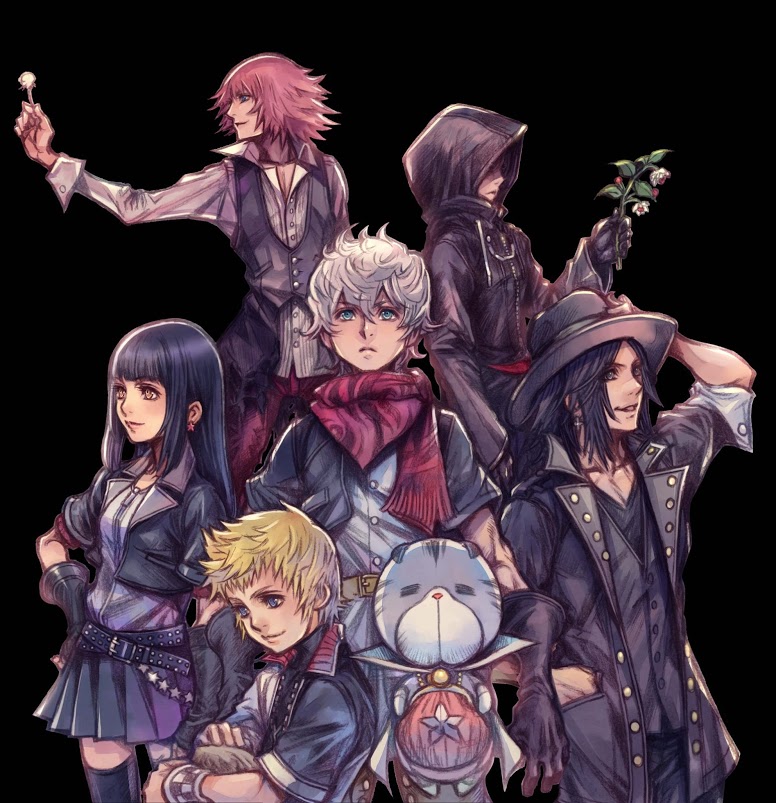
    People think the KH series is convoulted enough already and then Nomura gave us the x[chi] saga ;(

    Axeken replied

    I like it fine but boy am I confused x|

    Qrow replied

    I think that for those who played all the games, the story is "easy" to understand. Everything is so well connected that it all makes sense. But I definitly agree that X Saga is very confusing.

    Qrow replied

    Mostly because of how the story develops (in small parts that takes a lot of time to develop). Also DDD is a little confusing due to time travel and how it affects the whole series.

  2. catmaster0116 left a comment on Axeken's profile

    Hey there, good to know a fellow Aussie Keyblade Wielder xD

    Axeken replied

    Hey there xD every other KH fan is in a completely different time zone. Except the Japanese fans but there's a language barrier there haha


     

Configure browser push notifications

Chrome (Android)
  1. Tap the lock icon next to the address bar.
  2. Tap Permissions → Notifications.
  3. Adjust your preference.
Chrome (Desktop)
  1. Click the padlock icon in the address bar.
  2. Select Site settings.
  3. Find Notifications and adjust your preference.
Scroll to the top
