Jump to content
View in the app

A better way to browse. Learn more.

KH13 · for Kingdom Hearts

A full-screen app on your home screen with push notifications, badges and more.

To install this app on iOS and iPadOS
  1. Tap the Share icon in Safari
  2. Scroll the menu and tap Add to Home Screen.
  3. Tap Add in the top-right corner.
To install this app on Android
  1. Tap the 3-dot menu (⋮) in the top-right corner of the browser.
  2. Tap Add to Home screen or Install app.
  3. Confirm by tapping Install.

ShadowRoxas123

Verified Member
  • Joined

  • Last visited

  1. ShadowRoxas123 posted a status update

    Happy 4th of July everyone. 'Merica

    Lady Aleister replied

    Eww....that's today? Uggg....It is *cries in agony*

    Shall we blow up the world today ShadowRoxas?

    ShadowRoxas123 replied

    Uhh, sure? I dunno, it sounds like a bad idea

  2. ShadowRoxas123 posted a status update

    KH3 is going to be on XBOX ONE and everyone thought it would be on PS3... Glad it's on XBOX ONE though.

  3. Weiss left a comment on ShadowRoxas123's profile

    happy one year on kh13!

    ShadowRoxas123 replied

    Wow, thank you! I can't believe it went by that fast...

  4. ShadowRoxas123 posted a status update

    Graduated from middle school today! 5/23/13 <3

    Weiss replied

    I remember doing that once

  5. ShadowRoxas123 posted a status update

    I am pissed off right now! My tablet won't let me play Angry Birds!! smh... >:(

  6. ShadowRoxas123 posted a status update

    Happy Mothers Day everyone c:

  7. ShadowRoxas123 posted a status update

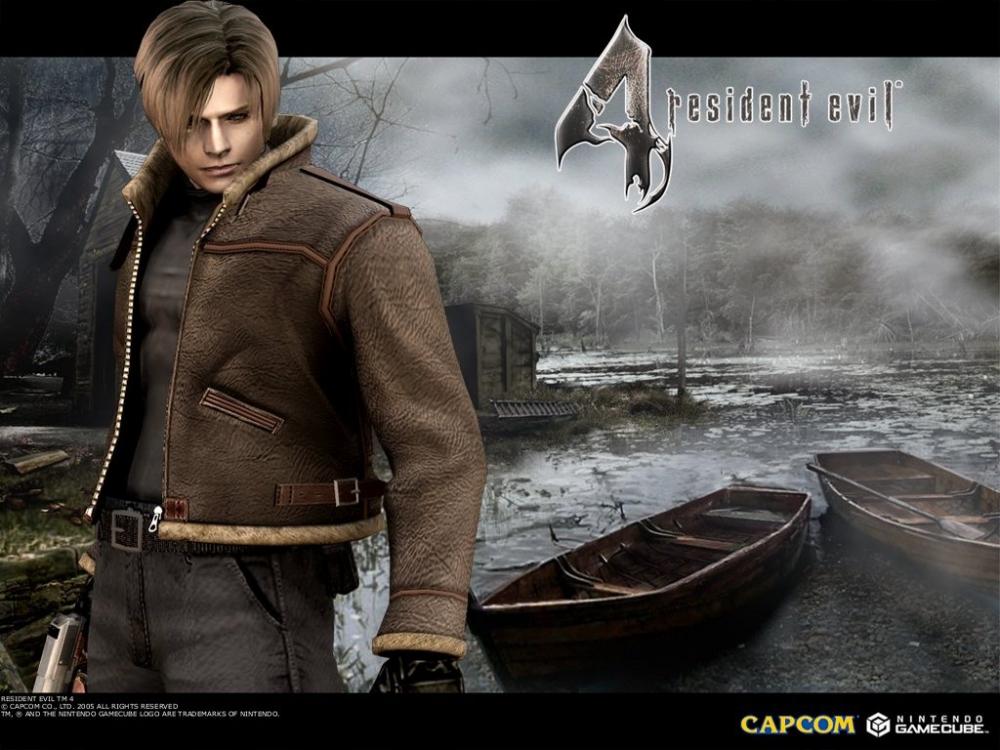
    Beat Resident Evil 4 and it only took a week

    Gamerazor247 replied

    Not much free time eh?

    ShadowRoxas123 replied

    I actually don't have a lot of free time hahaha. I had to play after school

  8. ShadowRoxas123 posted a status update

    I finally got Resident Evil 4!

    SoRox replied

    I also have it but I haven't played it yet...

    ShadowRoxas123 replied

    You shou start :) it is scary, but the massive fun it has in it makes up for that

    SoRox replied

    yeah, I am going to start playing asap, haha

  9. MiontheDemon left a comment on ShadowRoxas123's profile

    *tackles*

    ShadowRoxas123 replied

    Sorry I wasn't on for a while...

  10. *Rikku* left a comment on ShadowRoxas123's profile

    *gives you soup* DRINK DRINK DRINK

  11. KinataKeyblade left a comment on ShadowRoxas123's profile

    Yo Friends i hope ya can chat with me tomorrow today at 7Pm See ya !

  12. *Rikku* left a comment on ShadowRoxas123's profile

    Yo Zachy I missy you get on I wanna talk to ma best budd

    *Rikku* replied

    COME ONLINE ;A\\

    btw saw ridiculousness IT WAS AWESHOME YOU WERE RIGHT ITS SO INSANELY COOL x3

    missy you

    ShadowRoxas123 replied

    Haha, my favorite show <3

    *Rikku* replied

    OMG YOU WERE ONLINE???? FUC* I MISSED TALKING TO YOU FOR OLYMPICS???

  13. Aqua Keyblade left a comment on ShadowRoxas123's profile

    so... you friend with KINATAKeyBlade.....

    KinataKeyblade replied

    i see ya met Aqua,Roxas! Oh yeah sorry bout yesterday i offline just suddenly


  14. xion---424 left a comment on ShadowRoxas123's profile

    hello roxas! FIRST COMMENT :3

Configure browser push notifications

Chrome (Android)
  1. Tap the lock icon next to the address bar.
  2. Tap Permissions → Notifications.
  3. Adjust your preference.
Chrome (Desktop)
  1. Click the padlock icon in the address bar.
  2. Select Site settings.
  3. Find Notifications and adjust your preference.
Scroll to the top