




Jump to content
View in the app

A better way to browse. Learn more.

KH13 · for Kingdom Hearts

A full-screen app on your home screen with push notifications, badges and more.

To install this app on iOS and iPadOS
  1. Tap the Share icon in Safari
  2. Scroll the menu and tap Add to Home Screen.
  3. Tap Add in the top-right corner.
To install this app on Android
  1. Tap the 3-dot menu (⋮) in the top-right corner of the browser.
  2. Tap Add to Home screen or Install app.
  3. Confirm by tapping Install.

The Unversed

Verified Member
  • Joined

  • Last visited

About Me

We are creatures formed from negativity and those who were not well-versed in our own existence.


    Welcome to The Unversed's Profile
 

kingdom_hearts_unversed_rage_by_darkzero


                   We are definitely not well-versed as you can see below
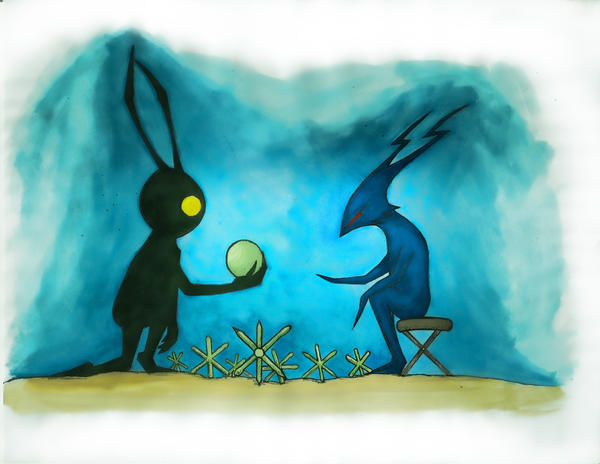
heartless_and_unversed_by_michaeldaks-d3

                        We Unversed hate the heartless more than you know.


Those darn Heartless are always everywhere but you don't see us around anymore & we were so much better than them. It's hard being friends with them sometimes

       tumblr_m5fw4kYgxR1rt0uafo1_500.jpg

                                    and yet we still hang out together to talk about stuff.


              Being fully versed wasn't as fun as we thought it was when versing Terra as seen below  
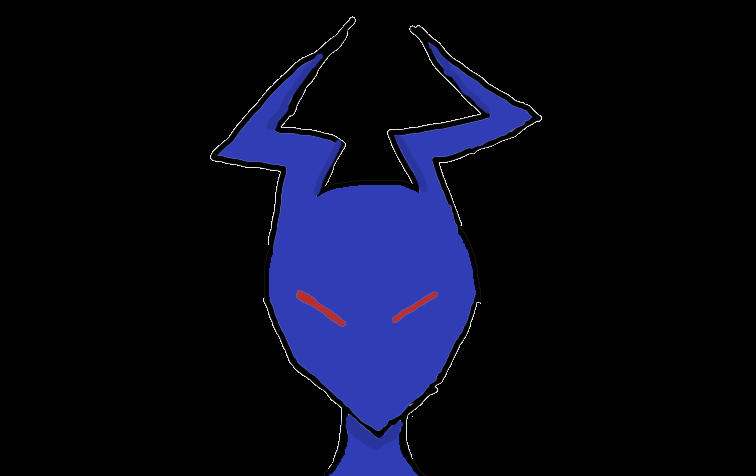
Terra_Attacks_a_Unversed_by_Blackrose985

                                      Terra was a real kick to the face if you know what I mean.


               Lucky for us we had Vanitas to help give us form & a second chance to be fully versed.


vanitas_unversed.jpg

But now he's gone at the moment, so we're just watching & waiting for when we can once again be formed from anyone, maybe even you.
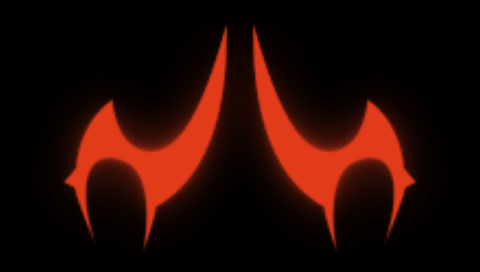
                                                   Something_Very_Wrong_01_KHBBS.png

                                   That's right, always watching, hehe.


Configure browser push notifications

Chrome (Android)
  1. Tap the lock icon next to the address bar.
  2. Tap Permissions → Notifications.
  3. Adjust your preference.
Chrome (Desktop)
  1. Click the padlock icon in the address bar.
  2. Select Site settings.
  3. Find Notifications and adjust your preference.
Scroll to the top
