




Jump to content
View in the app

A better way to browse. Learn more.

KH13 · for Kingdom Hearts

A full-screen app on your home screen with push notifications, badges and more.

To install this app on iOS and iPadOS
  1. Tap the Share icon in Safari
  2. Scroll the menu and tap Add to Home Screen.
  3. Tap Add in the top-right corner.
To install this app on Android
  1. Tap the 3-dot menu (⋮) in the top-right corner of the browser.
  2. Tap Add to Home screen or Install app.
  3. Confirm by tapping Install.

Passion Of Hearts

Verified Member
  • Joined

  • Last visited

  1. Sikota Urinakano left a comment on Passion Of Hearts's profile

    Seems to be another one of those members who join and friend EVERYONE. Well, you'll have to earn my friendship first. So hi ^_^

    Hiya there ^_^ OK how's your favorite Kingdom Hearts character and cupple and how are you xD

    Xion

    Don't have one

    And I'm doing pretty well.

    You?

    Great why don't you have a fave KH cupple? I'm fine thanks him you like Manga. Omg my favorite character is Xion. Do you agree with Yaoi i think I've spelt it correct

  2. sora x kairi left a comment on Passion Of Hearts's profile

    Hey Lilly How are You

  3. Passion Of Hearts posted a status update

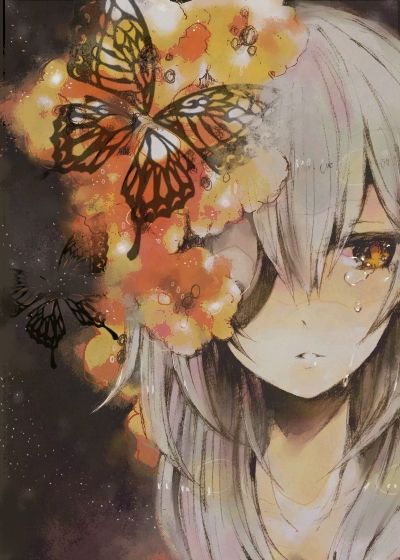
    I LOVE XION X ROXAS xD:)

    sora x kairi replied

    I can see that xD cute photo xD

    Anonn0000 replied

    RoxasXXion is so cute :)

    sora x kairi replied

    Xion and Roxas are the cutest ones in the organization but on Destiny Island kairi and sora are cutes
Configure browser push notifications

Chrome (Android)
  1. Tap the lock icon next to the address bar.
  2. Tap Permissions → Notifications.
  3. Adjust your preference.
Chrome (Desktop)
  1. Click the padlock icon in the address bar.
  2. Select Site settings.
  3. Find Notifications and adjust your preference.
Scroll to the top

