Jump to content
View in the app

A better way to browse. Learn more.

KH13 · for Kingdom Hearts

A full-screen app on your home screen with push notifications, badges and more.

To install this app on iOS and iPadOS
  1. Tap the Share icon in Safari
  2. Scroll the menu and tap Add to Home Screen.
  3. Tap Add in the top-right corner.
To install this app on Android
  1. Tap the 3-dot menu (⋮) in the top-right corner of the browser.
  2. Tap Add to Home screen or Install app.
  3. Confirm by tapping Install.

Monica Christine Silny

Verified Member
  • Joined

  • Last visited

Everything posted by Monica Christine Silny

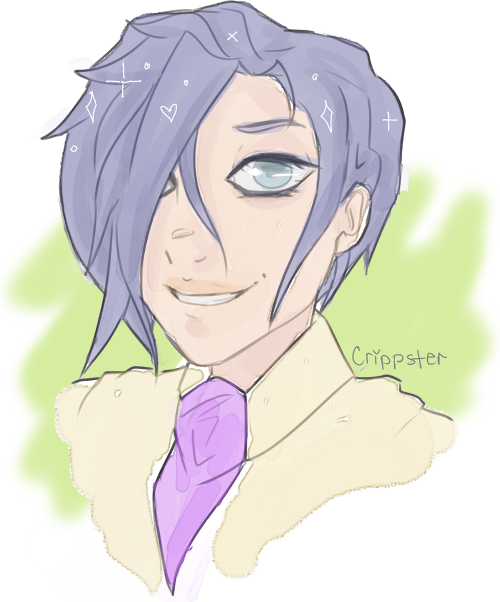
  1. Zexion/Ienzo. Mostly Ienzo. Bubbly dumb science nerd.
  2. as awesome as it'd be.. how on earth would it be done?
  3. at the moment, kairi. she's just been a plot device. BUT i am super hopeful for her character in the upcoming game(s)! hopefully she'll be a super badass wielder with a more thoroughly developed personality. *_*

Configure browser push notifications

Chrome (Android)
  1. Tap the lock icon next to the address bar.
  2. Tap Permissions → Notifications.
  3. Adjust your preference.
Chrome (Desktop)
  1. Click the padlock icon in the address bar.
  2. Select Site settings.
  3. Find Notifications and adjust your preference.
Scroll to the top