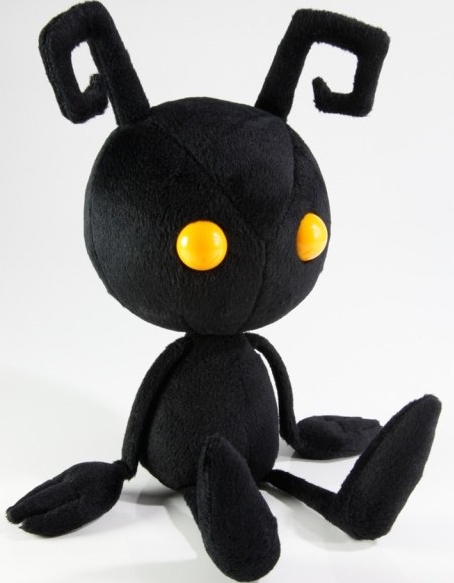
Heartless Plush
-
Joined
-
Last visited
-
-
Heartless Plush posted a status update
Merry Non-Denominational, All-Inclusive, Winter Festival Holiday KH13!

-
-
Heartless Plush posted a status update
I spend way too much $$$ during the holiday season....
Heartless Plush repliedhaha it's true! I want the nobody, unversed, and wondermeow too...i have a problem
-
Heartless Plush posted a status update
yes! all absent silhouettes have been conquered! Now it's actually time to beat the levels.... vexen was disappointingly easy. ..
Rinax repliedVexen doesn't use his DM in the AS fight. He does in the Data. The data circle is also faster there.
Heartless Plush repliedWell that's good. I was sad he was so easy. But dammit, those data fights. I'll get there eventually, but I don't even have final form yet

-
Heartless Plush posted a status update
Gah! friggin Marluxia silhouette!
Ruby Rose repliedLevel up
If you're the max Level just abuse Power Ups and Defense Ups
Victory shall be yours in time
Heartless Plush repliedI know, but I want to beat him now! I know I can it's just a matter of timing everything right at this point lol. But thanks for the support
-
Heartless Plush posted a status update
I want a pic of the Struggle tournament from TT with the caption somewhere "The Struggle is Real Right Now"
-
Heartless Plush posted a status update
Benedict Cumberbatch is officially Doctor Strange! The hype is SO REAL!
-
Heartless Plush posted a status update
So I was just notified that there is NOT a "Complete the Game with No Continues" trophy..... So much time wasted on the Zexion silhouette
-
Heartless Plush posted a status update
If anyone is a SAO II fan, and just saw the latest episode, please tell me I'm not the only one with glassy eyes right now...
Heartless Plush repliedI think I watched it like the minute it came on Hulu because it wasn't there when I started last weeks episode haha
-
Heartless Plush posted a status update
So I'm sure there's already something like this somewhere but since I'm still figuring things out, is there a post of people's different Wii U friend IDs for Smash Bros or such? Just curious if anyone would like to play sometime. Though, I can't say Im too good or anything
-
Heartless Plush posted a status update
There's a lot more stuff into making a profile here than I had originally thought lol
WakingDawn96 repliedWell that will be finished in a future update, just not any time soon cause I am too busy