Jump to content
View in the app

A better way to browse. Learn more.

KH13 · for Kingdom Hearts

A full-screen app on your home screen with push notifications, badges and more.

To install this app on iOS and iPadOS
  1. Tap the Share icon in Safari
  2. Scroll the menu and tap Add to Home Screen.
  3. Tap Add in the top-right corner.
To install this app on Android
  1. Tap the 3-dot menu (⋮) in the top-right corner of the browser.
  2. Tap Add to Home screen or Install app.
  3. Confirm by tapping Install.

Sora Chaffee

Member
  • Joined

  • Last visited

  1.    Pretium reacted to a post in a topic: Some new KH art from my Tumblr.
  2.    Pretium reacted to a post in a topic: Some new KH art from my Tumblr.
  3.    Kello reacted to a post in a topic: Some new KH art from my Tumblr.
  4.    Ruby Rose reacted to a post in a topic: Some new KH art from my Tumblr.
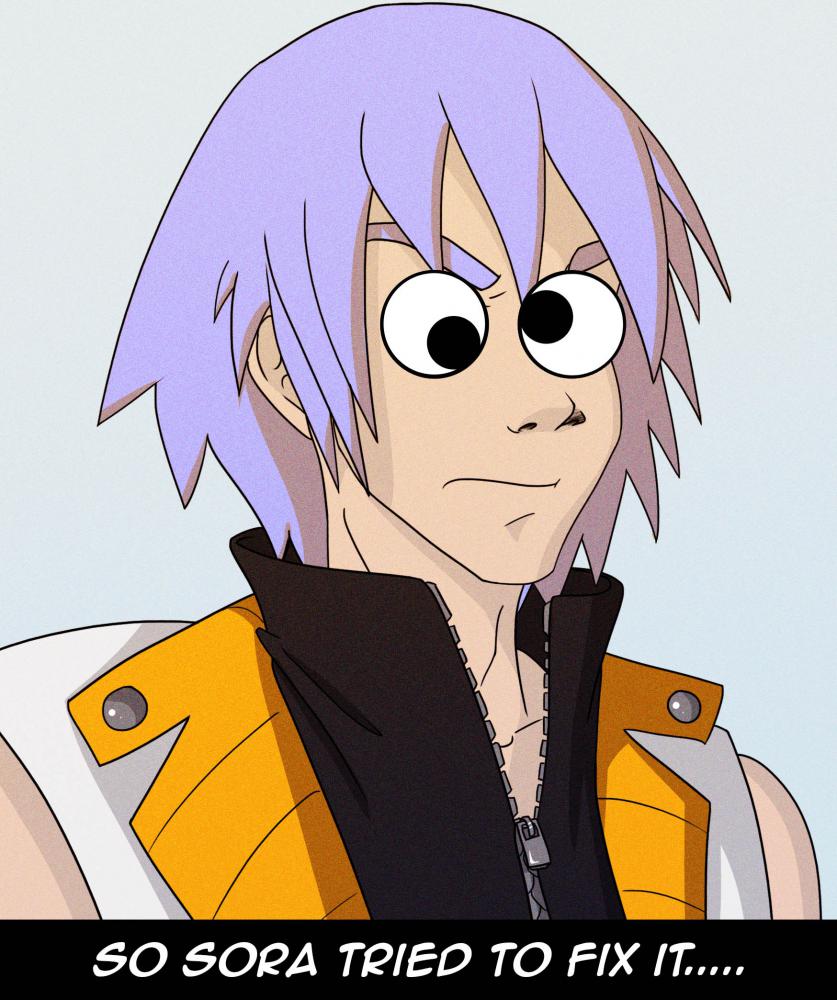
  5. So I have a new tumblr that give's me an excuse to drew lots of pictures of sora and riku. Now I don't ship them but, I do think they are very close friends and I wanted to portray that relationship as it is not as some would wish it to be. they hang out together, have fun doing stupid stuff and being teenagers. Sora likes to take selfies and pictures of his friends and puts googly eyes on them. he thinks it's hilarious. if you like to see more I try to post at least once every 3 days. http://adventureswithsoraandriku.tumblr.com/

Configure browser push notifications

Chrome (Android)
  1. Tap the lock icon next to the address bar.
  2. Tap Permissions → Notifications.
  3. Adjust your preference.
Chrome (Desktop)
  1. Click the padlock icon in the address bar.
  2. Select Site settings.
  3. Find Notifications and adjust your preference.
Scroll to the top