LimitSora1
Verified Member
-
Joined
-
Last visited
Everything posted by LimitSora1
-
 i am actually glad i have jp version
 -
-
-
Midnight is the aqua medal in NA
-
AQUA!
-
there are new quests. 25 of them. 301-325. and Reverse Metals
-
-
I played the game and square missed No.39 on quests.
-
Guys go to google play on your pc and install it and it'll install to your mobile devise.
-
-
KH 2 and BBS FM were amazing but Re Coded. Ugg Cutscenes are good in 2.5 but the gameplay is not that good
-
So now we know KH is never going to be on the ps1 and the Wii
-
-
-
 ...
... -
-
-
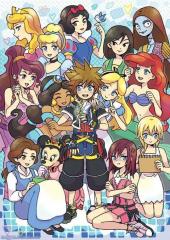 Sorry Riku but Sora has more Girls than you. LOL
 -