Jump to content
View in the app

A better way to browse. Learn more.

KH13 · for Kingdom Hearts

A full-screen app on your home screen with push notifications, badges and more.

To install this app on iOS and iPadOS
  1. Tap the Share icon in Safari
  2. Scroll the menu and tap Add to Home Screen.
  3. Tap Add in the top-right corner.
To install this app on Android
  1. Tap the 3-dot menu (⋮) in the top-right corner of the browser.
  2. Tap Add to Home screen or Install app.
  3. Confirm by tapping Install.

Moogle13

Verified Member
  • Joined

  • Last visited

  1. Moogle13 posted a status update

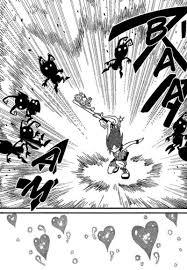
    Manga Kairi is the definition of perfection :kh:

    Manga Kairi 5.jpg

  2. Soraiko left a comment on Moogle13's profile

    Thanks for your sweet comments

    Moogle13 replied

    Your welcome and your Deviantart pictures were really cool too, I'm impressed, you should apply for character designer or something, good job, keep being artistic, because you're really good and more people should be complimenting you!!!

  3. Moogle13 posted a status update

    So my profile pic might be Kairi and Sora but my OTP for KH is Soriku, and the runner up is Namiku (Namine x Riku).
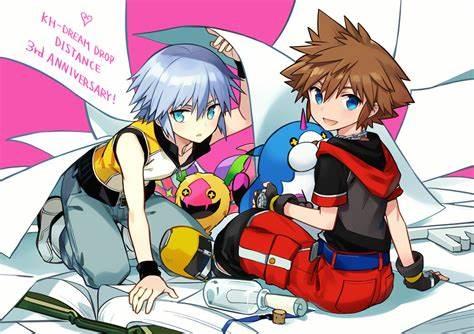
    sora riku 2.jpg

  4. Moogle13 posted a status update

    Soooo I've been a fan of KH for a realllly long time but I'm new to this whole social media thing, IDK what my point is... I guess don't hate me if I screw something up, kupo.

  5. Moogle13 posted a status update

    There are many worlds, but they share the same sky—one sky, one destiny


    I love that quote!!!

Configure browser push notifications

Chrome (Android)
  1. Tap the lock icon next to the address bar.
  2. Tap Permissions → Notifications.
  3. Adjust your preference.
Chrome (Desktop)
  1. Click the padlock icon in the address bar.
  2. Select Site settings.
  3. Find Notifications and adjust your preference.
Scroll to the top