Jump to content
View in the app

A better way to browse. Learn more.

KH13 · for Kingdom Hearts

A full-screen app on your home screen with push notifications, badges and more.

To install this app on iOS and iPadOS
  1. Tap the Share icon in Safari
  2. Scroll the menu and tap Add to Home Screen.
  3. Tap Add in the top-right corner.
To install this app on Android
  1. Tap the 3-dot menu (⋮) in the top-right corner of the browser.
  2. Tap Add to Home screen or Install app.
  3. Confirm by tapping Install.
Posted
Note: This is a special chat topic! This means that posts can be shorter and more casual here. Posts here are linked with and may appear on our Discord server.
  • Replies 21.4k
  • Views 478.7k
  • Created
  • Last Reply

Top Posters In This Topic

Most Popular Posts

Posted Images

Featured Replies

The trade off is probably that is restores less gauges.

I like how it gives Power Gems as well.

Supposedly, the first pull is free/0-jewel cost on both banners.

November 14th
Story quest update

Nice that there are regular Events to farm Coins and we know when the actual content will come

I used my last VIP Coins for Xion in case I pull her in the future.

In triple digits for PVE

congrats

my accomplishment today was beating quest 15 of the monthly gem quest

Just in time

I got past T11, R26 in PVE.

Make that R31.

651 now, so secured for top 1k

?
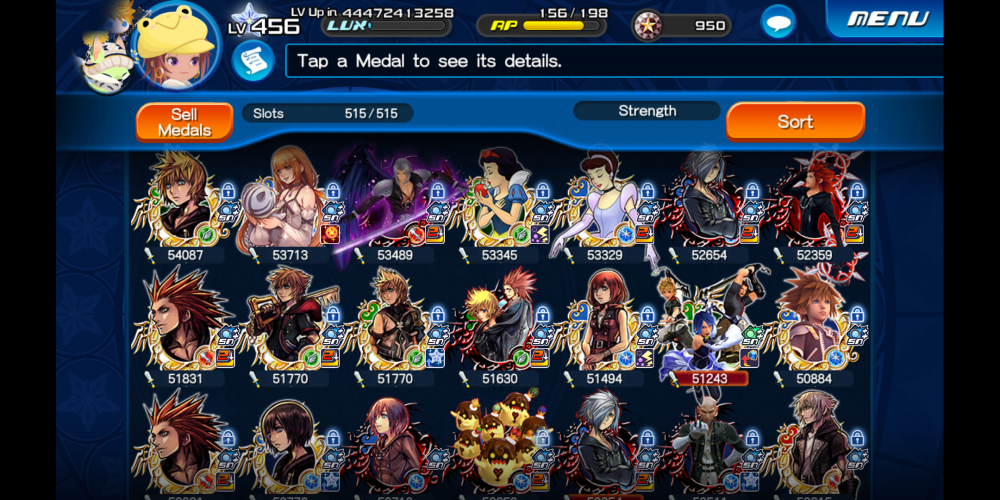
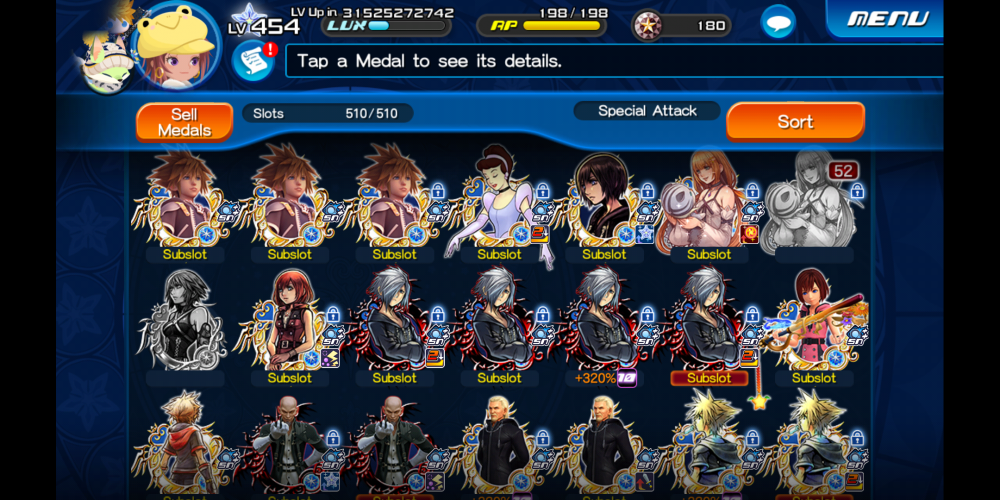
Screenshot_20191101-141401_KHUx.jpg

image0.png
image1.png

A bit more generous
image0.png

now you gotta get 8000

Join the conversation

You can post now and register later. If you have an account, sign in now to post with your account.

Guest
Reply to this topic...

Configure browser push notifications

Chrome (Android)
  1. Tap the lock icon next to the address bar.
  2. Tap Permissions → Notifications.
  3. Adjust your preference.
Chrome (Desktop)
  1. Click the padlock icon in the address bar.
  2. Select Site settings.
  3. Find Notifications and adjust your preference.
Scroll to the top