Jump to content
View in the app

A better way to browse. Learn more.

KH13 · for Kingdom Hearts

A full-screen app on your home screen with push notifications, badges and more.

To install this app on iOS and iPadOS
  1. Tap the Share icon in Safari
  2. Scroll the menu and tap Add to Home Screen.
  3. Tap Add in the top-right corner.
To install this app on Android
  1. Tap the 3-dot menu (⋮) in the top-right corner of the browser.
  2. Tap Add to Home screen or Install app.
  3. Confirm by tapping Install.
Posted
Note: This is a special chat topic! This means that posts can be shorter and more casual here. Posts here are linked with and may appear on our Discord server.
  • Replies 32.9k
  • Views 744k
  • Created
  • Last Reply

Top Posters In This Topic

Most Popular Posts

Posted Images

Featured Replies

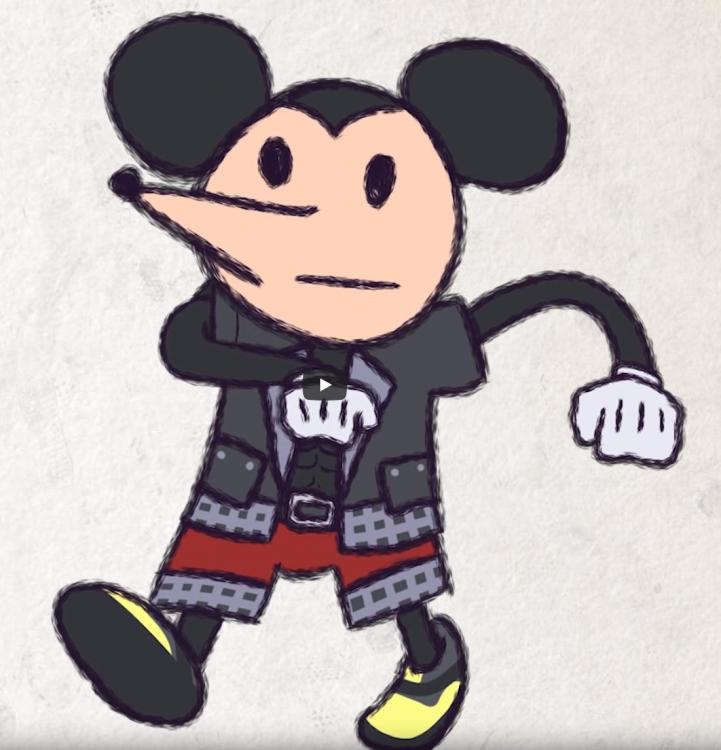
PFFFFFFFFFFFFFFFFFFFFT ?

LMFAOOOOOO

This is awesome omg

i would step up my meme game but no capture card

Ps4 doesn't have any sort of capture mechanic?

wait no

Xbox does

yeah but its tedious

im hopefully getting a job son

so big upgrades and memelc soon

pain

Oh finally a memeLC!!

thats only if i get a job

About time

pls employ Connah

worth it for the meme

Then Connah, perhaps you can take the title of

3rd best memer

YES THAT MEME

?

THIRD?

how am i third when theres only 2 memers here

pain

Be grateful you little brat!! ?

hmm, Marly is dabbling in memes too so...

maybe 4th

I speak in memes what do you mean :blini:

:despair:

Connah you're getting demoted to 5th, step it up

:ChillPup:

i mean

to be fair

i made 1 shit meme

so to be 5th is a nhonor

Well you are a living meme, in a way

so i should be number 1 then

:hobbY:

Join the conversation

You can post now and register later. If you have an account, sign in now to post with your account.

Guest
Reply to this topic...

Configure browser push notifications

Chrome (Android)
  1. Tap the lock icon next to the address bar.
  2. Tap Permissions → Notifications.
  3. Adjust your preference.
Chrome (Desktop)
  1. Click the padlock icon in the address bar.
  2. Select Site settings.
  3. Find Notifications and adjust your preference.
Scroll to the top