Jump to content
View in the app

A better way to browse. Learn more.

KH13 · for Kingdom Hearts

A full-screen app on your home screen with push notifications, badges and more.

To install this app on iOS and iPadOS
  1. Tap the Share icon in Safari
  2. Scroll the menu and tap Add to Home Screen.
  3. Tap Add in the top-right corner.
To install this app on Android
  1. Tap the 3-dot menu (⋮) in the top-right corner of the browser.
  2. Tap Add to Home screen or Install app.
  3. Confirm by tapping Install.

Nick

Verified Member
  • Joined

  • Last visited

  1. Nick posted a status update

    s,alsalmwsdifjweiofjweoifjoifjejewjfoiwefjeoiwfjwifjweojw0jwe9

  2. 4Everbee left a comment on Nick's profile

    Sup nicky

    Nick replied

    lolololol

    Nick replied

    O_O_O_O_O_O_O_O :D

  3. Nick posted a status update

    s,alsalmwsdifjweiofjweoifjoifjejewjfoiwefjeoiwfjwifjweojw0jwe9

    Nick replied

    that and bored with nothing to do

    Nick replied

    lol yeah

  4. Nick posted a status update

    I have been a member for this site exactly 2years now cheers on for another

    Nick replied

    Why and try saying that in about 40 minutes

    Nick replied

    Sk3 please just leave me alone I had enough fun and games from you

  5. Nick posted a status update

    I have been a member for this site exactly 2years now cheers on for another

  6. 4Everbee left a comment on Nick's profile

    suo

    4Everbee replied

    so what cha doin?

    Nick replied

    Sitting in mah room watching gone In sixty seconds you

    4Everbee replied

    watching tv

  7. Nick posted a status update

    Big shocker I'm actually crazy delusional and scary enough to be the mad hatters son, ya all know mad hatter from Alice in wonderla

    spenskh89 replied

    *likes this*

    Obi-wan replied

    Johnny Depp crazy lol

    Nick replied

    Lol why's that khgirl and close to there rixku

  8. 4Everbee left a comment on Nick's profile

    hiya whats up?

    4Everbee replied

    look on my page

    4Everbee replied

    g2g nice talking to ya!

  9. Nick posted a status update

    Fav vehicles would be 1970 got and 1969 shelby gt500

  10. Nick posted a status update
  11. Nick posted a status update

    "he isnt is what he says he is" little man

  12. Nick posted a status update

    life just just goes on and on what happens in life is just part of it you can nvr change a way of life ever it has a set course you dont know of and it will follow it to the end

    Nick replied

    thanks spenskh89

  13. Nick posted a status update

    not much just living life a lil creative each day as possible as i can or could im still kinda making small poem stuff every now and again you?

    Nick replied

    nice hope life is treating you well and haha i just realized on the 13th i have been a respectful helpful member to the site and ya could ask some of the older set of members but they dont really come on anymore, but yeah first yr i was on to the next one i made friends up to 50- 100 and some of the members but they kinda did lose some interest into the site or forgotten bout it and moved on with their own lifes:( it is for the good for them but i still do miss talking and stuff with most of...

  14. Nick posted a status update

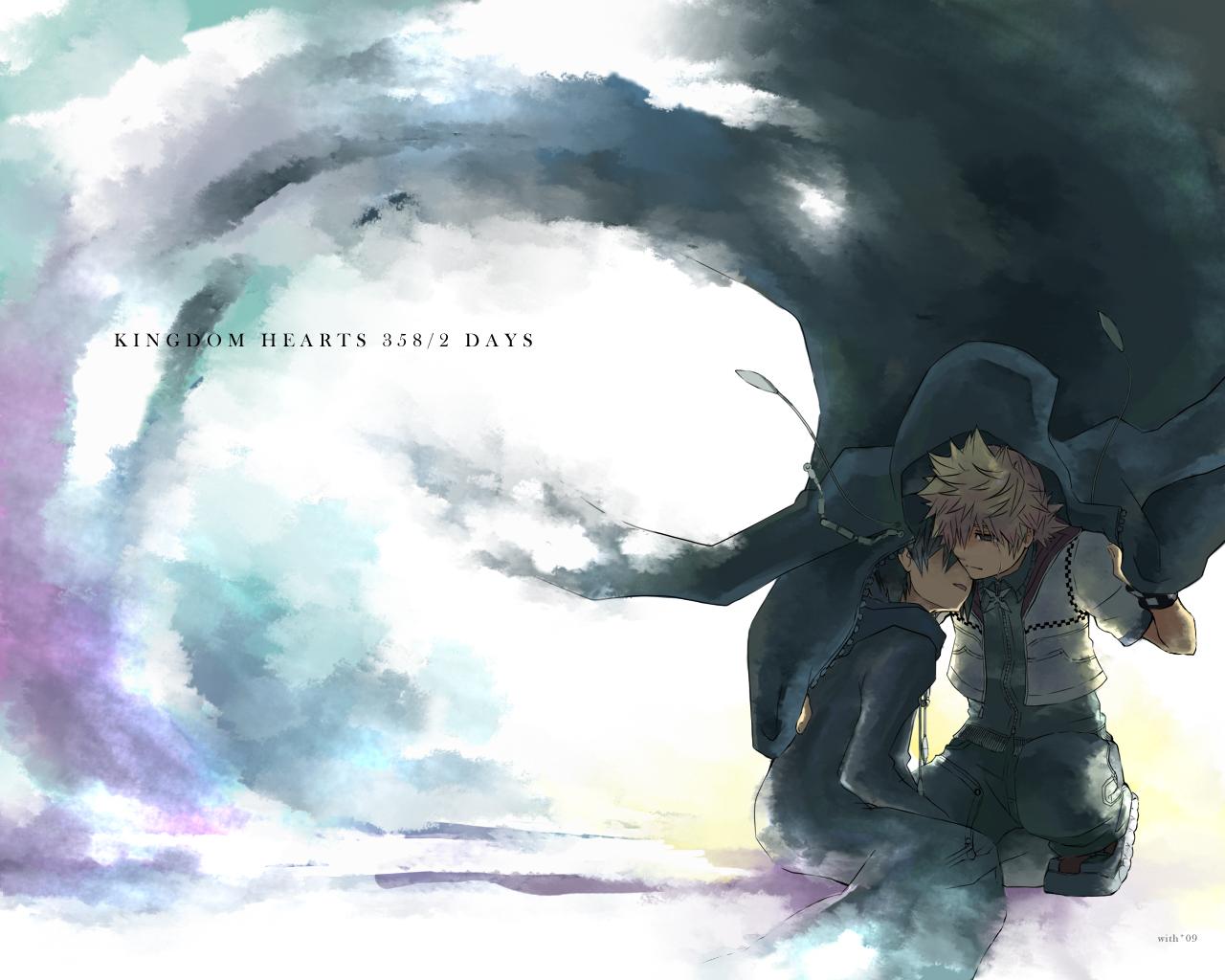
    roxas, xion and axel bff's but the truly together most of the time like sora kairi and riku would be xion and roxas truly bff's

  15. Xenelle left a comment on Nick's profile

    HI :3

    Nick replied

    heyllo Xenelle


  16. Nick posted a status update

    Cookies

  17. Nick posted a status update

    Cookies

  18. Nick posted a status update

Configure browser push notifications

Chrome (Android)
  1. Tap the lock icon next to the address bar.
  2. Tap Permissions → Notifications.
  3. Adjust your preference.
Chrome (Desktop)
  1. Click the padlock icon in the address bar.
  2. Select Site settings.
  3. Find Notifications and adjust your preference.
Scroll to the top