Jump to content
View in the app

A better way to browse. Learn more.

KH13 · for Kingdom Hearts

A full-screen app on your home screen with push notifications, badges and more.

To install this app on iOS and iPadOS
  1. Tap the Share icon in Safari
  2. Scroll the menu and tap Add to Home Screen.
  3. Tap Add in the top-right corner.
To install this app on Android
  1. Tap the 3-dot menu (⋮) in the top-right corner of the browser.
  2. Tap Add to Home screen or Install app.
  3. Confirm by tapping Install.

Rizzyy

Verified Member
  • Joined

  • Last visited

Everything posted by Rizzyy

  1. I've grown up quite a bit since i first joined ^_^
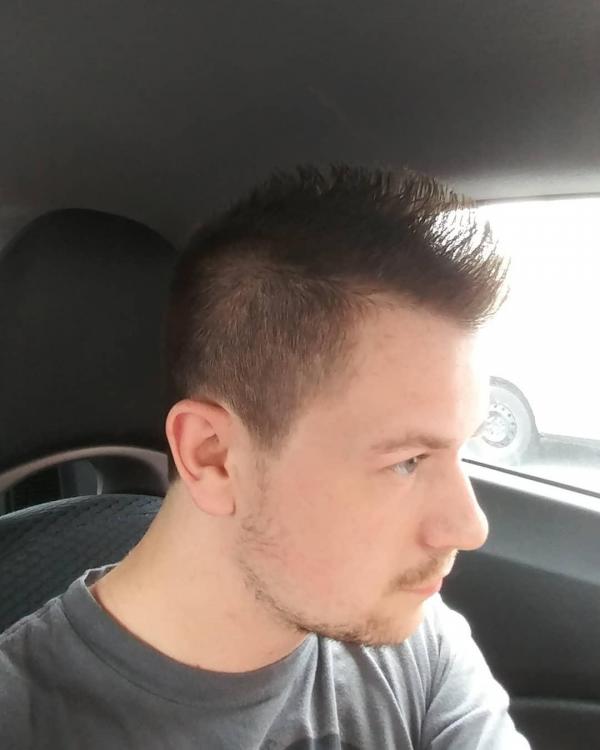
  2. I was wondering how i just got the posted 50 post after 7 years lol. jk but i really like this idea! Keep up the good work! ^_^
  3. Wii sport resort Ps4 or Ps2?
  4. This has been happening to me a lot on both my computers, when it happens i have to refresh like 5 times before the text box appears @DChiuch
  5. I think the forum sigs have been implemented for so long that most members have go used to them so it would be a bit late to take away a feature
  6. I'm praying it's actually good because I'm going to be really disappointed if this turns out to be a cash grab
  7. Welcome to the forums ^_^
  8. I know this sounds crazy but overwatch. Imagine junkrat's being crazy and sora doesnt know how to respond that would be great LOL
  9. I was craving them tonight but nobody was open today but hey there's always tomorrow!
  10. Never like it anyway! Go Canada!
  11. i like pizza whats you favorite food?
  12. i cant let you do that @Weedanort..... WITHOUT GIVING YOU OLD FRIEND A HUG
  13. Holy crap this threads still alive??? Damn its been years 4 btw
  14. lol this threads never going to die
  15. abooooosssseeeee
  16. As far as the skyrim remaster would go you wouldnt have had access to many mods anyway (xbox is the same) because a majority of mods need the SKSE mod to run which you guys dont have a way to run it.
  17. youtube really likes shooting itself in the foot a lot
Configure browser push notifications

Chrome (Android)
  1. Tap the lock icon next to the address bar.
  2. Tap Permissions → Notifications.
  3. Adjust your preference.
Chrome (Desktop)
  1. Click the padlock icon in the address bar.
  2. Select Site settings.
  3. Find Notifications and adjust your preference.
Scroll to the top