




Jump to content
View in the app

A better way to browse. Learn more.

KH13 · for Kingdom Hearts

A full-screen app on your home screen with push notifications, badges and more.

To install this app on iOS and iPadOS
  1. Tap the Share icon in Safari
  2. Scroll the menu and tap Add to Home Screen.
  3. Tap Add in the top-right corner.
To install this app on Android
  1. Tap the 3-dot menu (⋮) in the top-right corner of the browser.
  2. Tap Add to Home screen or Install app.
  3. Confirm by tapping Install.

Snow

Verified Member
  • Joined

  • Last visited

Everything posted by Snow

  1. save data editor
  2. stab senpai over multiple timelines
  3. Father, don't tell me what's best for the computer when you consistently install malware applications from advertisements and replace my premium MalwareBytes with Norton. Because Norton firetrucking sucks.
  4. because women that wear it try to look seductive or classy since you know it makes your butt look better
  5. at 10.1k notifications. how far will i go?
  6. i think there is but I'm not sure didn't even know what a braille was until you brought up touch sensory
  7. those are all ableist too because not everyone can hear or see
  8. books are ableist because not everyone can read
  9. nobody did until they really paid attention to the link
  10. http://s2.boardgame-online.com/g/game.php?g=gD1G&k=nOg
  11. Snow replied to Snow's profile comment
    hm
  12. so... who's up for a bgo?
  13. and I'm just here listening to remixes of the space jam theme
  14. Snow replied to Queen Tery's profile comment
    I'll BE who I want
  15. Snow replied to Queen Tery's profile comment
    shut up I'll do what I want
  16. Snow replied to Queen Tery's profile comment
    #I'm Basch Fon Ronsenberg of Dalmasca!
  17. I still have 7700 notifications though so it's all good.
  18. >notification errors NOT MY BABIESSSS
  19. and now arrowchat is constantly switching up themes on me. thanks dc
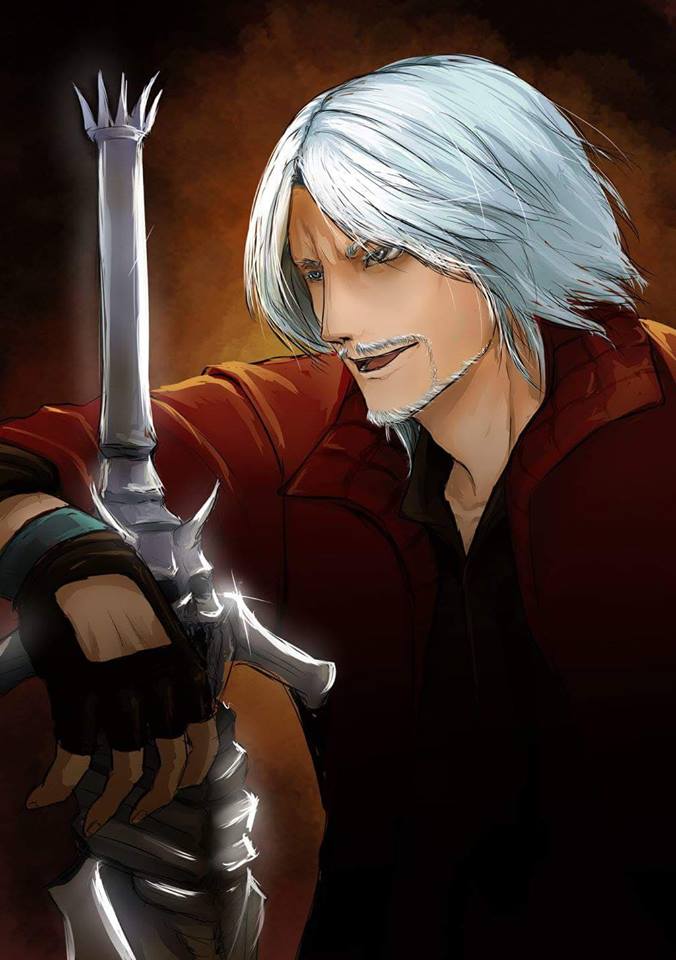
  20. >not growing up with the devil may cry series
  21. whenever I listen to this and play a game, my speedrunning capabilities increase by 325%
  22. Ah, I see now. I didn't think there was a FFIV DS, that's why I got confused.

Configure browser push notifications

Chrome (Android)
  1. Tap the lock icon next to the address bar.
  2. Tap Permissions → Notifications.
  3. Adjust your preference.
Chrome (Desktop)
  1. Click the padlock icon in the address bar.
  2. Select Site settings.
  3. Find Notifications and adjust your preference.
Scroll to the top

