DreamDropStorm
Member
-
Joined
-
Last visited
-
 LightningCharm reacted to a post in a topic:
Tetsuya Nomura is ready — at last — for ‘Kingdom Hearts 3′ to progress + KH3 Concept Art
LightningCharm reacted to a post in a topic:
Tetsuya Nomura is ready — at last — for ‘Kingdom Hearts 3′ to progress + KH3 Concept Art
-
Ghost reacted to a post in a topic:
Tetsuya Nomura is ready — at last — for ‘Kingdom Hearts 3′ to progress + KH3 Concept Art
-
 http://herocomplex.latimes.com/games/tetsuya-nomura-is-ready-at-last-for-kingdom-hearts-3-to-progress/
 -
They will randomly pick you.
-
Click on use your email to sign up then tweet for an entry.
-
Its part of their summer survival sweepstakes: http://is.gd/2nmaEs
-
-
-
-
Super Naruto https://lh4.googleusercontent.com/-Dv7ADiGSoiI/UWNZPsYdF9I/AAAAAAAAAR0/tvTwHiyVOwg/s500/super+naruto.gif
-
-
-
-
-
-
-
-
-
-
-
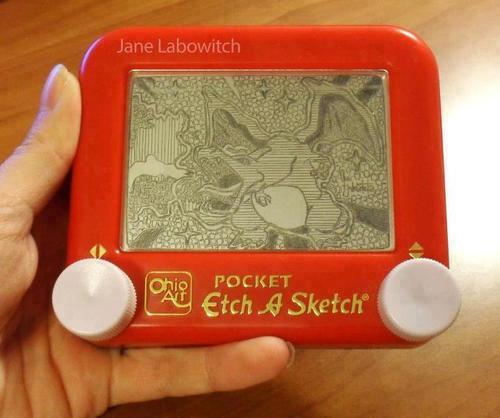
It would be a shame if someone.....shook it.
 Someones been practicing
http://www.startrek.com/legacy_media/images/200303/tos-034-spock-greets-his-fello/320x240.jpg
Someones been practicing
http://www.startrek.com/legacy_media/images/200303/tos-034-spock-greets-his-fello/320x240.jpg