Jump to content
View in the app

A better way to browse. Learn more.

KH13 · for Kingdom Hearts

A full-screen app on your home screen with push notifications, badges and more.

To install this app on iOS and iPadOS
  1. Tap the Share icon in Safari
  2. Scroll the menu and tap Add to Home Screen.
  3. Tap Add in the top-right corner.
To install this app on Android
  1. Tap the 3-dot menu (⋮) in the top-right corner of the browser.
  2. Tap Add to Home screen or Install app.
  3. Confirm by tapping Install.

OthersiderME

Verified Member
  • Joined

  • Last visited

  1. OthersiderME posted a status update

    I'm surrounded by radiation...

  2. OthersiderME posted a status update
  3. OthersiderME posted a status update

    I love my scarf.

    OthersiderME replied

    mine is just blue.

    VanitasisKirby replied

    I know you do c:

    DestinyLocks replied

    that's cool xD

    i already said mine!

  4. OthersiderME posted a status update
    Someone needs to make it so that everytime someone types an exclamation mark, kh13 makes this sound.
  5. OthersiderME posted a status update

    Profile song officially updated. Maybe the rest of the profile will follow it's example. Or maybe I'll just continue being lazy.

    OthersiderME replied

    I have 16 days left to wait for this game.

    OthersiderME replied

    and now it is time to rest. today i'm lower on MP for non-spellcasting reasons. enemies won't quit spamming Osmose...

    Weiss replied

    Good night.

  6. OthersiderME posted a status update

    I must rest now, as I'm running low on MP. Another day of spellcasting awaits me.

    Weiss replied

    Good night, black mage.

    May you be ready for more questing tomorrow.

  7. OthersiderME posted a status update

    Hello, KH13.

    venxas24 replied

    Whaddup, yo

    Weiss replied

    Kh13 says hi

    OthersiderME replied

    it better. i mean, who doesn't respond to a greeting?

  8. OthersiderME posted a status update

    New favorite song. Tokyo (Vampires and Wolves) by The Wombats.

  9. OthersiderME posted a status update

    I WARNED YOU INORI

    Kirie replied

    Forgive me, I should have listened

  10. OthersiderME posted a status update

    The 80's are frightening.

  11. OthersiderME posted a status update

    SMASHING

    Hei replied

    BLARRRGHHH~~

  12. OthersiderME posted a status update

    Just realized. Yveltal is a Y-vern.

    Blake replied

    *slow claps*

    Hei replied

    I see what you did there, and so does ztar *fast clap*

    OthersiderME replied

    thank you very much

  13. Anonn0000 left a comment on OthersiderME's profile

    I hope your having a nice morning :)

  14. Zola left a comment on OthersiderME's profile

    I JUST BARELY NOTICED THAT YOU ARE THE TRITAGONIST. You are awesome. :DDDDDD

  15. OthersiderME posted a status update

    Both my earbuds are labeled Left. I don't have two left ears. I don't know what to do.

    OthersiderME replied

    nope, they don't. just checked.

    Silent replied

    listen to any song by the beatles and what ever bud the lyrics come out of is the right one. :P

    OthersiderME replied

    Sonic Rush would probably be better.

  16. OthersiderME posted a status update

    What happened to influence all these shipping statuses?

    OthersiderME replied

    and you haven't shipped PSY with anyone yet?

  17. OthersiderME posted a status update

    Guys, Xylek is weak to GET DOWN ON IT. it's true.

    OthersiderME replied

    yes you are. the only way you can prove you're not is by GETTING DOWN ON IT.

  18. OthersiderME posted a status update

    what did i just do...

    Weedanort replied

    GET DOWN ON IT

    OthersiderME replied

    and lots of it.

  19. OthersiderME posted a status update

    Keys, congratulations. You officially have all of my displayed notifications.

    OthersiderME replied

    Now you're all being nice and sharing them.

    Ruby replied

    DAYUM! I didn't even get the chance to reply to keys status

    Ptolema replied

    I got 40 notifications. All thanks to DAYUM.

  20. OthersiderME posted a status update

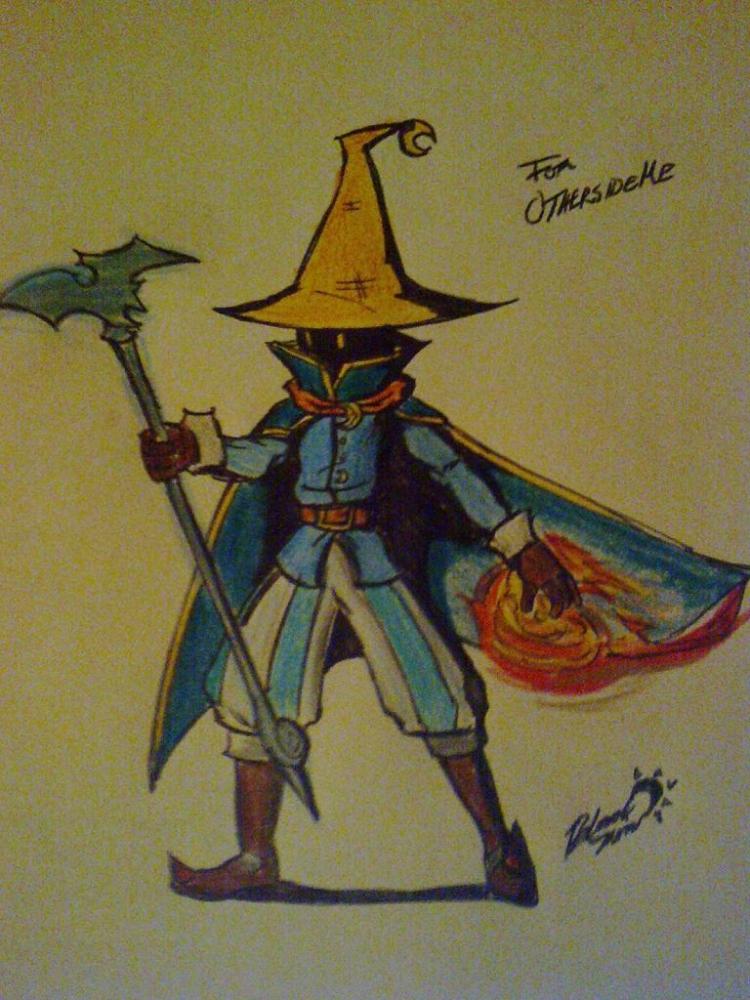
    This is my avatar. It is new.

    Weiss replied

    It is awesome! ;)

    Roxie replied

    Its cool but what is it

    Roxie replied

    Its cool but what is it

Configure browser push notifications

Chrome (Android)
  1. Tap the lock icon next to the address bar.
  2. Tap Permissions → Notifications.
  3. Adjust your preference.
Chrome (Desktop)
  1. Click the padlock icon in the address bar.
  2. Select Site settings.
  3. Find Notifications and adjust your preference.
Scroll to the top