All Profile Comments
211,891 profile comments
-
Exiblade7 posted a status update
I’m gonna turn off of this site until I’ve neaten kingdom hearts 3. I don’t want to risk being more spoiled then I really am at the moment. See you guys later!

-
Pokket-Ninja posted a status update
Yaaaas!!! It's #1 this is the best thing I've ever seen!!! #KingdomHearts3 https://t.co/5g33gH6KUG
-
-
Pokket-Ninja posted a status update
RT @chirithies: i am:
⚪️ gay
⚪️ straight
⚪️ pan
⚪️ bi
⚪️ asexual
? crying over kingdom hearts 3 -
Pokket-Ninja posted a status update
RT @ajin0403: Glory Pobber Knights!
and Beast. :p
#warframe #floof @PabloPoon @the_tayking https://t.co/3SvdWT5yk2 -
Pokket-Ninja posted a status update
Kingdom Hearts 3 Event!!! 13 years later & it's finally here https://t.co/MSRtclw5lT
-
Pokket-Ninja posted a status update
RT @KINGDOMHEARTS: Our friends are our power, and tonight we feel stronger than ever.
Thank you for always standing by our side. #Kingdom… -
Pokket-Ninja posted a status update
Freaking #2 on Twitch. Can we get it to #1?!!!!! Hype for KINGDOM HEARTS 3 https://t.co/VtXlqrjE3A
-
ShadoKurosu posted a status update
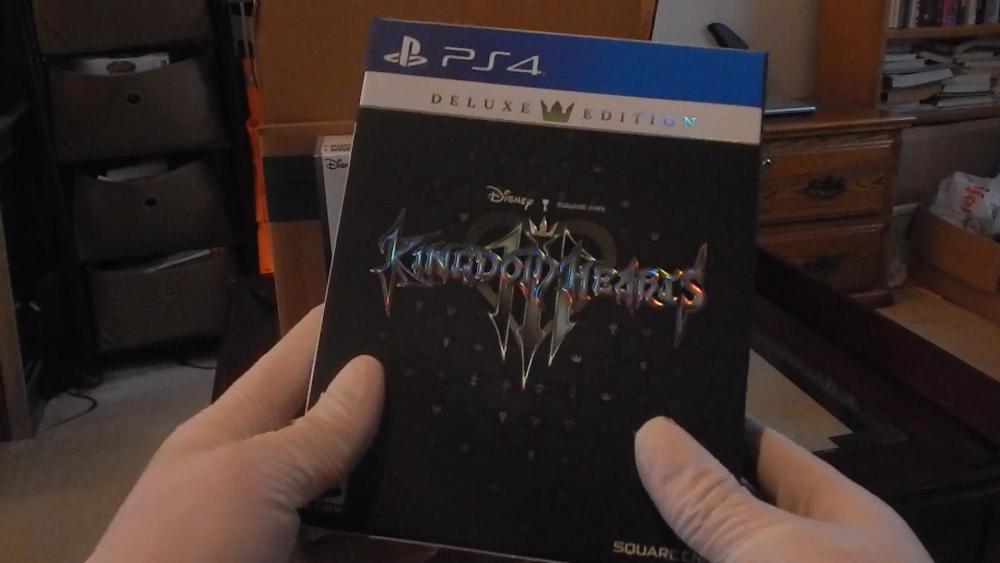
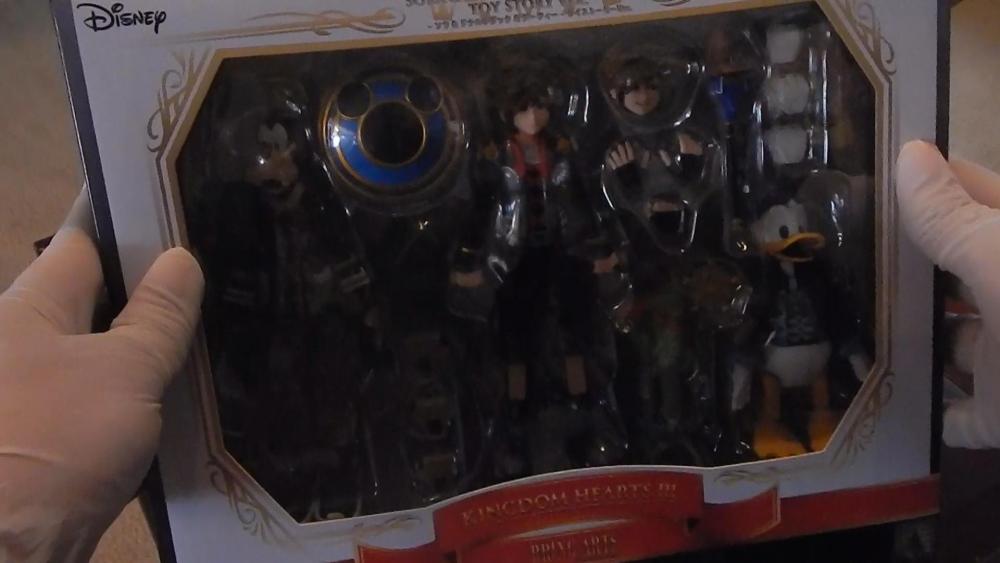
I'm literally crying right now because I got my KH3 & Bring Arts early.
-
Pokket-Ninja posted a status update
RT @terrycrews: FOLLOW SPREE TIME!
RETWEET this, and let’s DO THE DAMN THING!
#AGTChampions tonight! https://t.co/JO8qvFxfHT -
Pokket-Ninja posted a status update
RT @Roboloid: #KingdomHearts
The real hero who'll defeat the Darkness https://t.co/xCde3BWECH -
Pokket-Ninja posted a status update
Full-time stream schedule :D
*Central Time*
Mon-Tues: 1pm-6pm
Wed: 1pm-4pm & 8pm-12am
Thur-Sat: 7pm-12am
https://t.co/dFr2ZV3IU1 -
Pokket-Ninja posted a status update
Had a blast playing Resident Evil 2 on stream. I got spooked a bunch. https://t.co/iZ6ceJEtt7
Thanks @TorkieTweets… https://t.co/PeXRpTt12B -
-
LunaCatte posted a status update
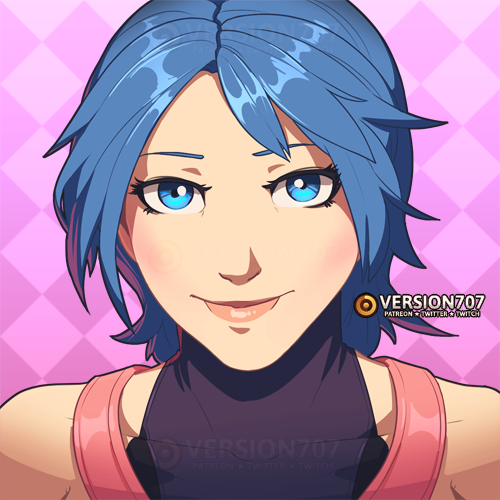
MY FRIEND MADE ME AN AMAZING AQUA ICON IN CELEBRATION OF KH3! AHHHHHHHHHHHHH! SO HAPPY!!!
-
The Transcendent Key posted a status update
Ladies and gentlemen, let's take a moment to just sit back and realize that we are finally about to play Kingdom Hearts III! Within just hours, we'll finally experience the nirvana of the final chapter in the Xehanort Saga! It's been an honor anticipating and hyping and yearning for this wonderful game with you all! Now, let's enjoy our moment in the sun, for our hearts have led us to this moment! I love you all, and enjoy the game as much as I will! May your hearts be your guiding key!

-
Rob posted a status update
Rob's KH3 order from January 25, 2015 has shipped! It will arrive tomorrow!
Road to KH3: Will finish DDD and rest of Union X tonight then play 0.2 when my order is out for delivery.
-
-
Pokket-Ninja posted a status update
Streaming Resident Evil 2 in 30 min! Let's get spooked! Who's also ready for KH3 woooo https://t.co/dRf8ETOSVJ
-
Pokket-Ninja posted a status update
RT @thegamersjoint: No Spoilers here, just Sora with his ass on fire. https://t.co/p5xHV4vEgg



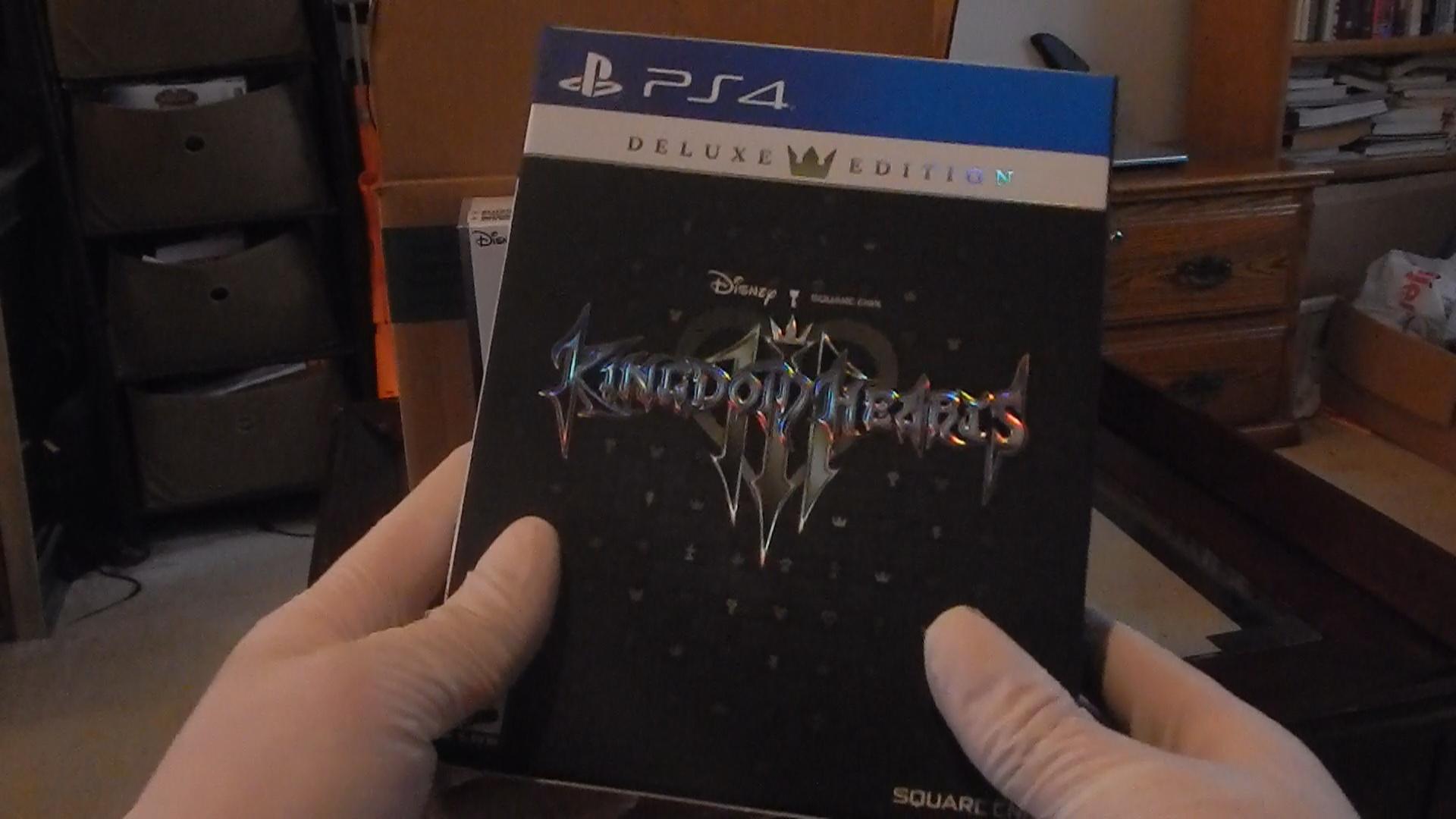

.thumb.jpg.266d600dbe8a31dea236a9ce93f5a9f7.jpg)




.thumb.png.a977f4e19b8acda74d585ea8aef3be5b.png)