Jump to content
View in the app

A better way to browse. Learn more.

KH13 · for Kingdom Hearts

A full-screen app on your home screen with push notifications, badges and more.

To install this app on iOS and iPadOS
  1. Tap the Share icon in Safari
  2. Scroll the menu and tap Add to Home Screen.
  3. Tap Add in the top-right corner.
To install this app on Android
  1. Tap the 3-dot menu (⋮) in the top-right corner of the browser.
  2. Tap Add to Home screen or Install app.
  3. Confirm by tapping Install.
  • Replies 11.9k
  • Views 324.5k
  • Created
  • Last Reply

Top Posters In This Topic

Most Popular Posts

  • Keep in mind that right now, everybody is working from home right now in Japan, so ot has a decent chance of being delayed

  • imagine all the microtransactions and delayed story updates ?

  • Otti#8624
    Otti#8624

    One more hour until it's done for the rest of the world

Posted Images

Featured Replies

I played enough of the Ux story quests, got up to the 700s before I just couldn't take it anymore

That’s why I don’t play and I just watch story updates on youtube

This is the best part
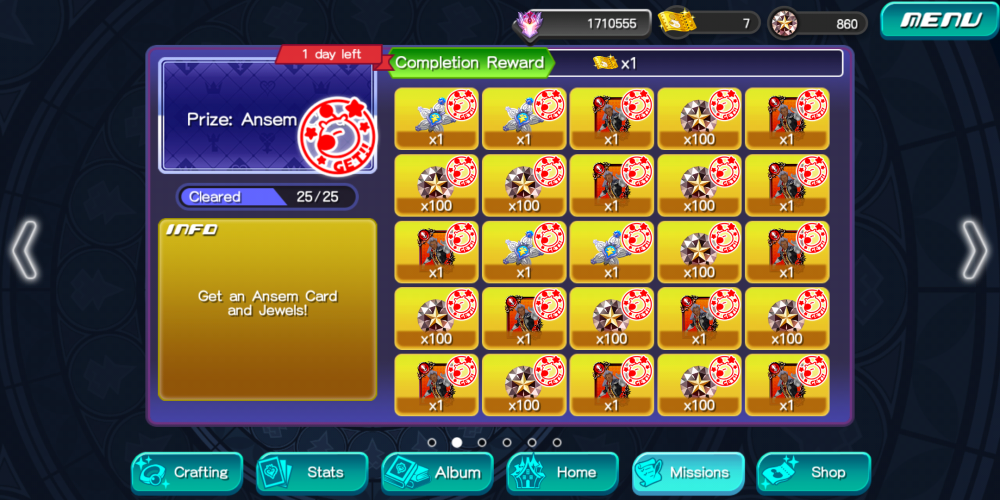
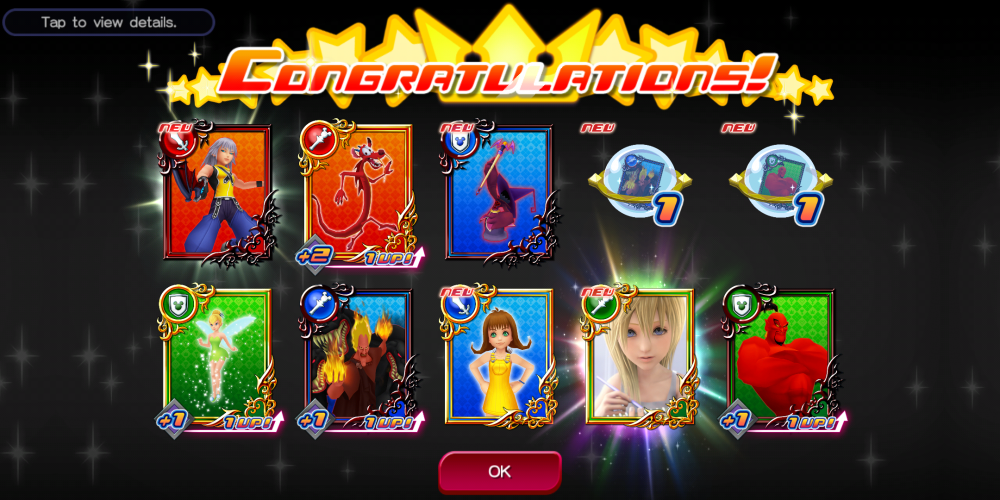
20200609_225535.JPG

? I spent a good half page talking about Kairis uniform

Yeah, I am doing the same as Moon

Eh, I'll just stop complaining about Ux. I'm saying shit I've said already.

Aww

I wanted to talk more with you on this

kairi is like a strawberry gusher

oh boy

nevermind with that joke

Strawberry gusher?

Well Otti, I would be willing to talk more but Kairi slander hurts my soul

Sorry about that

Otti I'm supposed to be on a break, don't talk shit about my favorite fictional character who's a female or else, and this goes foe anyone else who says shit

it’s fair, esto. hopefully it ends up being more integrated in the future so you can maybe get into it somehow. ?

?✌️ I only have good things to say about Kairi and especially her uniform

Join the conversation

You can post now and register later. If you have an account, sign in now to post with your account.

Guest
Reply to this topic...

Configure browser push notifications

Chrome (Android)
  1. Tap the lock icon next to the address bar.
  2. Tap Permissions → Notifications.
  3. Adjust your preference.
Chrome (Desktop)
  1. Click the padlock icon in the address bar.
  2. Select Site settings.
  3. Find Notifications and adjust your preference.
Scroll to the top