Jump to content
View in the app

A better way to browse. Learn more.

KH13 · for Kingdom Hearts

A full-screen app on your home screen with push notifications, badges and more.

To install this app on iOS and iPadOS
  1. Tap the Share icon in Safari
  2. Scroll the menu and tap Add to Home Screen.
  3. Tap Add in the top-right corner.
To install this app on Android
  1. Tap the 3-dot menu (⋮) in the top-right corner of the browser.
  2. Tap Add to Home screen or Install app.
  3. Confirm by tapping Install.

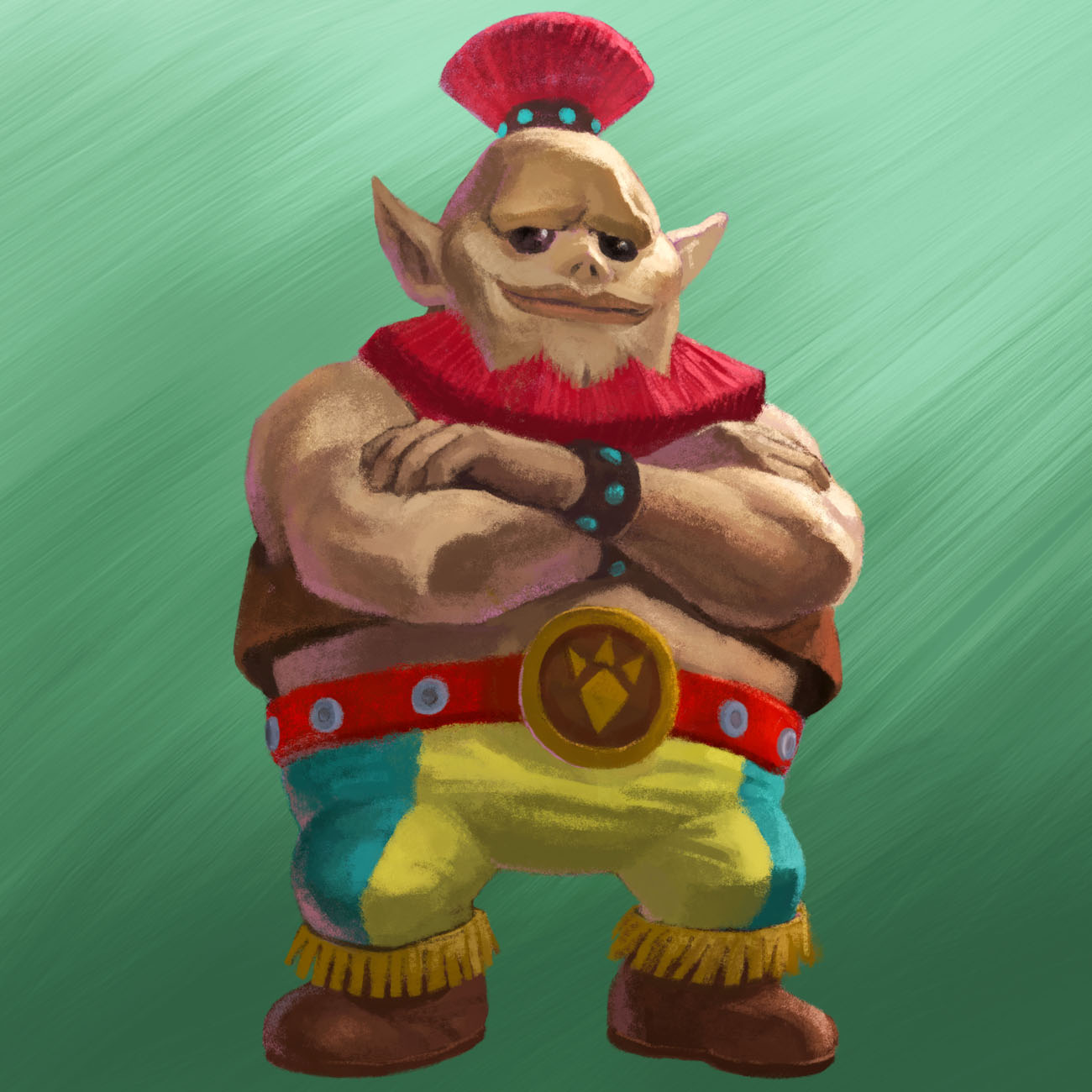
TLOZ: This is what I realized about this guy

Featured Replies

I noticed that from the beginning, not because of his belt but because of his face

Yup, thats what I thought too: the gorons who once knew how to rock and roll now look very human-y.


According to the timeline, A link to the past and A link between worlds comes after immediately after the time paradox and is from an era where the Hero of time failed his duty.

But it has Hylian ears, if he is a Goron, he would have to be a interbreed, since if not he wouldn't have those Hylian ears.

But it has Hylian ears, if he is a Goron, he would have to be a interbreed, since if not he wouldn't have those Hylian ears.


Nothing against Gorons, but his parents must have had a reeeeally interesting backstory.

Join the conversation

You can post now and register later. If you have an account, sign in now to post with your account.

Guest
Reply to this topic...

Configure browser push notifications

Chrome (Android)
  1. Tap the lock icon next to the address bar.
  2. Tap Permissions → Notifications.
  3. Adjust your preference.
Chrome (Desktop)
  1. Click the padlock icon in the address bar.
  2. Select Site settings.
  3. Find Notifications and adjust your preference.
Scroll to the top