Jake
Verified Member
-
Joined
-
Last visited
Everything posted by Jake
-
 Privately show Utada Hikaru at the event and prohibit everyone from telling
 -
Ah.. Just noticed this! Yeah, we have the interview up on our archives for awhile now if you're interested: http://kh13.com/interviews/directors-secret-report-xiii-march-2007-x-tetsuya-nomura/ I wish I could get that book.. ;-;
-
Anyway, how are you?
-
I mean, you could always secretly help the members defeat the moderators in 'Avoid the Mods' ;D
-
I used to be able to deal around 100k per turn, but not anymore (haven't played in forever)
-
Why do you think Xehanort is so grumpy? He has tons of work
-
As of now, it seems to be every weekend.
-
Starting this weekend, players in-game, on the English version of Kingdom Hearts Unchained χ, can obtain event coins to gain medals in the event board included in-game!
-
-
You shouldn't worry or get upset over other people's opinion as it's their opinion. You should focus on what makes you happy and you alone. If you let other people's opinion get in the way of doing something that makes you happy, then, personally, you are essentially just holding yourself back from achieving true success in your life.
-
-
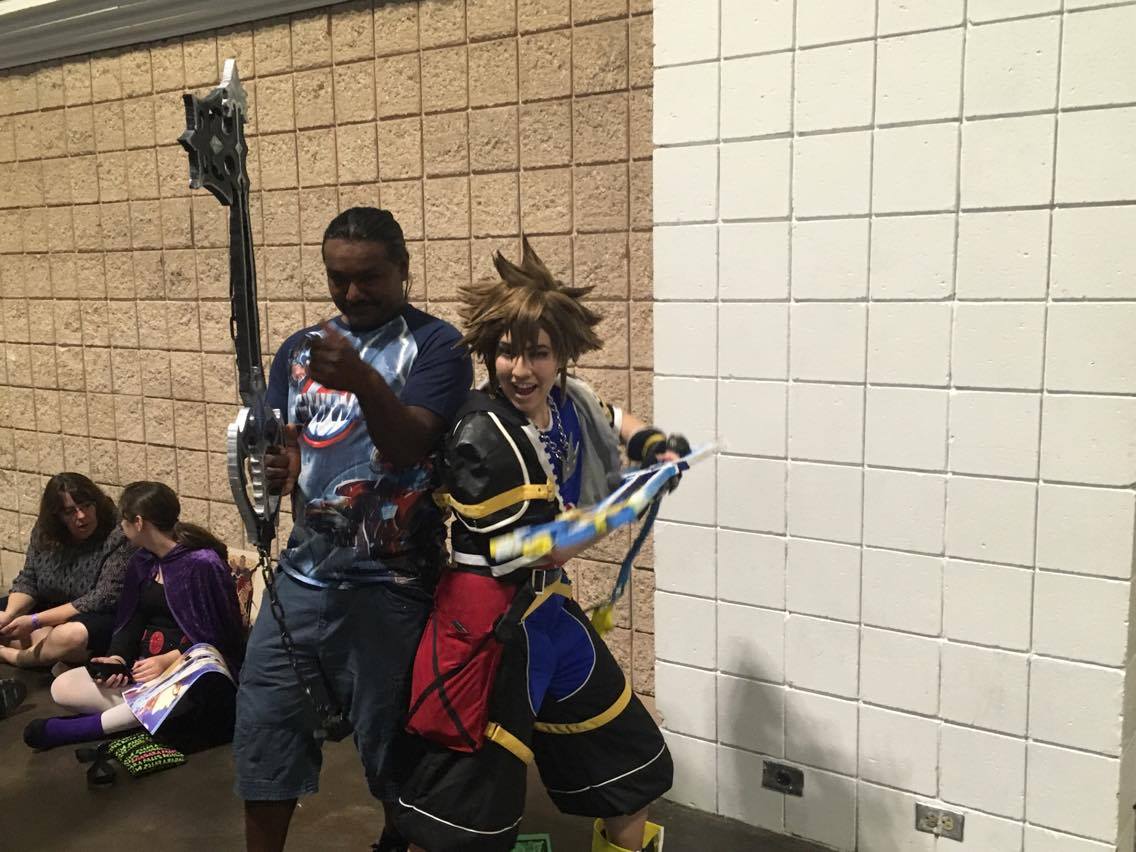
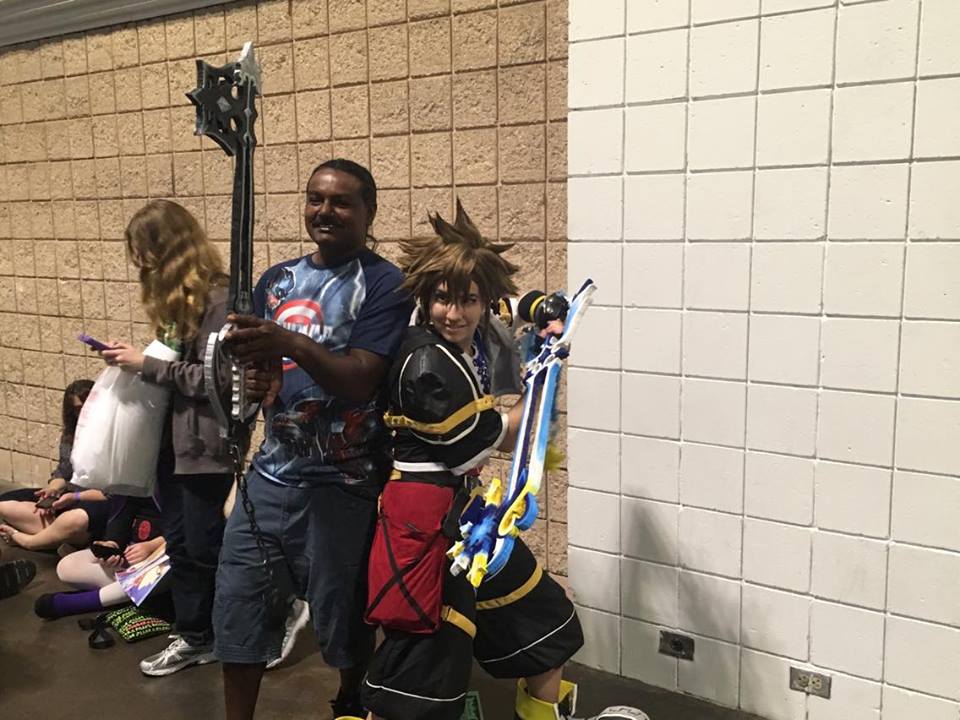
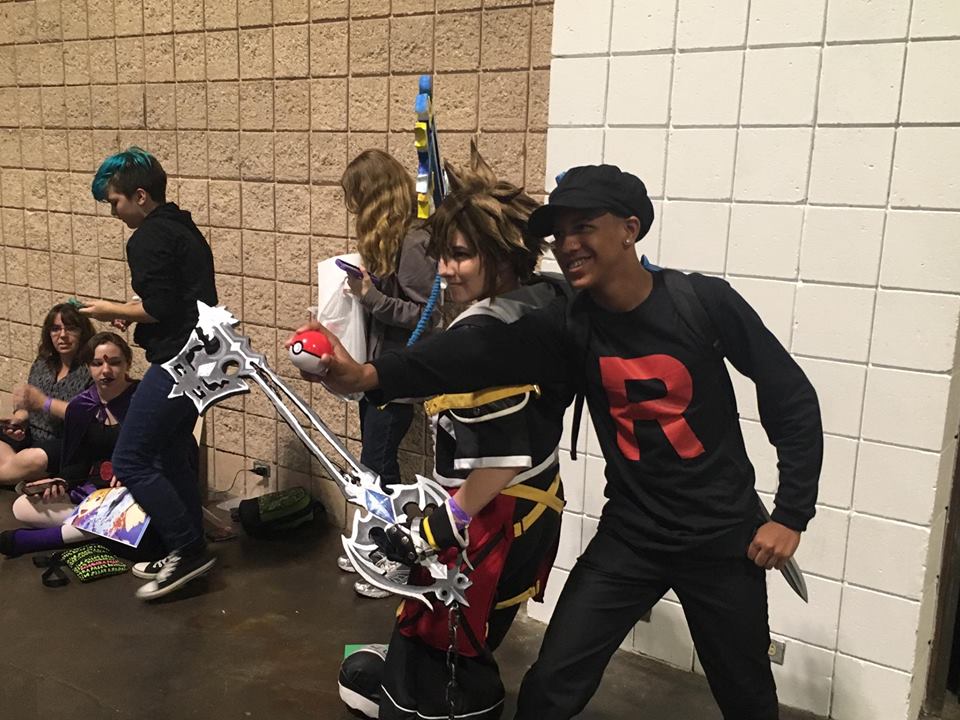
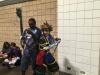
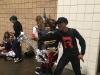
I went to Tampa Bay Comic Con today, so I wanted to share to you guys an amazing cosplayer who dressed up like Sora and was willing to take pictures with tons of other Kingdom Hearts fans. The line was so big that I never got a chance to take a picture with her!

-
-
It looks similar, but I don't think that's it.
-
I'm kiddin Aaron, you doin good.
-
"Job: DChiuch does work, you lay down"
-
RIP.
-
I'm not sure if you can do this on mobile, but try going to your browser and clearing cache/cookies again and see if that fixes the issue. Let me know how it goes.
-
Aaron, stop being a lurker! (You should totally post more! ;D)
-
inb4 final boss has over 100 Health Bars
-
-
-
I didn't mean it like that! Haha. Well if it only occurs on your phone, it's either outdated or something.
-
-
Some extra goodies discovered for the new update coming. Going to be a big update!