Narjoa “Idk” Andre
Verified Member
-
Joined
-
Last visited
Everything posted by Narjoa “Idk” Andre
-
 Had to re-upload mine because i put it the wrong way, so here it is again. (Sorry if it's not colored, coloring isn't my thing) http://kh13.com/forum/gallery/image/39845-kingdom-hearts-25-art-contest-republished-rightside-up/
 -
-
Finished my submission. Now if you need me I'll be putting ice on my sore finger joints http://kh13.com/forum/gallery/image/39782-kingdom-hearts-25-art-contest/
-
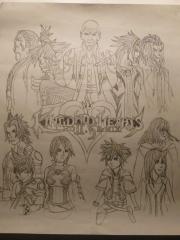 Finally, after six long days of working on this, 2-3 hours a day, I finished.
 -
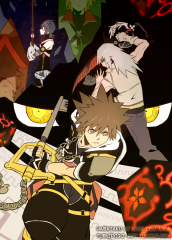 Love this one!
 -
-
-
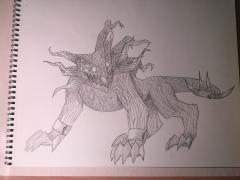 My second favorite heartless, Still awesome though.
© Still got me on this...
-
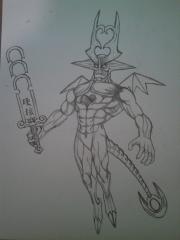 Just one of my favorite heartless, Ever!
© How does this work?
-
 Awesome!
 -
-
Also this little thing has been bugging me about the final battle in BBS at the Keyblade Graveyard, Fate of the Unknown doesn't play. :sad:
-
Narjoa “Idk” Andre replied to TheSoraHD's topic Kingdom Hearts Birth by Sleep | Birth by Sleep Final MixLast time I checked 360p isn't HD :mellow:
-
Since Nomura originally had plans to add them but the ps2 couldn't handle it all. Do you think he will add them?