xarin
Verified Member
-
Joined
-
Last visited
Everything posted by xarin
-
-
-
-
Here's my entry for the contest! Good luck everyone! http://kh13.com/forum/topic/102930-kh-28-giveaway-entry/
-
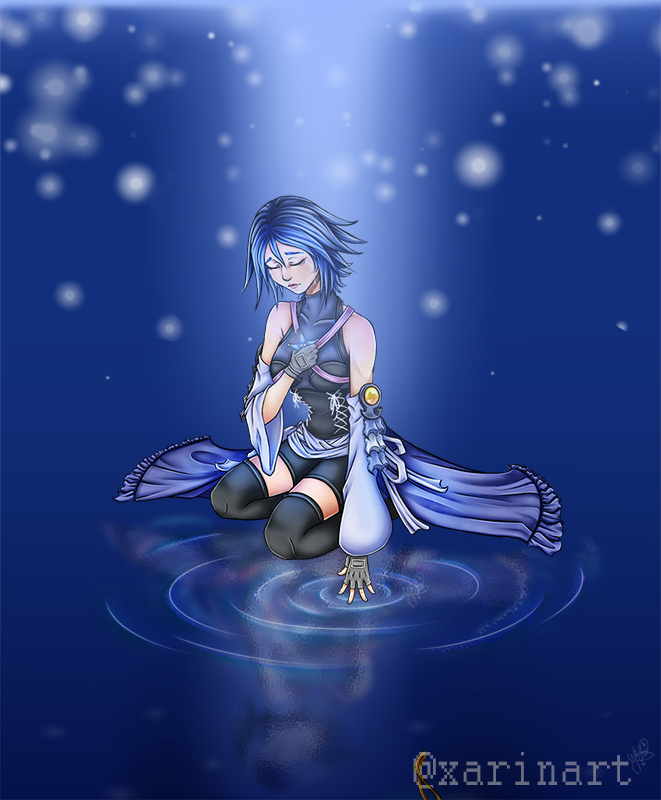
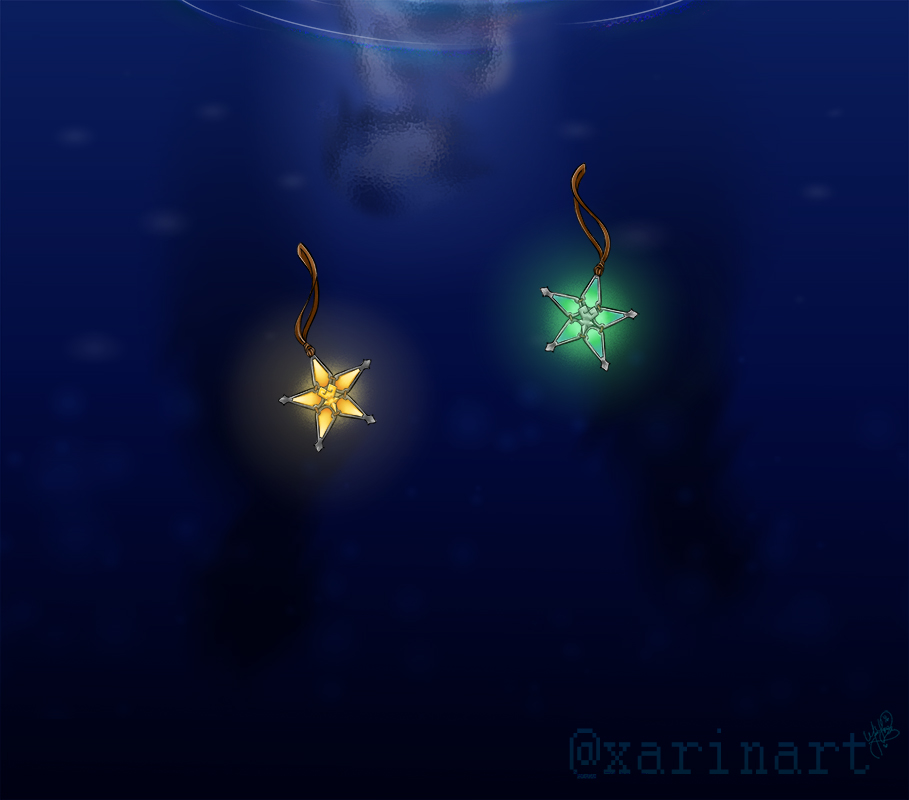
Here's my entry for the KH 2.8 Giveaway entry. I drew Aqua since she's one of my favorite kh characters and I can't wait to play 0.2 This drawing took me a little over 15 hours to make lol ^^' And here are some close ups: Also if interested seeing my process, here's the speed paint of this drawing Good luck everyone!


-
-
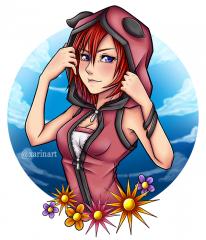 Since I saw her new design in the Kingdom Hearts X chi 3rd anniversary artwork, I had to draw her because she looks adorable with her hoodie. Please don't repost on any website (except KH13.com) You can reblog on my Tumblr pose here: click link
© kingdom hearts
-
-
-
-
-
Thank you and no problem it still looks amazing, all of them ^_^
-
Cool pictures, I wasn't able to take pictures because I got there late and didn't see all the cosplays. I was also in cosplay which was hard to take pictures. Btw, I'm the one cosplaying Vanitas and my boyfriend was the unversed with me
-
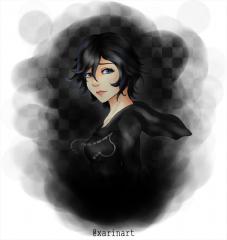 An old drawing I made of Xion. I love her character Please don't repost on any website (except KH13.com) You can reblog on my Tumblr pose here: click link Please don't repost on any website (except KH13.com).
© kingdom hearts, square-enix, tetsuya nomura
-
XarinArt - https://www.youtube.com/channel/UCjUle70AqIoQUH2IPeMzUyw
-
-