All Activity
- Past hour
-
 clickbaity bs just for views
 -
i don't typically use any socials outside of discord now, but my Google Discover page on my phone sometimes gives me very distasteful article titles without any regard to others and its so annoying
-
 or even just a couple of days before people stop posting it everywhere and get bored
 -
i would recommend muting everything for as long as you can
-
PLEASE I CANT AVOID SPOILERS THAT LONG
-
-
doomsday leak happened
-
what is this in reference to
- Today
-
I hope some people have good lawyers if they wanna go against Disney, good luck you're gonna need it.
-

-
Do it delete it
-
You deleted dat
-
- Yesterday
 Nomura is gonna be impossible. He's an unicorn for the fans. Its uber rare to get a picture with him as a fan no? Especially as a American/European?


 Lol dw I will get to them...eventually
-
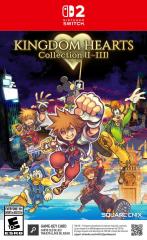 KHCollectIII_NS2_SEA_FOB_TRI_ESRB__47342.jpg
-
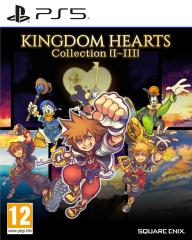 KHCOLL_PS5_SEE_FOB_PEGI_v01__71534.jpg
-
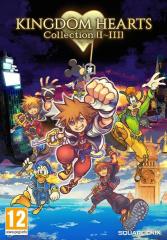 KHCOLL_Packshot_SQEX_SEE_500x718_PEGI_v01__01908.jpg
-
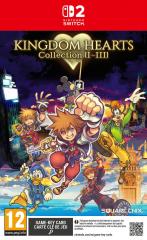 KHCOLL_NS2_SEE_FOB_PEGI_FE_v02__47188.jpg
-
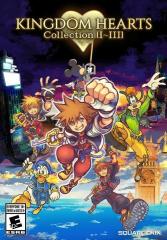 KH_COLL_III_SQEX_ESRB_TRI_v01__69959.jpg
-
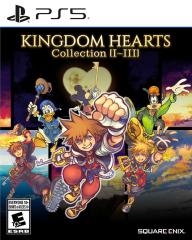 KH_COLL_III_PS5_ESRB_TRI_v01__96105.jpg
-
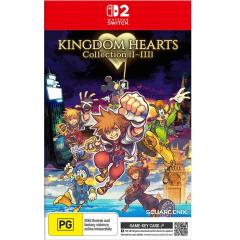 f9cff8a31c1044f3bcf7763917333355_Original.jpg
-
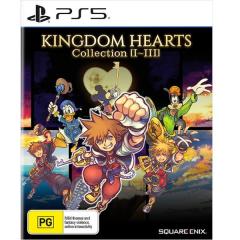 ca55f40547c5439aaf8bfedff1ff0191_Large.jpg