




All Activity
- Past hour
-
 Let's goo
 -
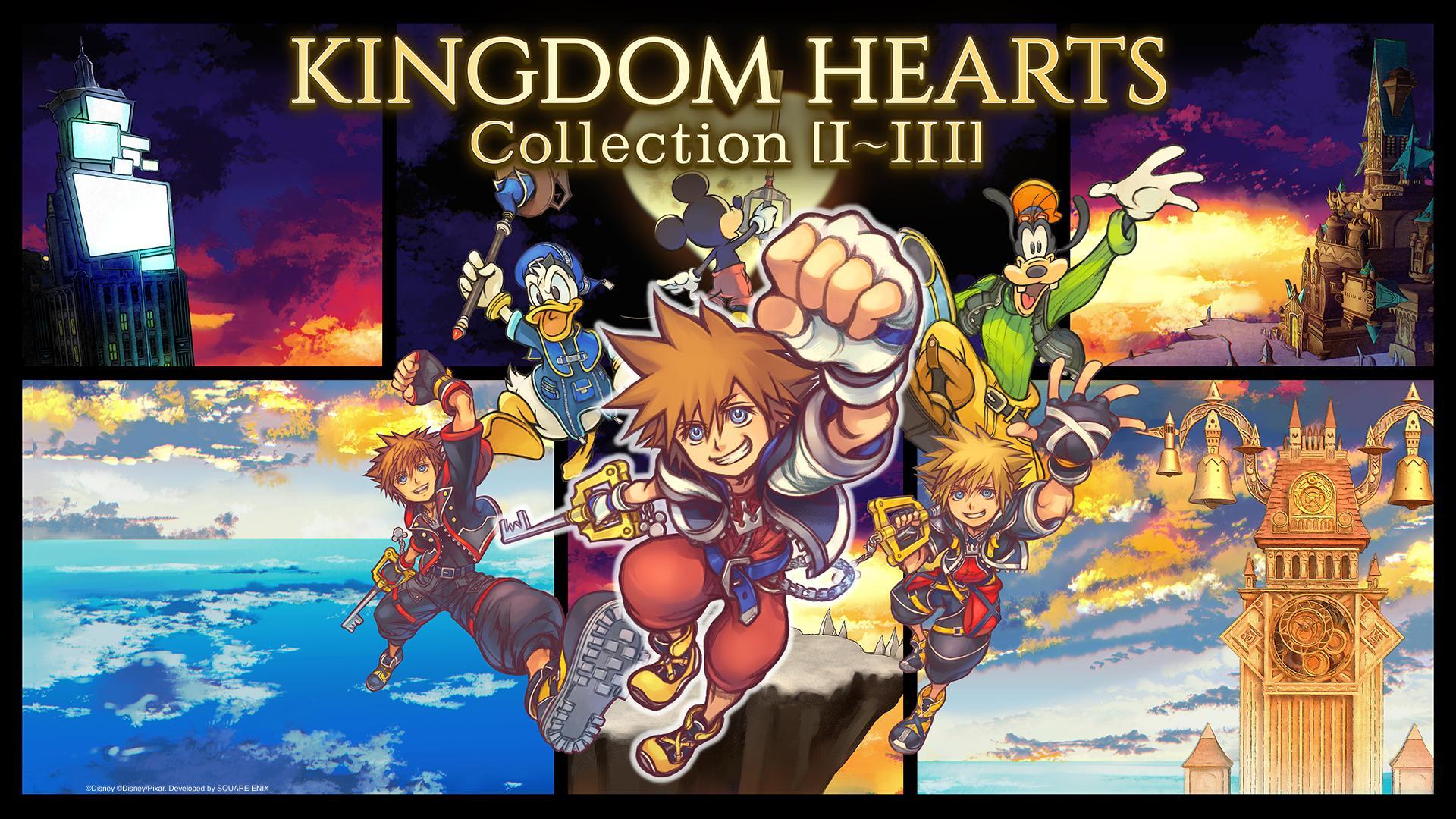
Bought the collection 4 times so far
-
 ebbjjufc reacted to a post in a topic:
Kingdom Hearts Missing-Link .ipa and/or .apk Prototype/Beta preservation effort
ebbjjufc reacted to a post in a topic:
Kingdom Hearts Missing-Link .ipa and/or .apk Prototype/Beta preservation effort
-

-

-
-
 trailer expected to go live on June 17th
 -
 ebbjjufc joined the community
- Today

 I forgot dragon quest
actually 4-5 games
they developed 3 games at the same time and release all of them within a year
I am so jealous
I forgot dragon quest
actually 4-5 games
they developed 3 games at the same time and release all of them within a year
I am so jealous



Account
Search
Configure browser push notifications
Chrome (Android)
- Tap the lock icon next to the address bar.
- Tap Permissions → Notifications.
- Adjust your preference.
Chrome (Desktop)
- Click the padlock icon in the address bar.
- Select Site settings.
- Find Notifications and adjust your preference.
Safari (iOS 16.4+)
- Ensure the site is installed via Add to Home Screen.
- Open Settings App → Notifications.
- Find your app name and adjust your preference.
Safari (macOS)
- Go to Safari → Preferences.
- Click the Websites tab.
- Select Notifications in the sidebar.
- Find this website and adjust your preference.
Edge (Android)
- Tap the lock icon next to the address bar.
- Tap Permissions.
- Find Notifications and adjust your preference.
Edge (Desktop)
- Click the padlock icon in the address bar.
- Click Permissions for this site.
- Find Notifications and adjust your preference.
Firefox (Android)
- Go to Settings → Site permissions.
- Tap Notifications.
- Find this site in the list and adjust your preference.
Firefox (Desktop)
- Open Firefox Settings.
- Search for Notifications.
- Find this site in the list and adjust your preference.
