




All Activity
- Past hour
-
 Bungie re hiring folks, and content creators vague posting about Bungie, I don’t wanna believe 😭
 -

- Today
-

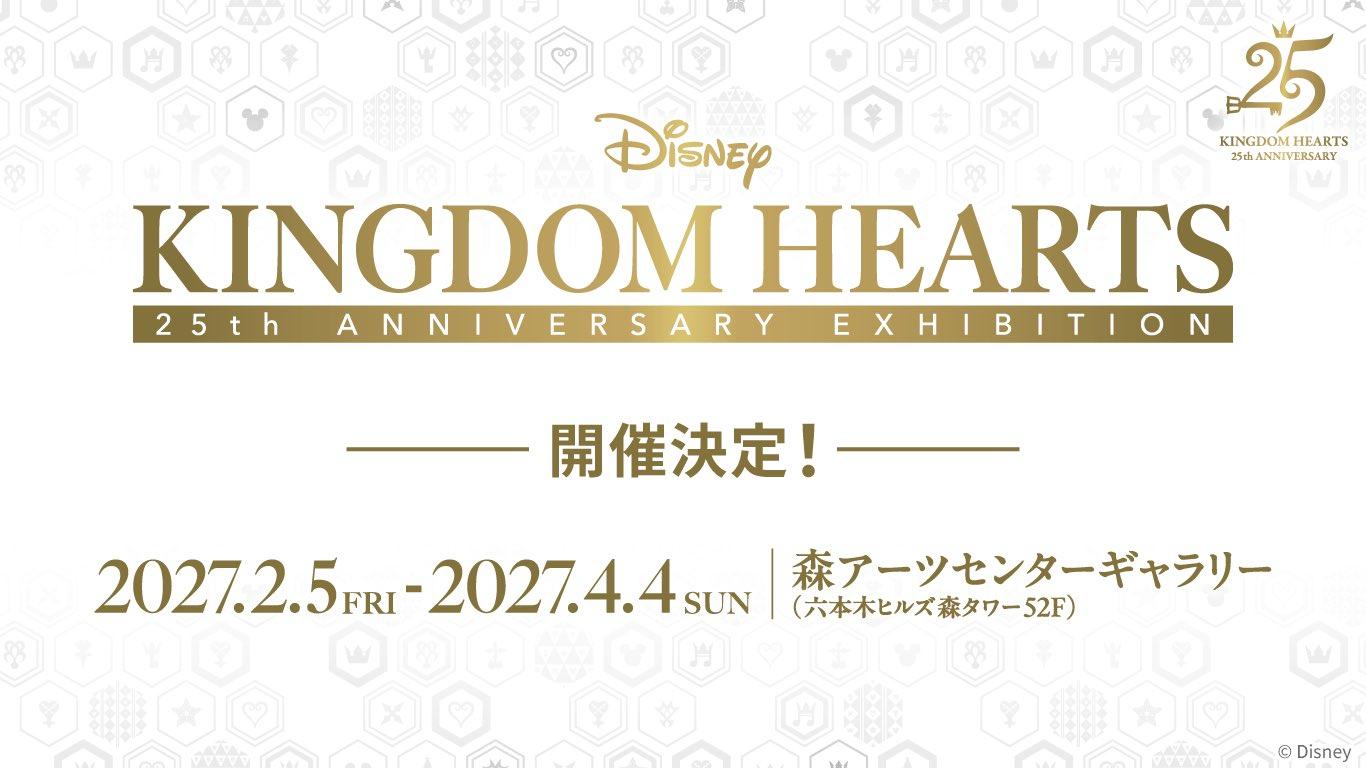 Earlier this morning, Square Enix has announced a Kingdom Hearts Exhibition for the 25th anniversary. It will be held February 5th through April 4th of 2027 at Roppongi Hills Mori Tower 52F Forest Arts Center Gallery. A new Twitter account has also been created as well as an official website. The attractions held at the exhibition include: photo spots featuring iconic scenes, Keyblade replica displays, exhibits of production materials, an immersive theater experience, and sales of exclusive exhibition merchandise. Admission tickets go on sale October 8th. You can view the announcement tweet below.
 -
Earlier this morning, Square Enix has announced a Kingdom Hearts Exhibition for the 25th anniversary. It will be held February 5th through April 4th of 2027 at Roppongi Hills Mori Tower 52F Forest Arts Center Gallery. A new Twitter account has also been created as well as an official website. The attractions held at the exhibition include: photo spots featuring iconic scenes, Keyblade replica displays, exhibits of production materials, an immersive theater experience, and sales of exclusive exhibition merchandise. Admission tickets go on sale October 8th. You can view the announcement tweet below. View full news article
-
 Hope we get some details soon then
 -
-
 Demo for media only, demo for players at future events
 -

-
-
 Also ENCOM computers being Linux based makes (Donald was it?) somehow getting results on Ansem's mainframe by smashing random buttons even more insane
 -
 https://vxtwitter.com/RockstarGames/status/2092574304571433078
 -
-
unlikely for anyone to be taken hostage between the ocean gap due to people on both sides having a clear view of both islands
-
and the small island is close enough to the main island you can see people from sides on them if you were at their respective shores.
-
and its unlikely any actul pirates are around his island
-
Yah sora just grew up liking romanictized pirates like most kids
-
And the movies do have actual code typing in them at times
-
SunOS per the wiki - Tron Legacy movie has a ENCOM OS-12 in it. Also Linux. Tying into in real life since Linux OS is open source thus Dillanger trying to sell a Linux-based OS for profit is seen in a negative way by Alan
-
Yes. ENCOM's computers use a modified Linux predecessor OS from what I read
-
 https://www.fixdeviantart.com/yagodadraws/art/Pokemon-Serperior-fanart-1372119246
 -

-
-
How has no interviewer asked this question
-
Where you get every spell in one materia
-
Very sure its for the linked one. You can do it on all magic if you have it linked to the All Magic materia
-

