Jump to content
View in the app

A better way to browse. Learn more.

KH13 · for Kingdom Hearts

A full-screen app on your home screen with push notifications, badges and more.

To install this app on iOS and iPadOS
  1. Tap the Share icon in Safari
  2. Scroll the menu and tap Add to Home Screen.
  3. Tap Add in the top-right corner.
To install this app on Android
  1. Tap the 3-dot menu (⋮) in the top-right corner of the browser.
  2. Tap Add to Home screen or Install app.
  3. Confirm by tapping Install.

All Activity

This stream auto-updates

  1. Past hour
  2. https://vxtwitter.com/Genki_JPN/status/2090422532658921627
  3. I think I have only like 2 designs in this game
  4. this shit looks horrible lmfao
  5. Tf
  6. KH MYTHICS IN FORTNITE???
  7. HOLY FUCK
  8. Is it fair to say that KH can stand on its own without either?
  9. I’ve been seeing this debate about Disney and FF on Twitter for the last week atp
  10. Wonder if I would like that more
  11. I want to see someone do fanart of this pants on Sora with the top half of his KH4 outfit
  12. Today
  13. please no
  14. pablo5425 replied to KH13's topic Live Chats
    https://fixupx.com/N29W97zptb67768/status/2090343317565477303
  15. w
  16. dragonkiller51 joined the community
  17. it looks a lot better than the first game

  18. If the title is released very early in October, I can celebrate my birthday with it. = ) I shall continue to hope for that to take place.
  19. https://klipy.com/gifs/ahh-eehh
  20. you cant believe it but i am talking about kingdom hearts
  21. i put my friend on KH by buying him the series on sale
  22. yes exactly
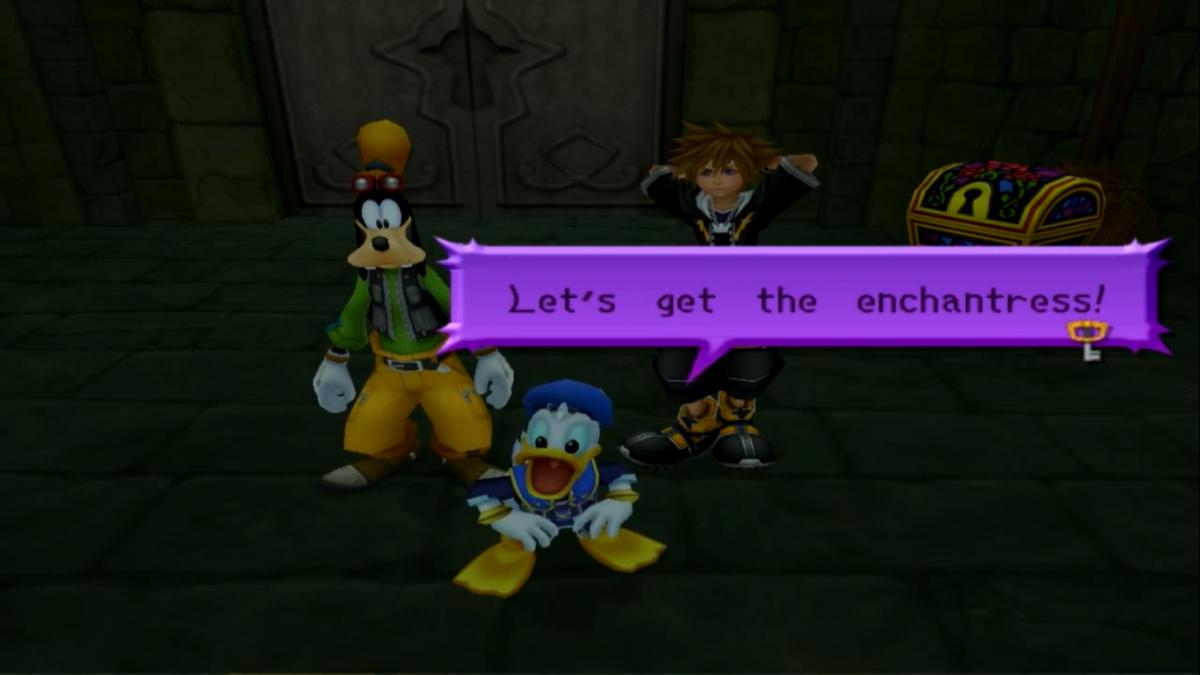
  23. Did you see his KH1 and 2 pants, those are parachutes
  24. riku wouldnt wear a parachute
  25. i could believe all of it, but only 1 thing that doesnt add up

Configure browser push notifications

Chrome (Android)
  1. Tap the lock icon next to the address bar.
  2. Tap Permissions → Notifications.
  3. Adjust your preference.
Chrome (Desktop)
  1. Click the padlock icon in the address bar.
  2. Select Site settings.
  3. Find Notifications and adjust your preference.
Scroll to the top