




All Activity
- Past hour
-




 Which? My joke that cant be real or Witcher 4?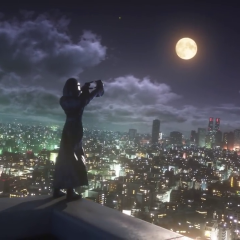
 Maybe it’ll be different
Yeah I mean like one year from now
Closing with gacket/s
Maybe it’ll be different
Yeah I mean like one year from now
Closing with gacket/s again, Nomura is bringing his own vision to life with KH4 atm. he's been wanting to tell this story with Yozora/Noctis/whatever for so long and he's doing it now. If Disney wanted to take over, I don't think this would be the case and KH4 would be looking very different right now
Or very optimistically big man Josh was a fan of the series and wants to dump money into it
It hit the 1B mark so maybe big man Josh wants to milk it
Here we go; they're closing with FFVII Revelation
again, Nomura is bringing his own vision to life with KH4 atm. he's been wanting to tell this story with Yozora/Noctis/whatever for so long and he's doing it now. If Disney wanted to take over, I don't think this would be the case and KH4 would be looking very different right now
Or very optimistically big man Josh was a fan of the series and wants to dump money into it
It hit the 1B mark so maybe big man Josh wants to milk it
Here we go; they're closing with FFVII Revelation It's funny now that I got my Kingdom Hearts railer I just don't have any interest in these events now lol. Plus we got a few Final Fantasy titles lined up I think I'm good for a good while now on new games I don't need anything else new
