Jump to content
View in the app

A better way to browse. Learn more.

KH13 · for Kingdom Hearts

A full-screen app on your home screen with push notifications, badges and more.

To install this app on iOS and iPadOS
  1. Tap the Share icon in Safari
  2. Scroll the menu and tap Add to Home Screen.
  3. Tap Add in the top-right corner.
To install this app on Android
  1. Tap the 3-dot menu (⋮) in the top-right corner of the browser.
  2. Tap Add to Home screen or Install app.
  3. Confirm by tapping Install.
Posted
Note: This is a special chat topic! This means that posts can be shorter and more casual here. Posts here are linked with and may appear on our Discord server.
  • Replies 21.4k
  • Views 478.8k
  • Created
  • Last Reply

Top Posters In This Topic

Most Popular Posts

Posted Images

Featured Replies

An enemy we haven't seen in a while tbh

Those doctor/nurse costumes remind me of Kasumi from Royal

Three Wishes, Stroke of Midnight and Bad Guy Breaker ?

Three wishes - Hey Agrabah, how have you been? xionsmug

@Mupstun, Unicornis

Yeah
I have open space b/c of people that stopped being active.

@Mupstun, game ID?

Just the basic activness

Sent

Message: Come! OPEN ur heart!

Yep
Since Spring of 2017

I joined the party in August of 2016 and rose in rank. Then it was passed down to me b/c of the effort I put in to encourage the party.

Dayum

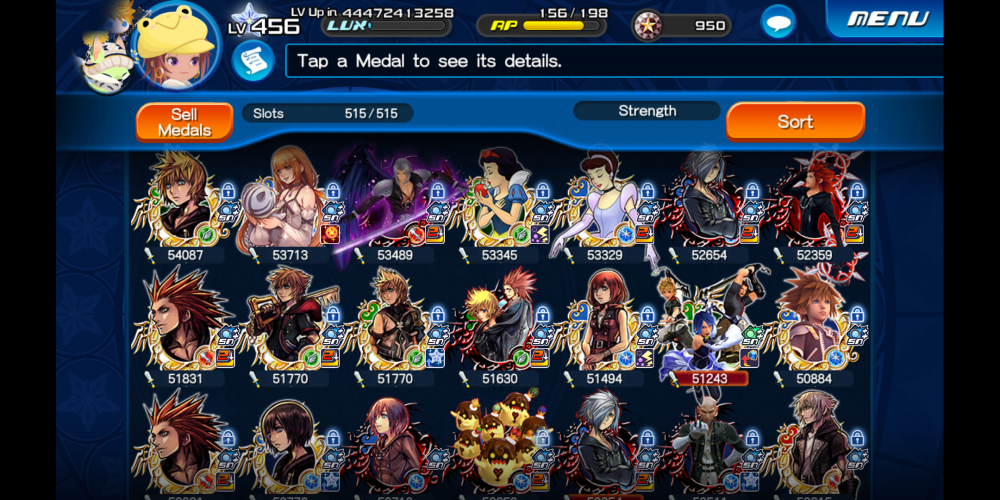
EA 120%

I have yet to roll that one.

I would've been like two to four levels higher if I didn't fall asleep early this week.

I'll get to 550 soon.

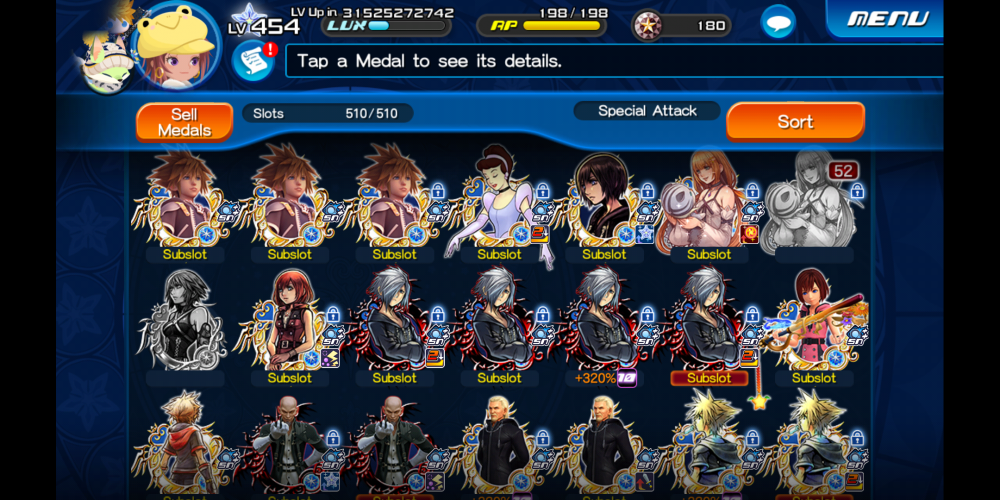
Check out my pet.

Also, there's a server I'll send you an invite to soon.

Sure thing

I have two bots that post reminders of when to lux boost. It's typically 17:00 Eastern time.

Feel free to ask for certain medals to be shared.

Join the conversation

You can post now and register later. If you have an account, sign in now to post with your account.

Guest
Reply to this topic...

Configure browser push notifications

Chrome (Android)
  1. Tap the lock icon next to the address bar.
  2. Tap Permissions → Notifications.
  3. Adjust your preference.
Chrome (Desktop)
  1. Click the padlock icon in the address bar.
  2. Select Site settings.
  3. Find Notifications and adjust your preference.
Scroll to the top