



Jump to content
View in the app

A better way to browse. Learn more.

KH13 · for Kingdom Hearts

A full-screen app on your home screen with push notifications, badges and more.

To install this app on iOS and iPadOS
  1. Tap the Share icon in Safari
  2. Scroll the menu and tap Add to Home Screen.
  3. Tap Add in the top-right corner.
To install this app on Android
  1. Tap the 3-dot menu (⋮) in the top-right corner of the browser.
  2. Tap Add to Home screen or Install app.
  3. Confirm by tapping Install.

"Persona 5 Will Definitely Come Out 2015..."

Featured Replies

2015 they said...I laughed at that and I do it again. I still can't wait for Persona 5

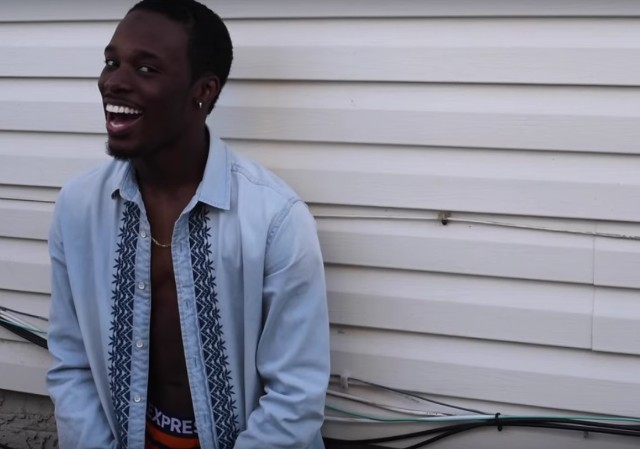
lol I like how you just uploaded a picture of the vine. 

They've been saying it recently too lmao, Summer 2016 is way too far away.

it did seem too good to be true

plus i was curious as to why they would release one of their biggest games around the same time as that Persona 4 dancing game? They'd be their own worst enemy if they did that. Next to no one would buy the dancing game in order to save their money and just get Persona 5 so a 2015 release date was a bit too much. 

Configure browser push notifications

Chrome (Android)
  1. Tap the lock icon next to the address bar.
  2. Tap Permissions → Notifications.
  3. Adjust your preference.
Chrome (Desktop)
  1. Click the padlock icon in the address bar.
  2. Select Site settings.
  3. Find Notifications and adjust your preference.
Scroll to the top

