




- Donald isn't useless.
-
-
-
baptiscool19 reacted to a post in a topic:
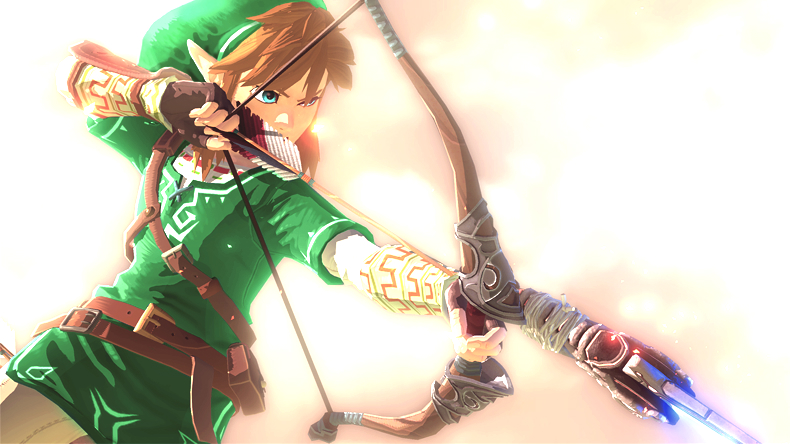
I found something really interesting in the Zelda U trailer.
-
Exiblade7 reacted to a post in a topic:
I found something really interesting in the Zelda U trailer.
-
I found something really interesting in the Zelda U trailer.
I noticed that the horse in the trailer isn't Epona.
- baptiscool19's status update
- For those who are waiting for KH3 and FF15
-
-
Racist Women Caught on Camera
I saw it on NeoGaf. Some people were defending her. I just ... Sigh*
- baptiscool19's status update
-
Which Square Enix team is your favourite?
Oh ok, It's just, I come from gamefaqs where sarcasm runs high so I just think everything is sarcastic.
-
Which Square Enix team is your favourite?
Is that sarcasm ? I don't understand.
-
Which Square Enix team is your favourite?
It' fine because the communicate with each other. But the XIII team didn't.
-
Which Square Enix team is your favourite?
Oh? I thought they did. They were also pulled for the whole FF XIV debacle. And yeah XIII was plagued with development issues. There was no communication between the different "mini-teams" in the team. Like there was no communication between the "team that was making the world and the one making the graphics for example. that'a bad example. But you get what I'm saying.
-
Which Square Enix team is your favourite?
- Which Square Enix team is your favourite?
The Kingdom Hearts team.- Which Square Enix team is your favourite?
Crystal Dynamics. The game fails on every level except gameplay.- Which Square Enix team is your favourite?
Tokyo Team Kingdom Hearts Team (KH1,KH2,FFXV) all day everyday. - Which Square Enix team is your favourite?

Account
Search
Configure browser push notifications
Chrome (Android)
- Tap the lock icon next to the address bar.
- Tap Permissions → Notifications.
- Adjust your preference.
Chrome (Desktop)
- Click the padlock icon in the address bar.
- Select Site settings.
- Find Notifications and adjust your preference.
Safari (iOS 16.4+)
- Ensure the site is installed via Add to Home Screen.
- Open Settings App → Notifications.
- Find your app name and adjust your preference.
Safari (macOS)
- Go to Safari → Preferences.
- Click the Websites tab.
- Select Notifications in the sidebar.
- Find this website and adjust your preference.
Edge (Android)
- Tap the lock icon next to the address bar.
- Tap Permissions.
- Find Notifications and adjust your preference.
Edge (Desktop)
- Click the padlock icon in the address bar.
- Click Permissions for this site.
- Find Notifications and adjust your preference.
Firefox (Android)
- Go to Settings → Site permissions.
- Tap Notifications.
- Find this site in the list and adjust your preference.
Firefox (Desktop)
- Open Firefox Settings.
- Search for Notifications.
- Find this site in the list and adjust your preference.
