Jump to content
View in the app

A better way to browse. Learn more.

KH13 · for Kingdom Hearts

A full-screen app on your home screen with push notifications, badges and more.

To install this app on iOS and iPadOS
  1. Tap the Share icon in Safari
  2. Scroll the menu and tap Add to Home Screen.
  3. Tap Add in the top-right corner.
To install this app on Android
  1. Tap the 3-dot menu (⋮) in the top-right corner of the browser.
  2. Tap Add to Home screen or Install app.
  3. Confirm by tapping Install.

r0xass

Verified Member
  • Joined

  • Last visited

  1. r0xass posted a status update

    Going out tomorrow. Goodnight everyone

    Mio replied

    Goodnight

    Ruby Rose replied

    Good night! ^^

  2. r0xass posted a status update

    HTML coding relaxes me

  3. r0xass posted a status update

    Anxiety sucks

  4. r0xass posted a status update

    Goodmorning y'all~

  5. r0xass posted a status update

    Almost 10 pm, time to go to sleep. Nighty night everyone.

  6. r0xass posted a status update

    Finally got MMD back.

  7. r0xass posted a status update

    crawls around I want to play 1.5 too

    Philip Ellwell replied

    D:

    I'm sorry for you. :(

    Amazon has KH II for about 20 bucks, but 1 is iffy.

    Kingdom Of Me replied

    Get a PS3 if you've never played KHBBBFM, or KHIIFM. heck get a ps3 anyway because their is a ton of games for it such as Last of Us. KHIII won't be released anytime soon, and their is little chance for getting 1.5, and/or 2.5 on the PS4 as of now.


    r0xass replied

    Luckily I've played all of the games, except for KHIIFM, I thought that if PS4 played PS3 games as well I could have gotten all of the games when KH3 was released. I can't really afford one at the moment, but I'll save up for a PS3.

  8. r0xass posted a status update

    Morning.

    Ruby Rose replied

    Morning! ^^

  9. r0xass posted a status update

    Off to watch DB then Community

  10. r0xass posted a status update

    Good morning everyone.

    Ruby Rose replied

    Good morning! ^^

  11. r0xass posted a status update

    Morning everyone. Oh and about the opinion thing, I'm glad to know there are people who understand.

  12. r0xass posted a status update

    Why is having an opinion so wrong?

    Dracozombie replied

    I guess people like that just don't think there should be any consequences for what they think and how they behave, because their opinion is so goddamn precious because it's theirs.

    Exiblade7 replied

    People defend themselves because they don't want to feel hurt in the inside. I think it's called a defense mechanism.

    Hero of Winds replied

    Apparently you're an asshole for having an unpopular opinion. At least that's what it sounds like. I think it's the other way around. People with a popular opinion are usually assholes who have to go out and give you bullshit, then turn around on you with the "Have you heard of an opinion" card.

  13. r0xass posted a status update

    Good morning everyone

    Nick Sideris replied

    Good morning !

    Yumei replied

    morning,Nya!

  14. r0xass posted a status update

    Happy Easter~ /hands chocolates to everyone

    Ruby Rose replied

    Happy Easter! *hands chocolate in return*

  15. r0xass posted a status update

    Off to sleep, nighty night everyone

    Ruby Rose replied

    Good night! ^^

  16. r0xass posted a status update

    Hello everyone~

  17. Anonn0000 left a comment on r0xass's profile

    F.R.I.E.N.D.S. = Fight for you = Respect you = Involve you = Encourage you = Deserve you = Save you Send this to all your friends & me if I'm one......If you get 4 back you are liked but if you get 7 back then you are seriously loved. :)

  18. r0xass posted a status update

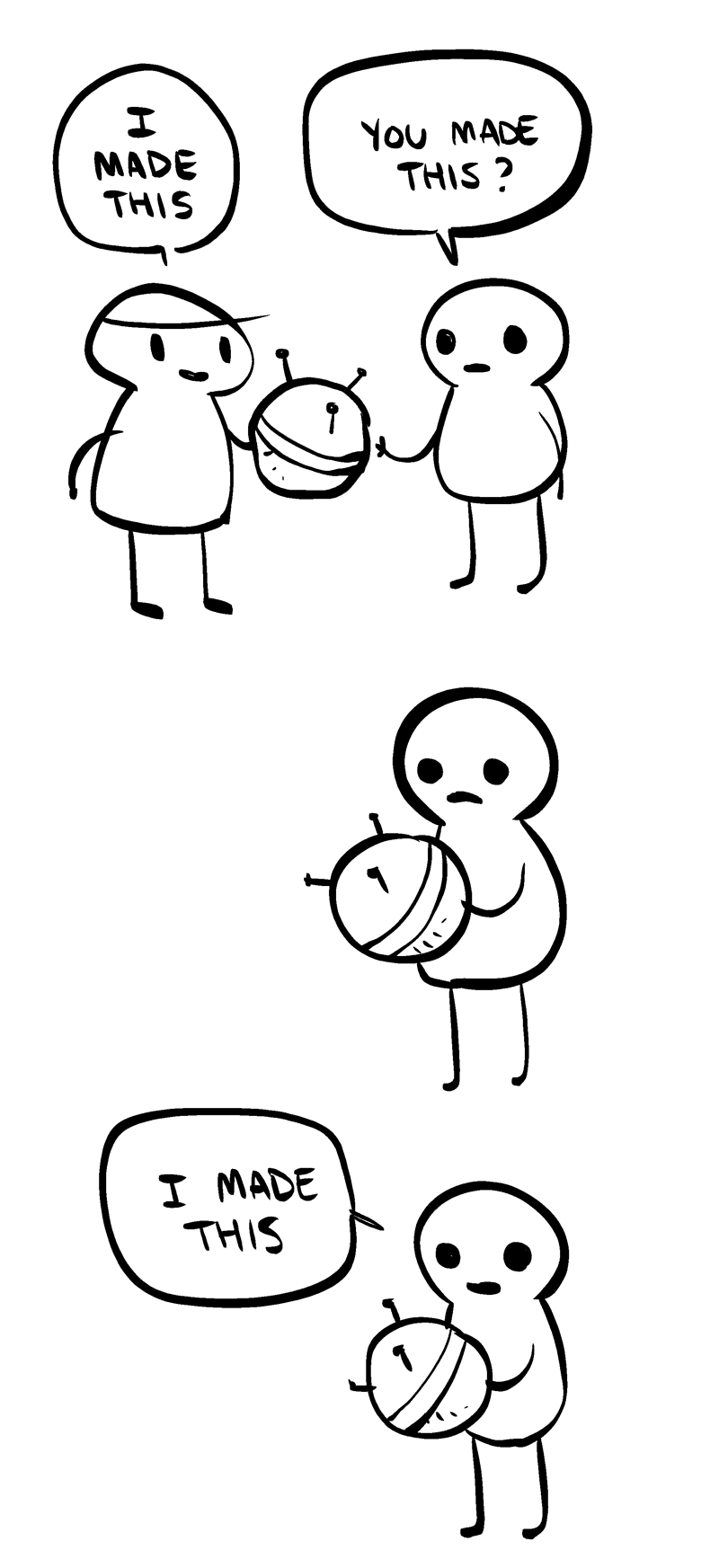
    People who steal/redistribuite art and claim it as their own are the worst.

  19. r0xass posted a status update

    //waves Hello

  20. r0xass posted a status update

    Tired. Goodnight everyone.

Configure browser push notifications

Chrome (Android)
  1. Tap the lock icon next to the address bar.
  2. Tap Permissions → Notifications.
  3. Adjust your preference.
Chrome (Desktop)
  1. Click the padlock icon in the address bar.
  2. Select Site settings.
  3. Find Notifications and adjust your preference.
Scroll to the top