Jump to content
View in the app

A better way to browse. Learn more.

KH13 · for Kingdom Hearts

A full-screen app on your home screen with push notifications, badges and more.

To install this app on iOS and iPadOS
  1. Tap the Share icon in Safari
  2. Scroll the menu and tap Add to Home Screen.
  3. Tap Add in the top-right corner.
To install this app on Android
  1. Tap the 3-dot menu (⋮) in the top-right corner of the browser.
  2. Tap Add to Home screen or Install app.
  3. Confirm by tapping Install.

tinyshoopuf

Member
  • Joined

  • Last visited

Everything posted by tinyshoopuf

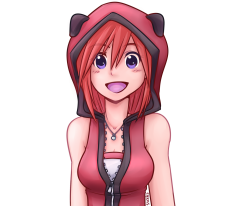
  1. tinyshoopuf posted a gallery image in Drawings
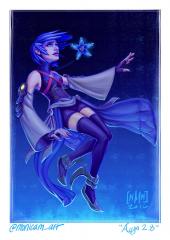
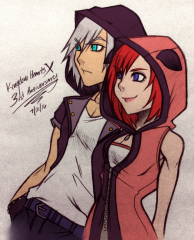
  2. tinyshoopuf posted a gallery image in Drawings
  3. This was in the strike order announcment, so if 2.8 started dev before February 17, 2015 then it should continue production as planned. I believe KH3 started dev in June 2013 so it, too, should be exempt from the strike.
  4. tinyshoopuf posted a gallery image in Drawings
  5. tinyshoopuf posted a gallery image in Drawings
  6. tinyshoopuf posted a gallery image in Drawings
  7. tinyshoopuf posted a gallery image in Drawings
  8. tinyshoopuf commented on Joy Liberatore's gallery image Drawings
  9. tinyshoopuf posted a gallery image in Drawings
  10. tinyshoopuf posted a gallery image in Drawings
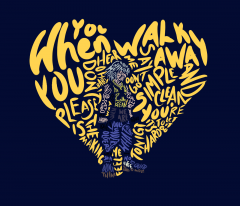
  11. Ven

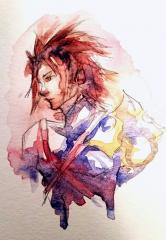
    tinyshoopuf posted a gallery image in Drawings
  12. tinyshoopuf commented on Veemon's gallery image Drawings
  13. Pardon me, I was directed here to see if there's a need for any more coders on the wiki?
  14. Is there a way to find out what you can draw from the different deals?
  15. tinyshoopuf posted a gallery image in Drawings
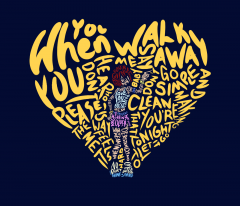
  16. Run

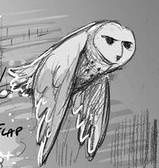
    tinyshoopuf posted a gallery image in Drawings
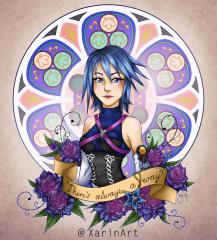
  17. tinyshoopuf commented on xarin's gallery image Drawings
  18. tinyshoopuf commented on ssceles's gallery image Drawings

Configure browser push notifications

Chrome (Android)
  1. Tap the lock icon next to the address bar.
  2. Tap Permissions → Notifications.
  3. Adjust your preference.
Chrome (Desktop)
  1. Click the padlock icon in the address bar.
  2. Select Site settings.
  3. Find Notifications and adjust your preference.
Scroll to the top