Jump to content
View in the app

A better way to browse. Learn more.

KH13 · for Kingdom Hearts

A full-screen app on your home screen with push notifications, badges and more.

To install this app on iOS and iPadOS
  1. Tap the Share icon in Safari
  2. Scroll the menu and tap Add to Home Screen.
  3. Tap Add in the top-right corner.
To install this app on Android
  1. Tap the 3-dot menu (⋮) in the top-right corner of the browser.
  2. Tap Add to Home screen or Install app.
  3. Confirm by tapping Install.

Sophia Singh

Verified Member
  • Joined

  • Last visited

  1.    Mykaila Shakespeare reacted to a post in a topic: Kingdom Hearts 2.8 entry
  2.    SoraUltimateKeybladeMaster reacted to a post in a topic: Kingdom Hearts 2.8 entry
  3.    Cricket reacted to a post in a topic: Kingdom Hearts 2.8 entry
  4.    The 13th Kenpachi reacted to a post in a topic: Kingdom Hearts 2.8 entry
  5. Of course not! That's so flattering of you to say, thanks! Wow, thanks for the sweet compliments!
  6.    SoraUltimateKeybladeMaster reacted to a post in a topic: Kingdom Hearts 2.8 entry
  7.    catmaster0116 reacted to a post in a topic: Kingdom Hearts 2.8 entry
  8.    The Transcendent Key reacted to a post in a topic: Kingdom Hearts 2.8 entry
  9.    The 13th Kenpachi reacted to a post in a topic: Kingdom Hearts 2.8 entry
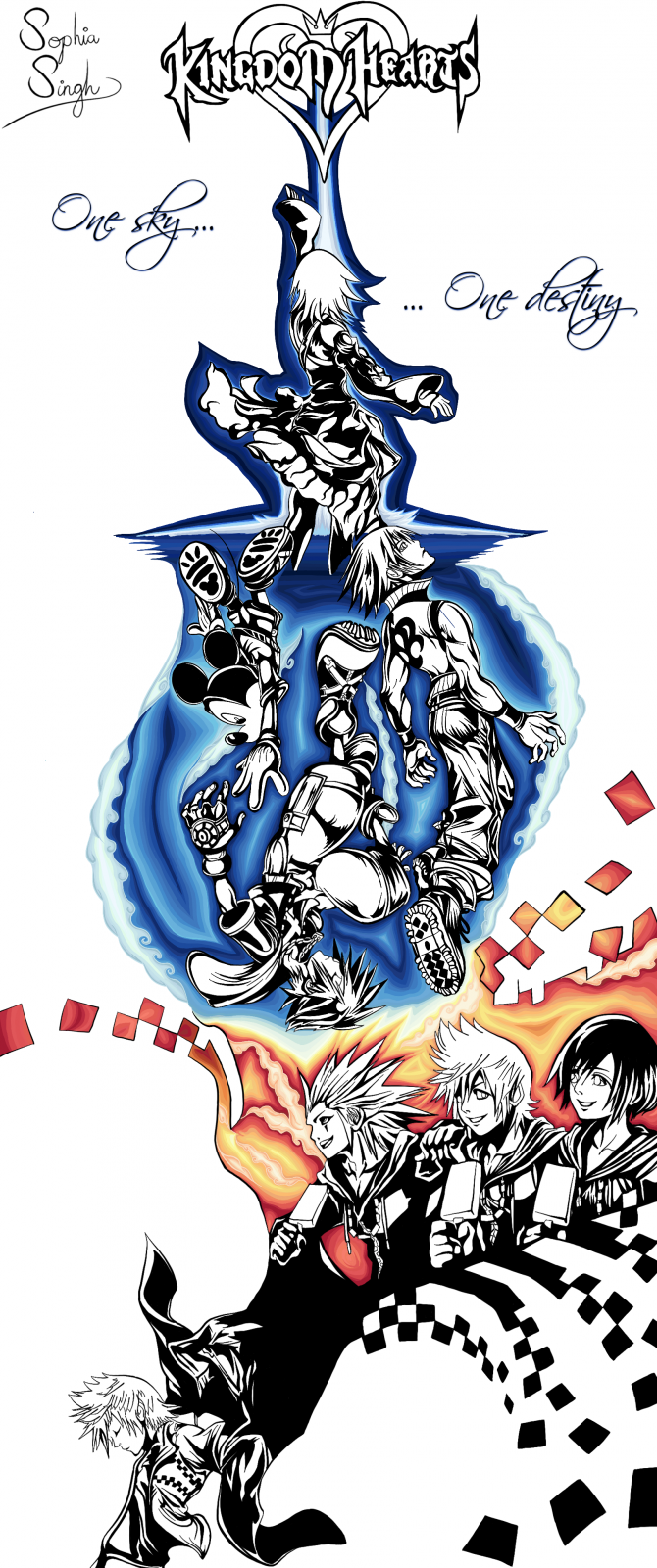
  10. Yeah I drew (and coloured) the whole thing! The idea was to try and incorporate the different images in a way that flowed
  11.    Moochieh32 reacted to a post in a topic: Kingdom Hearts 2.8 entry
  12. Entry to the competition! First piece of KH fanart I made

Configure browser push notifications

Chrome (Android)
  1. Tap the lock icon next to the address bar.
  2. Tap Permissions → Notifications.
  3. Adjust your preference.
Chrome (Desktop)
  1. Click the padlock icon in the address bar.
  2. Select Site settings.
  3. Find Notifications and adjust your preference.
Scroll to the top