Jump to content
View in the app

A better way to browse. Learn more.

KH13 · for Kingdom Hearts

A full-screen app on your home screen with push notifications, badges and more.

To install this app on iOS and iPadOS
  1. Tap the Share icon in Safari
  2. Scroll the menu and tap Add to Home Screen.
  3. Tap Add in the top-right corner.
To install this app on Android
  1. Tap the 3-dot menu (⋮) in the top-right corner of the browser.
  2. Tap Add to Home screen or Install app.
  3. Confirm by tapping Install.
Posted
Note: This is a special chat topic! This means that posts can be shorter and more casual here. Posts here are linked with and may appear on our Discord server.
  • Replies 21.4k
  • Views 478.6k
  • Created
  • Last Reply

Top Posters In This Topic

Most Popular Posts

Posted Images

Featured Replies

eh, that sort of error happens on most things, so i give it a pass

i mean, in an ideal world people would have accounted for that sort of thing happening, but i digress

Yeah

Some have put it on the tear of the 2th anniversary raid boss

It's also a different font in the notice

Looks like they forgot to adjust it xD

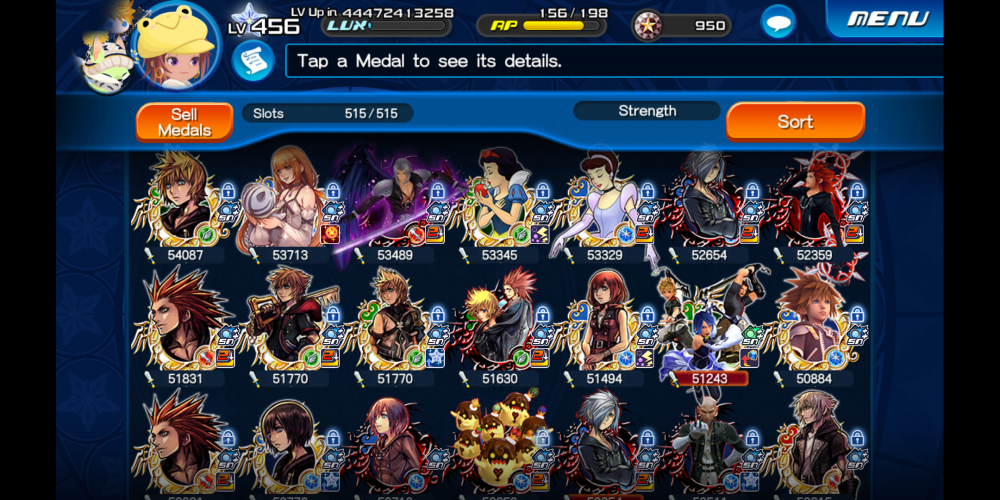
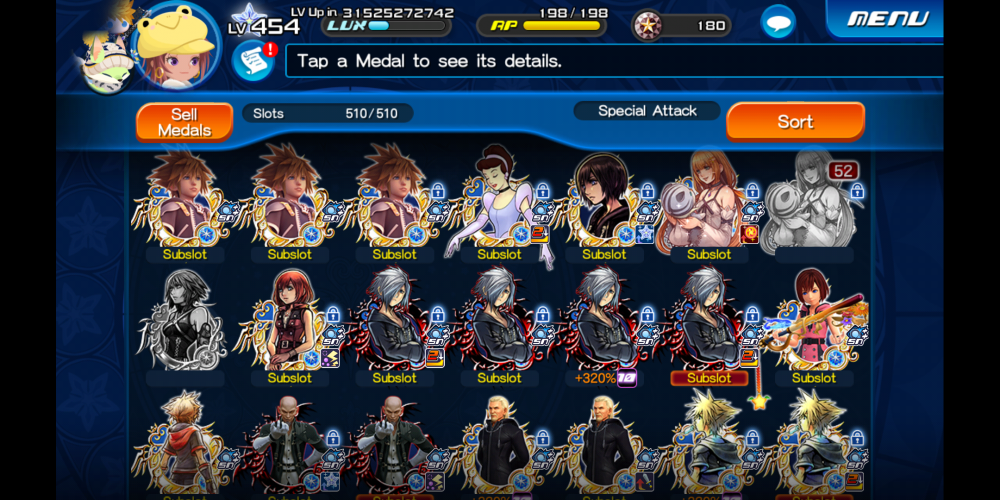
Hows the heartless grim reaper medal?

I have crap magic ones

I'd say just hold off on the fortellers for now, since theres a while till they are gone

ok the last one is pretty big brain i don't get it

and i'm glad i checked instead of thinking baout it cause it's bullshit

I actually got close on my own but I wasnt even doing the right thing apparently

oh got black boy with the 10 tickets i got from i don't know where nice

The second mission on that confuses the hell out of me

that 2nd mission is why im still stuck lol

no 3rd(?)

good luck with 6 onward then xionsmug

Join the conversation

You can post now and register later. If you have an account, sign in now to post with your account.

Guest
Reply to this topic...

Configure browser push notifications

Chrome (Android)
  1. Tap the lock icon next to the address bar.
  2. Tap Permissions → Notifications.
  3. Adjust your preference.
Chrome (Desktop)
  1. Click the padlock icon in the address bar.
  2. Select Site settings.
  3. Find Notifications and adjust your preference.
Scroll to the top