Jump to content
View in the app

A better way to browse. Learn more.

KH13 · for Kingdom Hearts

A full-screen app on your home screen with push notifications, badges and more.

To install this app on iOS and iPadOS
  1. Tap the Share icon in Safari
  2. Scroll the menu and tap Add to Home Screen.
  3. Tap Add in the top-right corner.
To install this app on Android
  1. Tap the 3-dot menu (⋮) in the top-right corner of the browser.
  2. Tap Add to Home screen or Install app.
  3. Confirm by tapping Install.
Posted

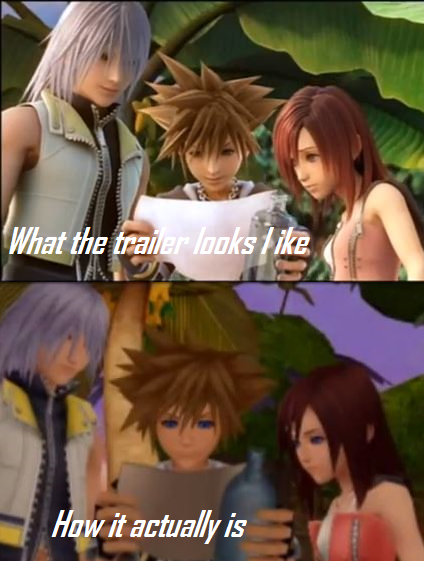
post-43153-0-78878800-1375271074_thumb.png

Featured Replies

It'll have better. PS4 FTW!

watch the kh3 trailer, they proved it already ^^ 

it will have! Its on a freaking PS4 :O

Dat Kingdom Shader in Kingdom hearts 3

Edited by Neos

The graphics are close... not exact though.

I think it'll be better than what the trailer showed it to look like. The trailer was just to show what they where aiming for.


Its gonna be awesome!!!

Configure browser push notifications

Chrome (Android)
  1. Tap the lock icon next to the address bar.
  2. Tap Permissions → Notifications.
  3. Adjust your preference.
Chrome (Desktop)
  1. Click the padlock icon in the address bar.
  2. Select Site settings.
  3. Find Notifications and adjust your preference.
Scroll to the top