





4EverInactive
Member
-
Joined
-
Last visited
Everything posted by 4EverInactive
-
I would love to see that too! :-) Hey! You have Fanfiction.net as well?! So do I! :-)
-
He can change back. Every sentient being has the power to change. Darkness or not.
-
-
I never eat breakfast.
-
-
I used to eat it but now I don't. I rather eat cake. :-)
-
Thought so!
-
I am glad you like it. But since when is Sora lactose intolerant?
-
My fanfiction story. Hope you guys enjoy it. :-) Warning: contains little violence, very little blood. Story: https://www.fanfiction.net/s/12382827/1/Kingdom-Hearts-Destiny-Revealed
-
 Another keyblade that I drew and that I am using in my story.
 -
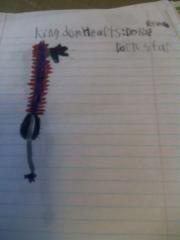 Another keyblade that I drew and that I am using in my story.
 -
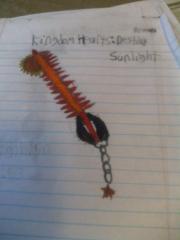 Another keyblade that I drew and that I am using in my story.
 -
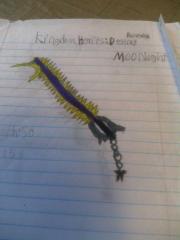 Moonlight is a keyblade that I drew and that I am using in a story I am writing. If you want more details about the story please use chat.
 -
Since when is there a rule saying "one Keyblade per heart"?
-
Can fanfictions be featured? I am currently writing a Kingdom Hearts story on a website called Fanfiction.net. https://www.fanfiction.net/s/12382827/1/Kingdom-Hearts-Destiny-Revealed
-
They should put frozen in the game as one of the world's.
-
I want it.
-
Kingdom hearts recoded because that's the first game I ever had when I first heard about kingdom hearts.
-
-
I'm so sorry


