Jump to content
View in the app

A better way to browse. Learn more.

KH13 · for Kingdom Hearts

A full-screen app on your home screen with push notifications, badges and more.

To install this app on iOS and iPadOS
  1. Tap the Share icon in Safari
  2. Scroll the menu and tap Add to Home Screen.
  3. Tap Add in the top-right corner.
To install this app on Android
  1. Tap the 3-dot menu (⋮) in the top-right corner of the browser.
  2. Tap Add to Home screen or Install app.
  3. Confirm by tapping Install.

Serife Isik

Member
  • Joined

  • Last visited

Everything posted by Serife Isik

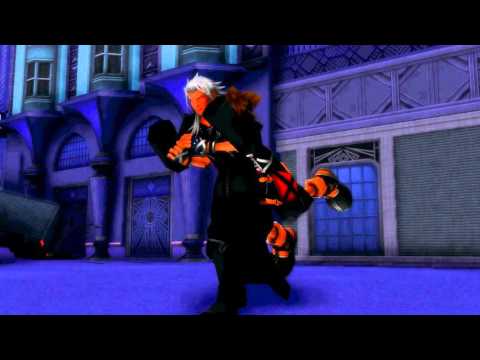
  1. http://kh13.com/forum/videos/view-748-sora-vs-xemnas-mmd/ i have made sora vs xemnas in mmd video
  2. some time i dance with my mothers friends wedding
  3. yes i think i found it on my game I did not discover it before
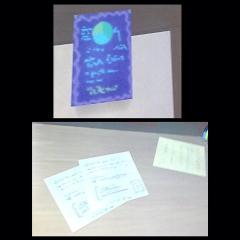
  4. i found that in game i have take picture of my iphone so i found this is
  5. i wish disney store in denmark sell kingdom hearts stuff and in my city we have no disney store in esbjerg
  6. i am support kingdom hearts is awesome
  7. digimon and bakugan and dragon ball and kingdom hearts is awesome
  8. wow your art is good
  9. i dont want kingdom hearts on vr i dont have a vr is wast of money
  10. all data organization battle is hard
  11. i am fan from denmark i live in denmark

Configure browser push notifications

Chrome (Android)
  1. Tap the lock icon next to the address bar.
  2. Tap Permissions → Notifications.
  3. Adjust your preference.
Chrome (Desktop)
  1. Click the padlock icon in the address bar.
  2. Select Site settings.
  3. Find Notifications and adjust your preference.
Scroll to the top