Jump to content
View in the app

A better way to browse. Learn more.

KH13 · for Kingdom Hearts

A full-screen app on your home screen with push notifications, badges and more.

To install this app on iOS and iPadOS
  1. Tap the Share icon in Safari
  2. Scroll the menu and tap Add to Home Screen.
  3. Tap Add in the top-right corner.
To install this app on Android
  1. Tap the 3-dot menu (⋮) in the top-right corner of the browser.
  2. Tap Add to Home screen or Install app.
  3. Confirm by tapping Install.
Posted
Note: This is a special chat topic! This means that posts can be shorter and more casual here. Posts here are linked with and may appear on our Discord server.
  • Replies 21.4k
  • Views 477.5k
  • Created
  • Last Reply

Top Posters In This Topic

Most Popular Posts

Posted Images

Featured Replies

i think you should give your list instead. there's way too many medals that fall under "not upright, not power"

I mean that it's upright that it reflects.

i just use sephiroth everywhere

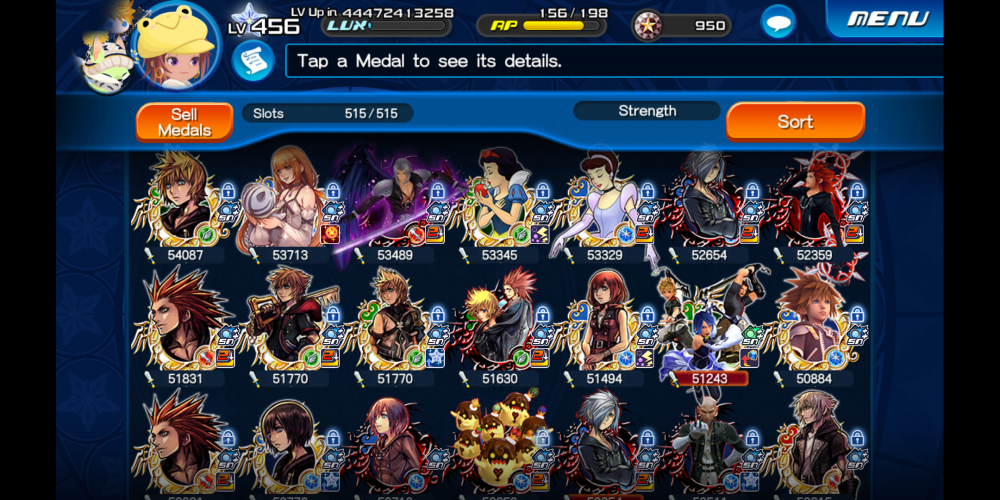
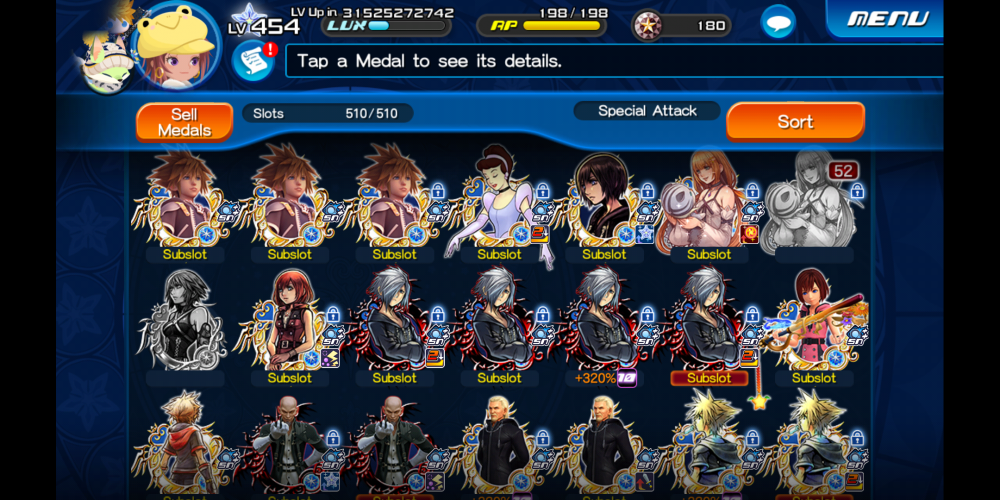
After upgrading BGB
image0.png

grats

also, nice seeing you in multiplayer again ?

????????
unknown.png

so it's confirmed ven got baited by darkness to kill steriliza?

ven's a naughty naughty boi

Is that what the translation says?

it just says "new scenario"

but yeah looks like ven is related to strelitzia death in some way

just going by the image

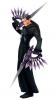
they are re-releasing org xiii haircuts and coat too

apparently ux's anniversary is near so we might be getting something related to dark road soon

until proven otherwise, ventus is still a red herring, PERIODT!!!!!!!!!!!!!!!!

obv it was xemnas that killed strelitzia

Nonono, it was Goofy

Horace horsecollar

Join the conversation

You can post now and register later. If you have an account, sign in now to post with your account.

Guest
Reply to this topic...

Configure browser push notifications

Chrome (Android)
  1. Tap the lock icon next to the address bar.
  2. Tap Permissions → Notifications.
  3. Adjust your preference.
Chrome (Desktop)
  1. Click the padlock icon in the address bar.
  2. Select Site settings.
  3. Find Notifications and adjust your preference.
Scroll to the top