Jump to content
View in the app

A better way to browse. Learn more.

KH13 · for Kingdom Hearts

A full-screen app on your home screen with push notifications, badges and more.

To install this app on iOS and iPadOS
  1. Tap the Share icon in Safari
  2. Scroll the menu and tap Add to Home Screen.
  3. Tap Add in the top-right corner.
To install this app on Android
  1. Tap the 3-dot menu (⋮) in the top-right corner of the browser.
  2. Tap Add to Home screen or Install app.
  3. Confirm by tapping Install.

Rob

Verified Member
  • Joined

  • Last visited

  1. Rob posted a status update

    1.5 IS OUT! Have you good day everyone.

    Anonn0000 replied

    I wonder if we're getting a ps3 this year?

  2. Hazimie left a comment on Rob's profile

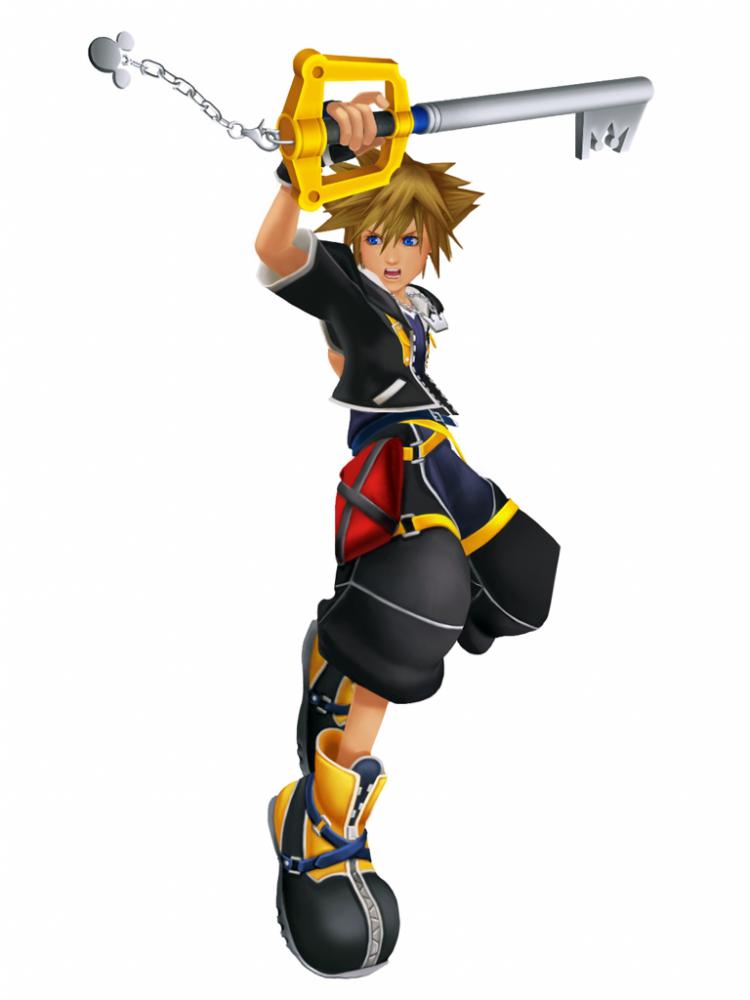
    Somehow,i kinda missed of your Sora pic,lol... xD

    Rob replied

    lol You arent the only one.

    Hazimie replied

    lol You're right... xD

  3. SoraKH left a comment on Rob's profile

    NOOOOOOOOOO!! WHY DID YOU CHANGE YOUR PROFILE PIC? Lol dude i mean whenever i saw that picture the first thing that came to my mind was Rob

    Rob replied

    FF XV happened. lol

  4. Rob posted a status update

    KH13: We know drama.

    Dracozombie replied

    It's what some people come here for.

    Daniel Black replied

    It looks like ...

  5. Rob posted a status update

    Members of KH13, I need your help. Should I keep this pic you currently see as my profile pic or should I change it to the one with the whit background: http://dc147.4shared.com/img/Ktfoj-9G/s7/Noctis-render.png

    Bearanort replied

    Change it with the white background.

    Demyx. replied

    White seems like it would pop out more.

    Rob replied

    I will change it to white then. Thanks.

  6. Rob posted a status update

    I like it when DC redecorates.

  7. DarknessOrLight left a comment on Rob's profile

    Congrats on your 10,278 post!

    Rob replied

    Thanks.

  8. Weiss left a comment on Rob's profile

    Hedgerob...

  9. Rob posted a status update

    If someone had this pic before me, let me know. Please and Thank you.

    Rob replied

    I know right.

    Hei replied

    You should put a top hat on him, to make him look classy or some jazz

  10. Hazimie left a comment on Rob's profile

    Congrats on your 10K post,you're the Legend! xD

    Rob replied

    Thanks Haz. lol

  11. Weiss left a comment on Rob's profile

    Congratzzles on the big 10k!

    Rob replied

    Thank you guys!

  12. Rob posted a status update

    Its nice to hear Nomura repeating what I know already know. Goes to show how much I know.

    HarLea Quinn replied

    You are a genius Rob :P

  13. Rob posted a status update

    NOMURA SITTING THERE LIKE A BOSS!

    Roy replied

    where?


  14. Rob posted a status update

    I keep getting this "502 error" because Sony killed the internet.

  15. Rob posted a status update

    BEST E3 EVER! Sony won 3 times in 1 night.

  16. Rob posted a status update

    My old body is ready.

  17. Rob posted a status update

    Square: Herro! Be excited for new Final Fantasy at TGS. *walks off*

  18. Rob posted a status update

    25 mins till greatness

    Tails replied

    Can't wait for this.

    Shana09 replied

    im going to laugh so much if it turns out terrible

  19. Rob posted a status update

    A wild Nomura appeared!

  20. Rob posted a status update

    PS one

    Weiss replied

    PS negative one

Configure browser push notifications

Chrome (Android)
  1. Tap the lock icon next to the address bar.
  2. Tap Permissions → Notifications.
  3. Adjust your preference.
Chrome (Desktop)
  1. Click the padlock icon in the address bar.
  2. Select Site settings.
  3. Find Notifications and adjust your preference.
Scroll to the top