WakelessDream
Moderator
-
Joined
-
Last visited
-

-
Not a false announcement - if you look on the official Square Enix page for Tokyo Game Show you can see KHIV and the KH Collection listed in the lineup - https://www.jp.square-enix.com/tgs26/en/ How these games actually appeared were just replays of the D23 Trailer and the KH Collection Trailer displayed on the big screen in the exhibition hall - https://x.com/chillin_bisque/status/2100467890222928251?s=20
-
-
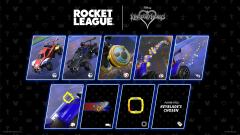
 Treasure_Chest_reward_icon.webp
-
 Star_Trails_trail_icon.webp
-
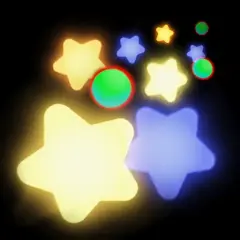 Star_Trails_rocket_boost_icon.webp
-
 Sora_decal_icon.webp
-
 Seal_the_Goal_goal_explosion_icon.webp
-
 Magic_decal_icon.webp
-
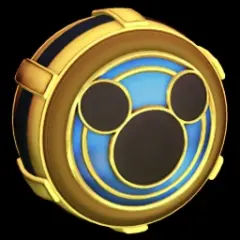 Lucky_Emblem_wheel_icon.webp
-
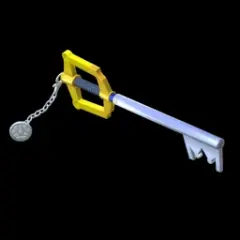 Keyblade_topper_icon.webp
-
 Keyblade_player_banner_icon.webp
-
 Keyblade_avatar_border_icon.webp
-
 Heartless_wheel_icon.webp
-
 Heartless_decal_icon.webp
-
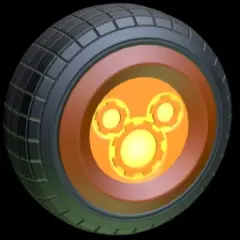 Gummi_Ship_wheel_icon.webp
-
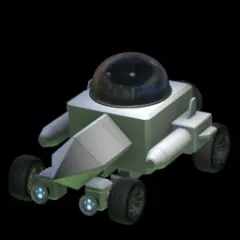 Gummi_Ship_body_icon.webp
-
 Full_Hearted_decal_icon.webp
-
 Classic_decal_icon.webp
-
-
-
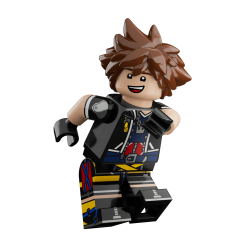 HSYDMSLXwAAM4jg.png
-
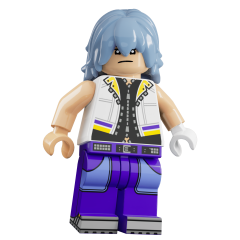 HSYDMmMXwAAvCqW.png
-
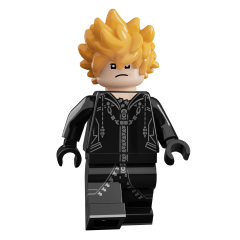 HSYDLqzWsAApUXE.png
-
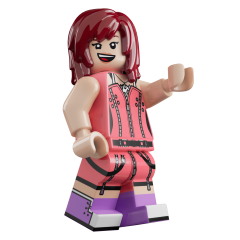 HSYDHpEWcAADDbA.png
-
 HSYCzzJWYAAb5kA.png
-
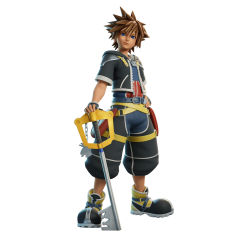 HSYCtFdWcAASHkk.png
-
 HSYCsVjXkAEsOqh.png
-
 HSYCss8WIAAalkh.png
-
 HSYCsCCWkAANL8h.png
-
 HSYC32hWwAABVUC.png
-
 HSYC5ZtXQAALs8D.png
-
 HSYC0F-XoAApnyM.png
-
 cap-256x256-lg.png
-
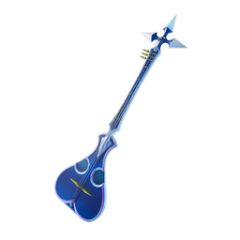 cap-256x256-lg-16.png
-
 cap-256x256-lg-15.png
-
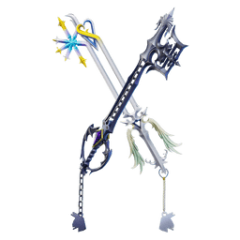 cap-256x256-lg-14.png
-
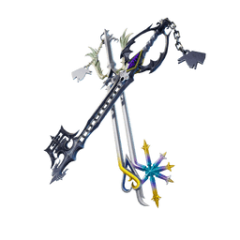 cap-256x256-lg-13.png
-
 cap-256x256-lg-12.png
-
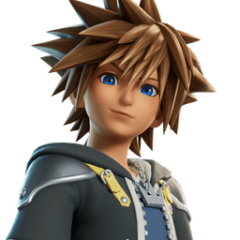 cap-256x256-lg-11.png
-
 cap-256x256-lg-10.png
-
-
-
 fortnite-kingdom-hearts-sora-en.jpg
-
 fortnite-kingdom-hearts-shadow-steppers-kicks-en.jpg
-
 fortnite-kingdom-hearts-sea-salt-ice-cream-en.jpg
-
 fortnite-kingdom-hearts-roxas-en.jpg
-
 fortnite-kingdom-hearts-riku-en.jpg
-
 fortnite-kingdom-hearts-overrides-en.jpg
-
 fortnite-kingdom-hearts-kingdom-key-en.jpg
-
 fortnite-kingdom-hearts-kairi-en.jpg
-
 EN_FNBR_42-00_C7S4_PowerHours_9-19_Generic_SocialShare_1920x1080.jpg
-
 FNECO_42-10_Tailgate_VisID_WebCarousel_Background_1920x1080.webp
-
 HSZ-3wSWIAA25ei.jpg
-
 HSZ--8jWYAAPPdn.jpg
-
 HSZ_EAUXQAANXRO.jpg
-
 HSZ_Bb6WoAAznYu.jpg
-
 HSQ0Ub5bsAEXyj4.jpg
-
 HSQ0UJqb0AAeVM1
-
 HSLc9LBbkAAtEsn.jpg
-
-
-
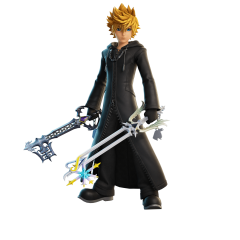
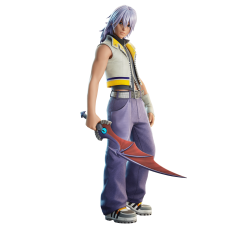
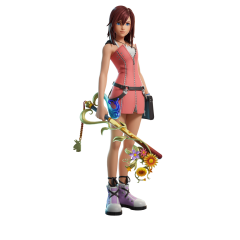
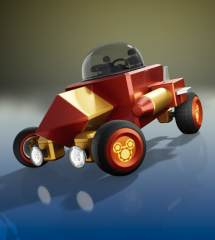
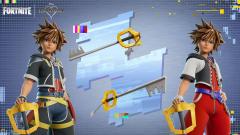
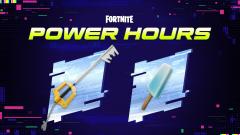
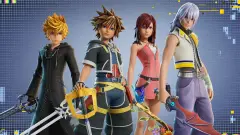
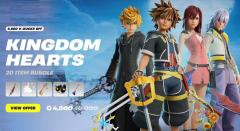
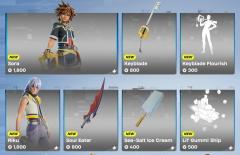
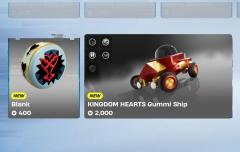
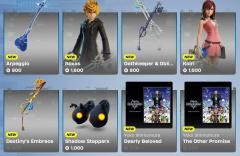
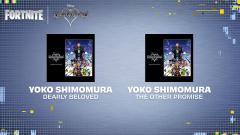
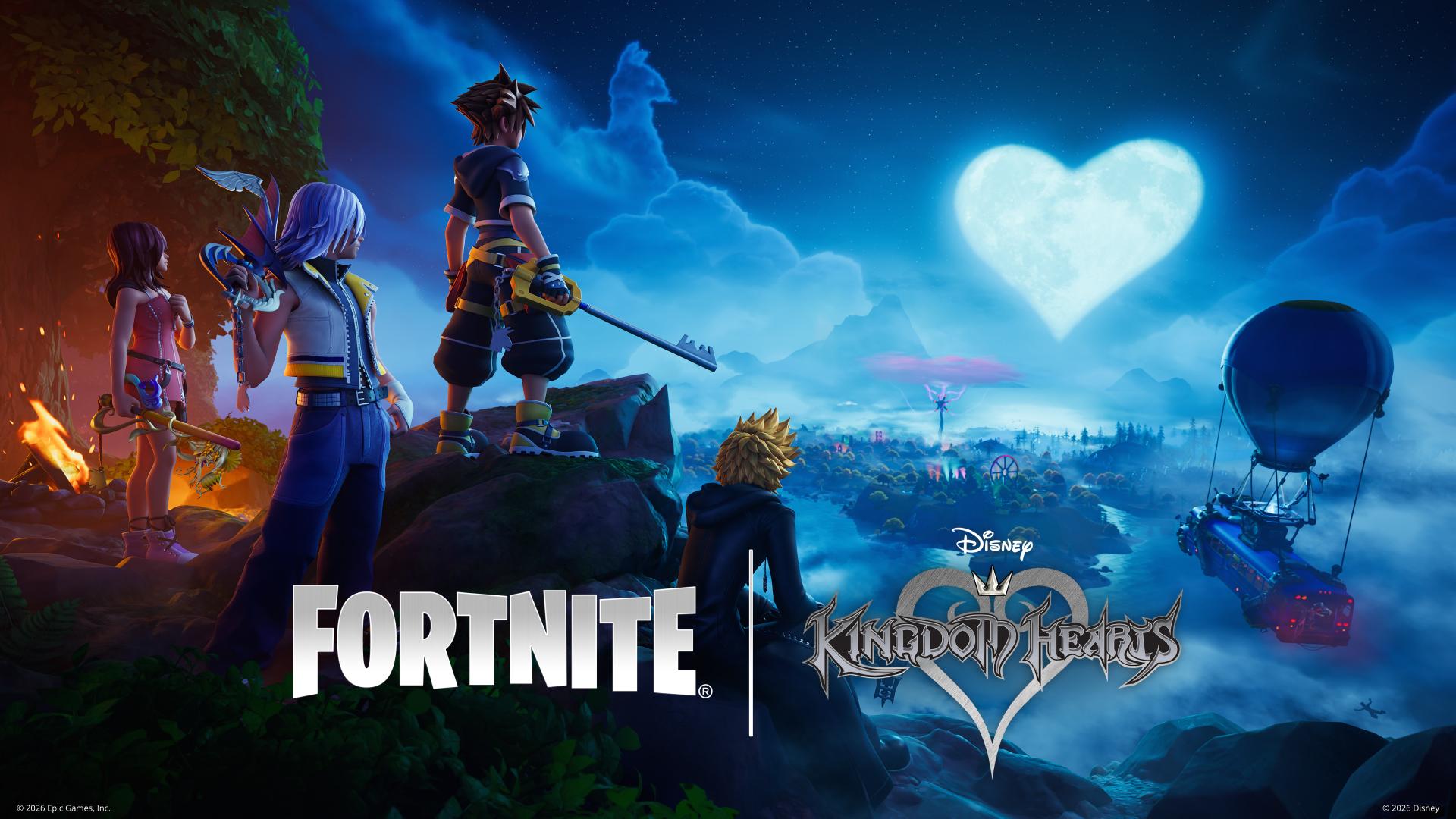
The official Fortnite social media accounts have shared a new trailer for the upcoming Kingdom Hearts collaboration. Fortnite had previously confirmed that Sora would be arriving to the game later this week and the trailer confirms that Riku, Kairi, and Roxas will be arriving alongside him as part of the collaboration as well. The collaboration is set to begin September 17th. You can view the full trailer below: In addition to the character skins, the official Fortnite Festival account has confirmed that the tracks Dearly Beloved and The Other Promise will be available as well, and the Gummi Ship car skin will also be available, as evidenced by the weekly update post by Epic Games, which you can watch below: You can view images in our gallery below: Will you be trying out the Kingdom Hearts collaboration in Fortnite? Let us know in the comments below! View full news article
-
 The official Fortnite social media accounts have shared a new trailer for the upcoming Kingdom Hearts collaboration. Fortnite had previously confirmed that Sora would be arriving to the game later this week and the trailer confirms that Riku, Kairi, and Roxas will be arriving alongside him as part of the collaboration as well. The collaboration is set to begin September 17th. You can view the full trailer below: In addition to the character skins, the official Fortnite Festival account has confirmed that the tracks Dearly Beloved and The Other Promise will be available as well, and the Gummi Ship car skin will also be available, as evidenced by the weekly update post by Epic Games, which you can watch below: You can view images in our gallery below: Will you be trying out the Kingdom Hearts collaboration in Fortnite? Let us know in the comments below!
 -
Wowww making me feel old 😆
-
 Square Enix has recently announced its lineup for Tokyo Game Show 2026. Among other titles, Kingdom Hearts IV and Kingdom Hearts Collection [I~III] are confirmed to appear. The official website itself does not currently detail how these two titles will be featured, but confirms they will be present in some capacity. Tokyo Game Show 2026 is set to take place from September 17-September 21 at Makuhari Messe in Tokyo, Japan. What would you like to see of Kingdom Hearts IV and Kingdom Hearts Collection [I~III] at the event? Let us know in the comments below!
 -
Square Enix has recently announced its lineup for Tokyo Game Show 2026. Among other titles, Kingdom Hearts IV and Kingdom Hearts Collection [I~III] are confirmed to appear. The official website itself does not currently detail how these two titles will be featured, but confirms they will be present in some capacity. Tokyo Game Show 2026 is set to take place from September 17-September 21 at Makuhari Messe in Tokyo, Japan. What would you like to see of Kingdom Hearts IV and Kingdom Hearts Collection [I~III] at the event? Let us know in the comments below! View full news article
-

-

-
-
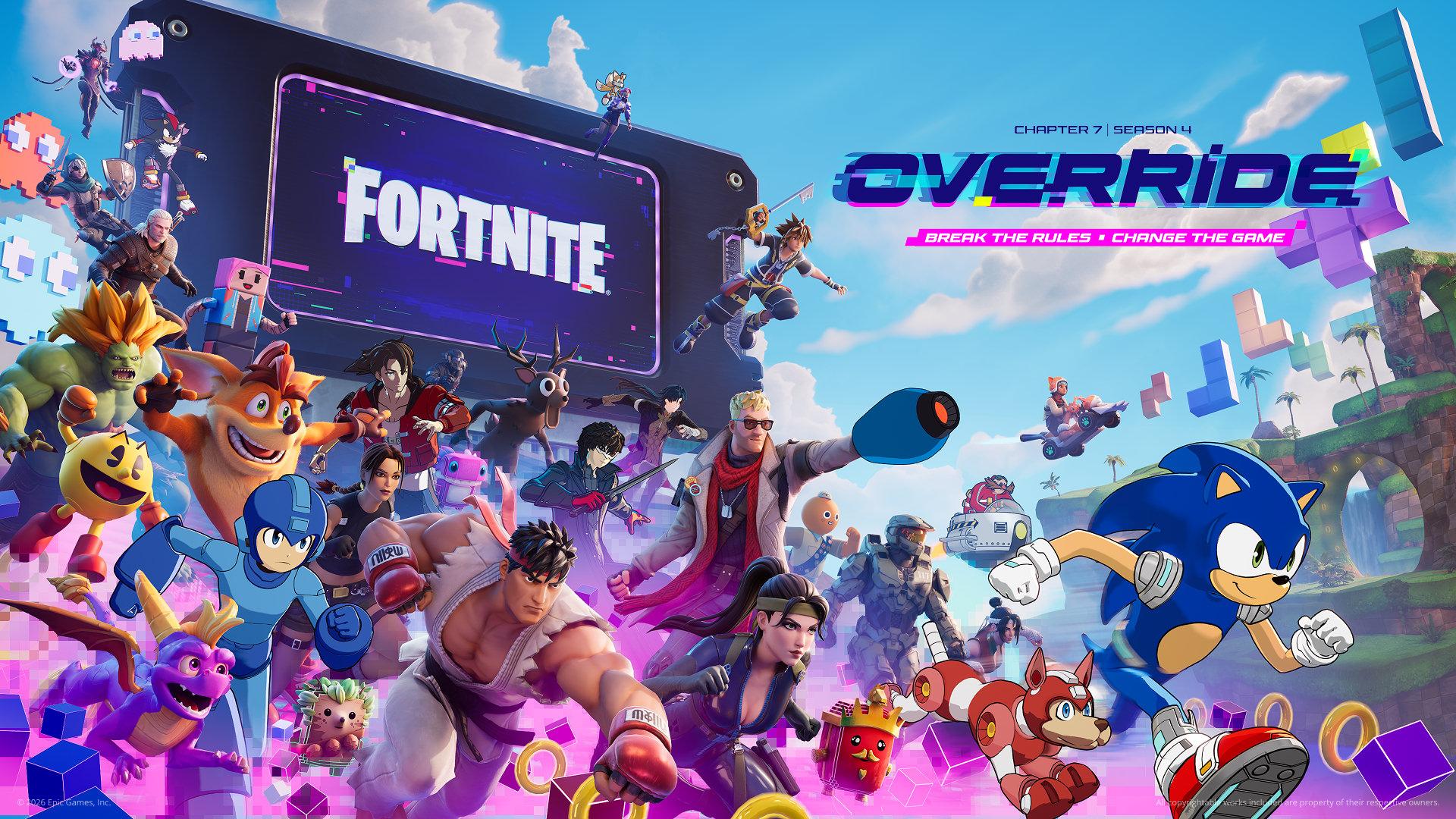 A Kingdom Hearts collaboration is coming to Fortnite's recently announced Chapter 7 Season 4, Override. The announcement came with promotional artwork depicting a variety of iconic video game characters, including Sora who is seen in his outfit from Kingdom Hearts II. You can view the promotional artwork as well as the trailer for the upcoming update below: What do you think of Kingdom Hearts being featured in Fortnite? Let us know in the comments below!