Aquawater
Verified Member
-
Joined
-
Last visited
-
-
Aquawater changed their profile photo
-
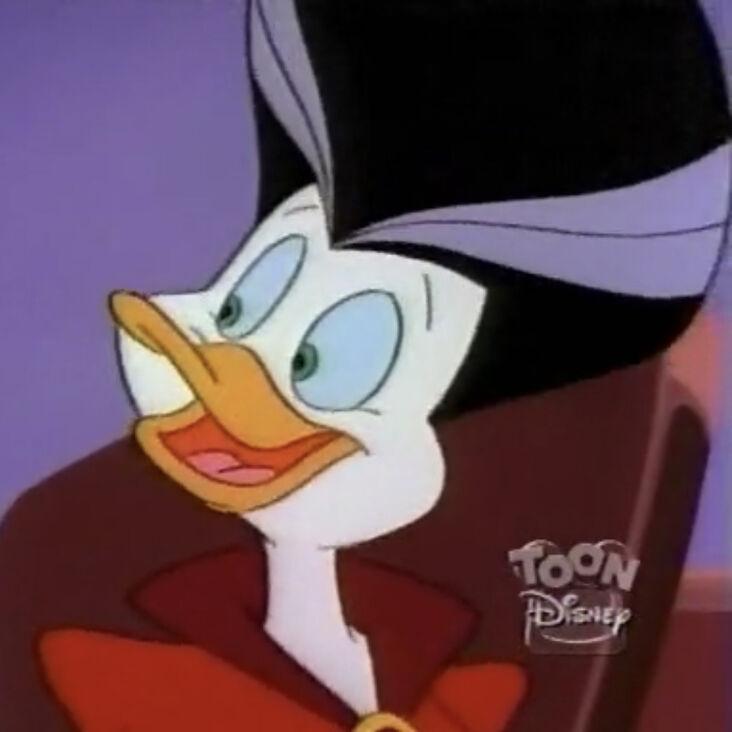
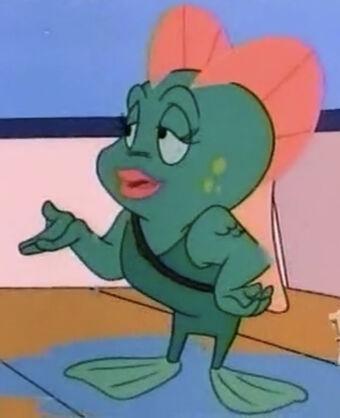
I have pictures of Gosalyn Mallard, Morgana Macawber and Neptunia from Darkwing Duck show. Darkwing Duck is part of Disney Afternoon, trust me.

-
Wow
-
 Aquawater reacted to a post in a topic:
Did you know...the mirrors in Yen Sid's tower link to the Drive Forms in Kingdom Hearts II?
Aquawater reacted to a post in a topic:
Did you know...the mirrors in Yen Sid's tower link to the Drive Forms in Kingdom Hearts II?
-
I know this world has trees, a river, and the ruins, but it has water falls
-
Come on The Jungle Book never been In Kingdom Hearts That’s uncalled for
-
I see
-
-
Aquawater reacted to a post in a topic:
Kingdom Hearts IV & Kingdom Hearts Missing – Link announced in 20th Anniversary Trailer
-
-
Good point
-
Thanks 🙏
-
-
-
-
I understand
-
-
-
-
Ocean’s rage the Jungle Book deserves to be in Kingdom Hearts
-
The Jungle Book in Kingdom Hearts Petition https://chng.it/s2cpD7tnPM The Jungle Book was going to be in Kingdom Hearts but it did not happen

-
Good point