DChiuch
Administrator
-
Joined
-
Last visited
-
 DChiuch changed their profile photo
 -
-
-
until
D23: The Ultimate Disney Fan Event takes place in Anaheim, California from August 14–16, 2026. The event includes DEEP DIVE into KINGDOM HEARTS, a one-hour panel commemorating 25 years of the series. It is scheduled for Saturday, August 15 from 4:30–5:30 PM Pacific Time at the Anaheim Convention Center and will feature creative staff, character voices, and others involved with the series. Read KH13’s coverage of the Kingdom Hearts panel. Official D23 event information · Official programming announcement -
If you mean the "Chat" threads, check this section: https://www.kh13.com/forums/forum/104-live-chats/
-
 https://www.youtube.com/watch?v=ldMqRmTwy80
 -
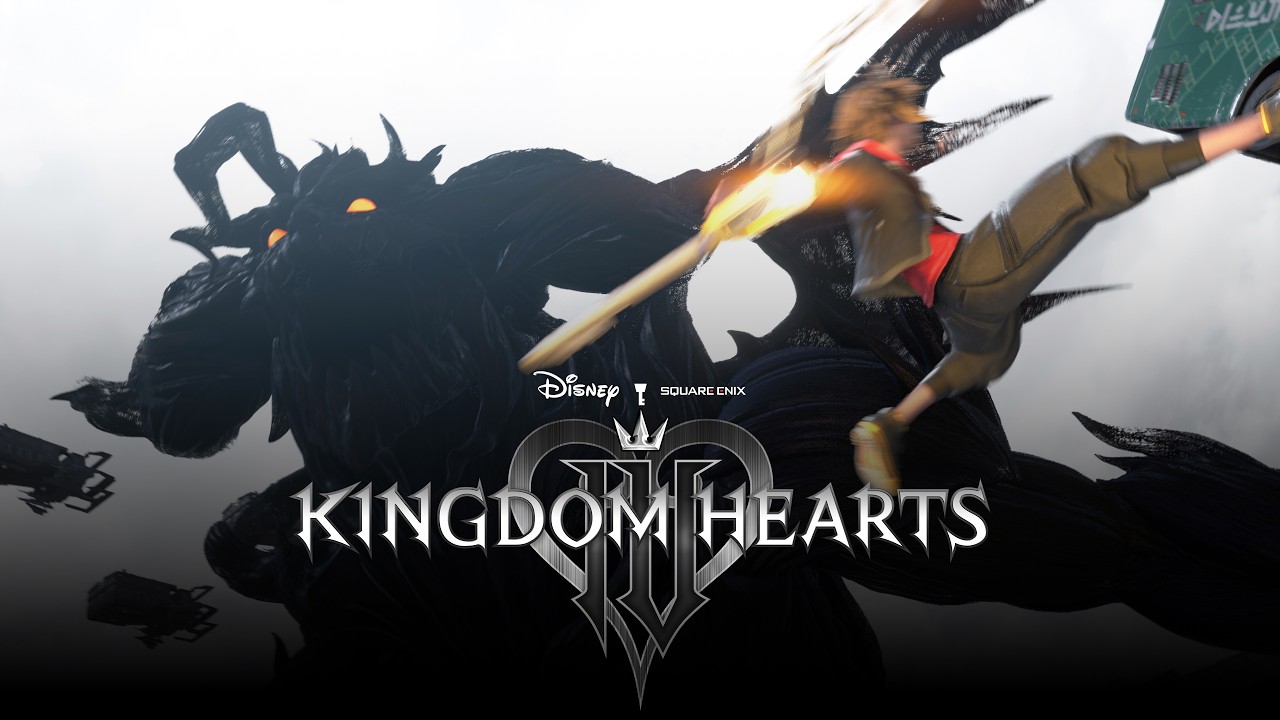 https://www.youtube.com/watch?v=j151ek2rYs0
 -
-
-
-
-
-
-
 https://www.youtube.com/watch?v=82Q2XTJ8jWk
 -
 Merry Christmas & Happy Holidays from everyone at KH13! A couple of months ago we released a major upgrade to the site, and we are now officially announcing it. We're now running the latest version of Invision Community, which comes with a lot of new features, a total revamp of the theme, and a lot of our content sections totally re-done. This update is the first major update since the last in 2018 and marks the 5th major redesign of KH13! Some of the new features are: - A modern layout for desktop & mobile - Light & dark mode options selectable in the footer - Progressive web app compatibility (being able to add KH13 to your home screen as an app on Android/iOS) - Revamped forums and social features We've also done a heap of work on our content pages, for example: - We now have a comprehensive games database, listing each game in the Kingdom Hearts series - Our cutscene archive has been recreated from scratch, with data thanks to the The Wayfinder Project - Our characters, music, and worlds pages are back - Each database links with every other database. This way, you can quickly find information you might need or are curious about. For example, go to the Xigbar page and it will list the games and cutscenes they appear in, and the reports that they've written - These sections are a work in progress. If you'd like to help out with working on our databases, please send me a message - Check out the links on the sidebar for more! We hope you enjoy! Please let us know what you think.
 -
-
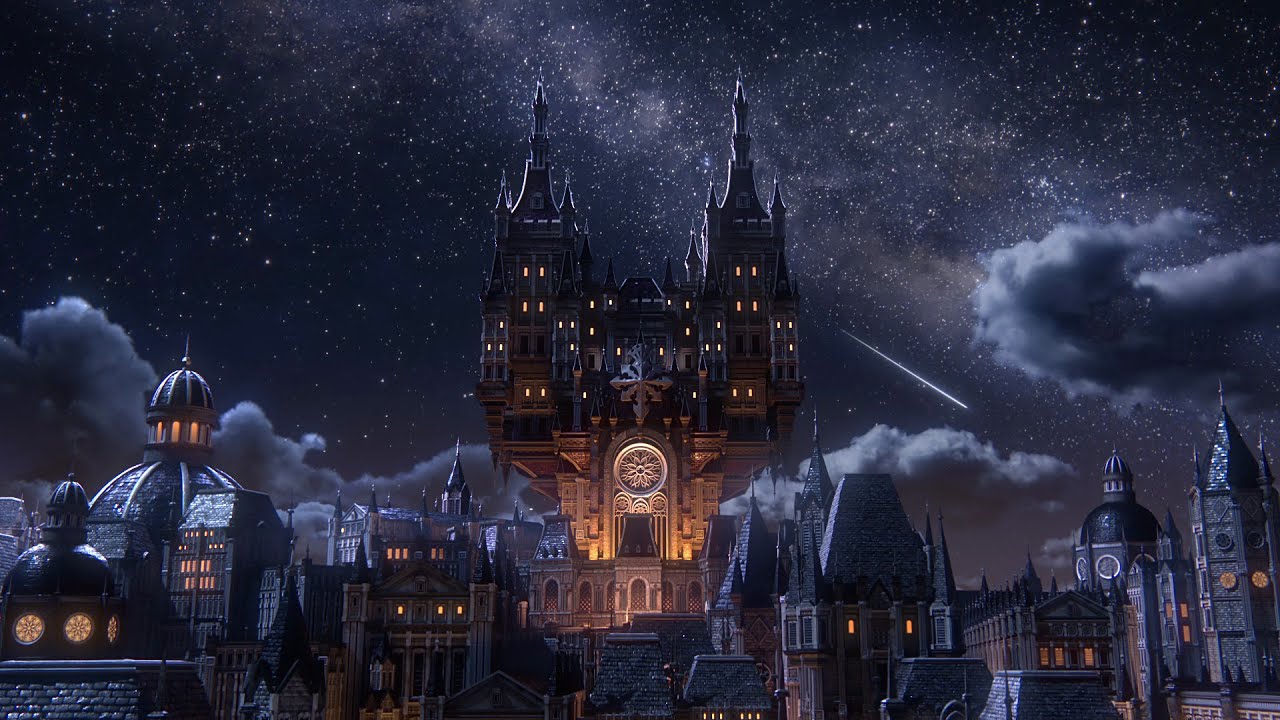 https://www.youtube.com/watch?v=gxOGWd6LoyY
 -
-
-
-
Merry Christmas & Happy Holidays from everyone at KH13! A couple of months ago we released a major upgrade to the site, and we are now officially announcing it. We're now running the latest version of Invision Community, which comes with a lot of new features, a total revamp of the theme, and a lot of our content sections totally re-done. This update is the first major update since the last in 2018 and marks the 5th major redesign of KH13! Some of the new features are: - A modern layout for desktop & mobile - Light & dark mode options selectable in the footer - Progressive web app compatibility (being able to add KH13 to your home screen as an app on Android/iOS) - Revamped forums and social features We've also done a heap of work on our content pages, for example: - We now have a comprehensive games database, listing each game in the Kingdom Hearts series - Our cutscene archive has been recreated from scratch, with data thanks to the The Wayfinder Project - Our characters, music, and worlds pages are back - Each database links with every other database. This way, you can quickly find information you might need or are curious about. For example, go to the Xigbar page and it will list the games and cutscenes they appear in, and the reports that they've written - These sections are a work in progress. If you'd like to help out with working on our databases, please send me a message - Check out the links on the sidebar for more! We hope you enjoy! Please let us know what you think. View full news article
-
I'm going to set Kingdom Hearts free and find my way to Sora. I'm going to get Xion back. The three of us will have ice cream together again—I know it.
-
I have to know who I am... I am DONE WITH THIS!
-
I don't understand the Organization. I don't understand Axel... I understand myself least of all. Why do I keep coming back to the castle? Me and Xion are special, connected by "Sora." If she's a puppet, maybe I am, too. I don't know what I am.