birthbysleep
Verified Member
-
Joined
-
Last visited
Everything posted by birthbysleep
-
 I think this was one of the best trailers they have made
 -
The europe release date is the same date as the kingdom hearts 2.5 release Goodbye money
-
Lets hope for a western release
-
This ship runs on happy faces
-
already bought this year age of empire 2 HD valve collection pack destiny (+ ps4) lego marvel super heroes roller coaster tycoon 2 sly cooper thieves in time sonic generations ni no kuni the legend of zelda the wind waker (+ wii u) mario kart 8 going to buy this year super smash bros 3ds minecraft ps4 kingdom hearts 2.5 pokemon alpha sapphire
-
-
-
-
It was amazing i really enjoyed it
-
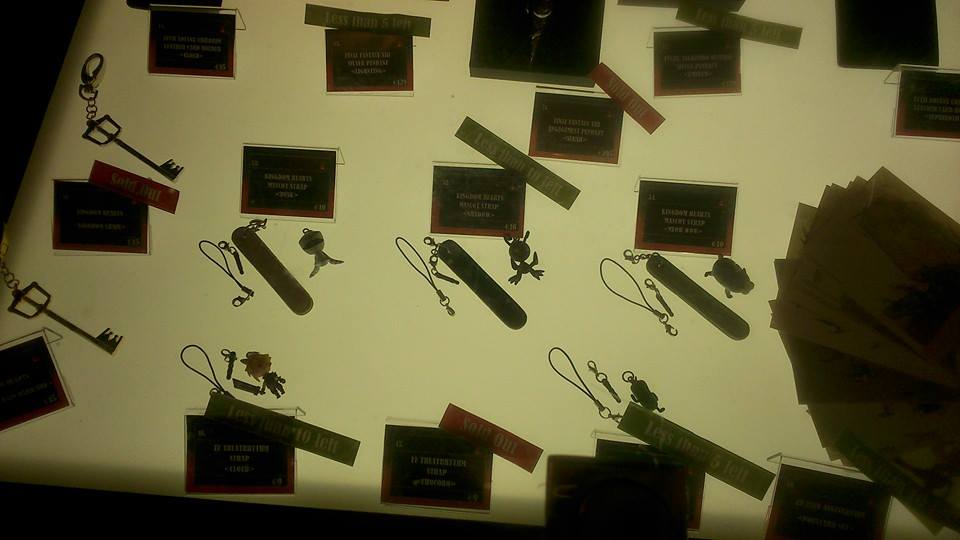
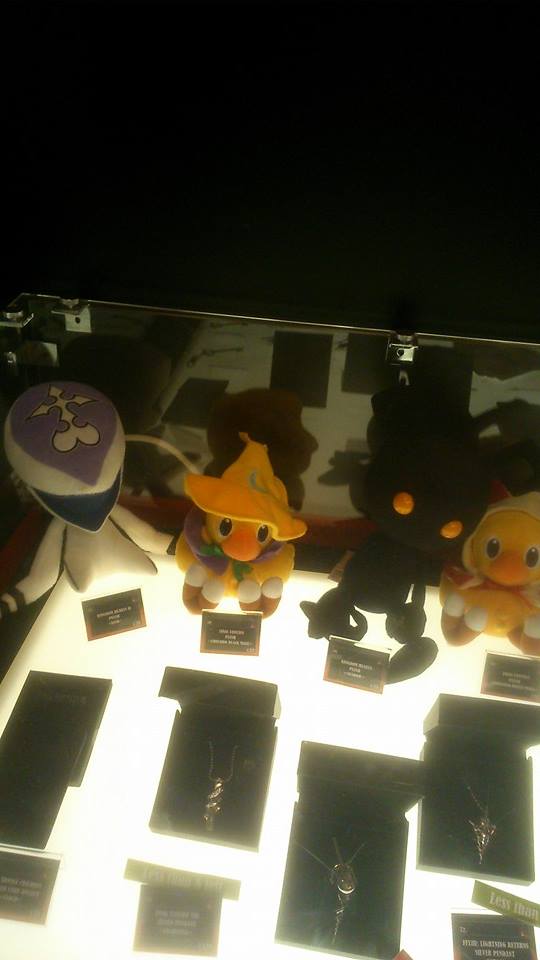
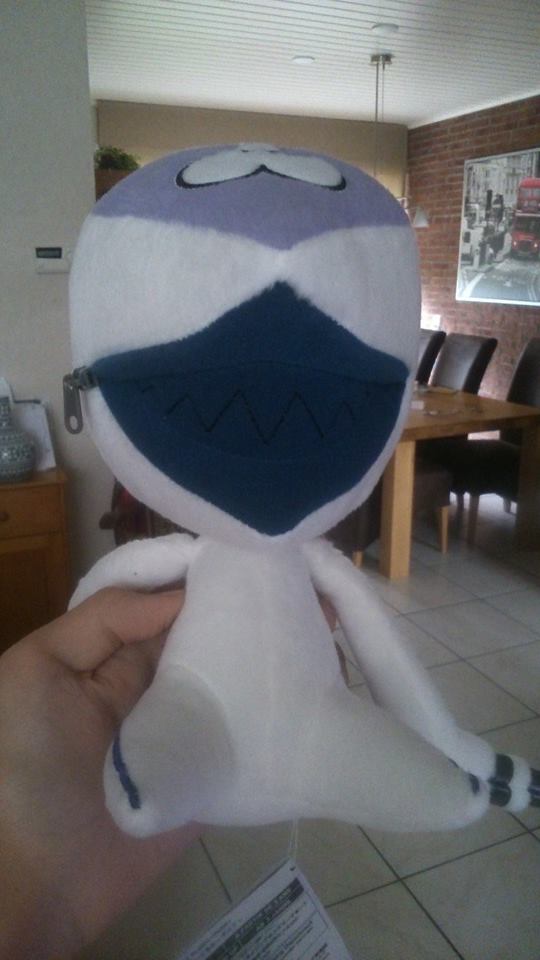
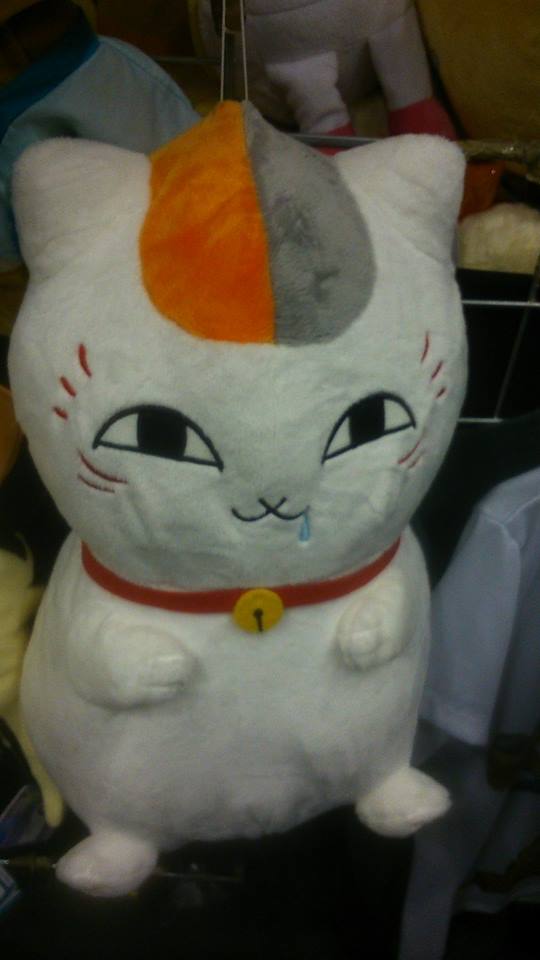
They had a shadow doll but no MEOW MEOW but they had strap-ons of those 3 enemies
-
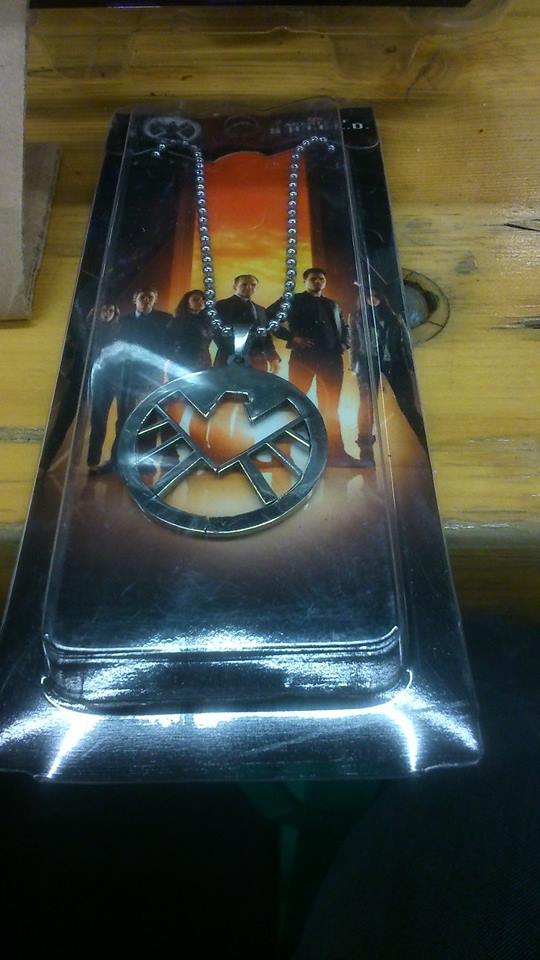
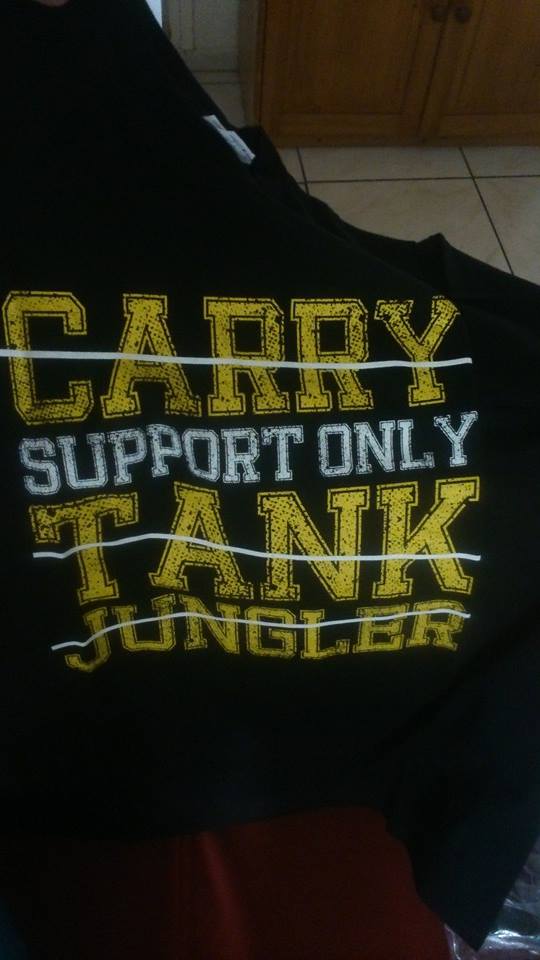
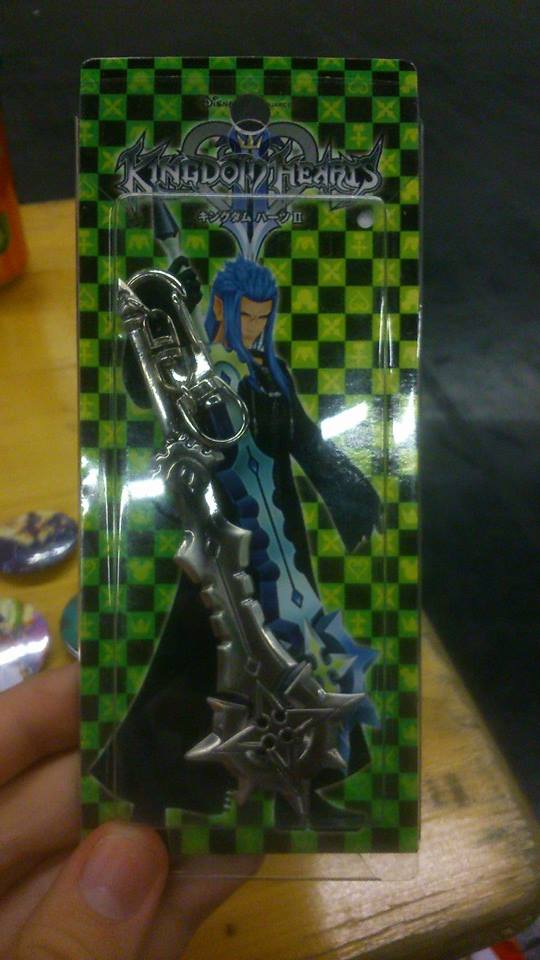
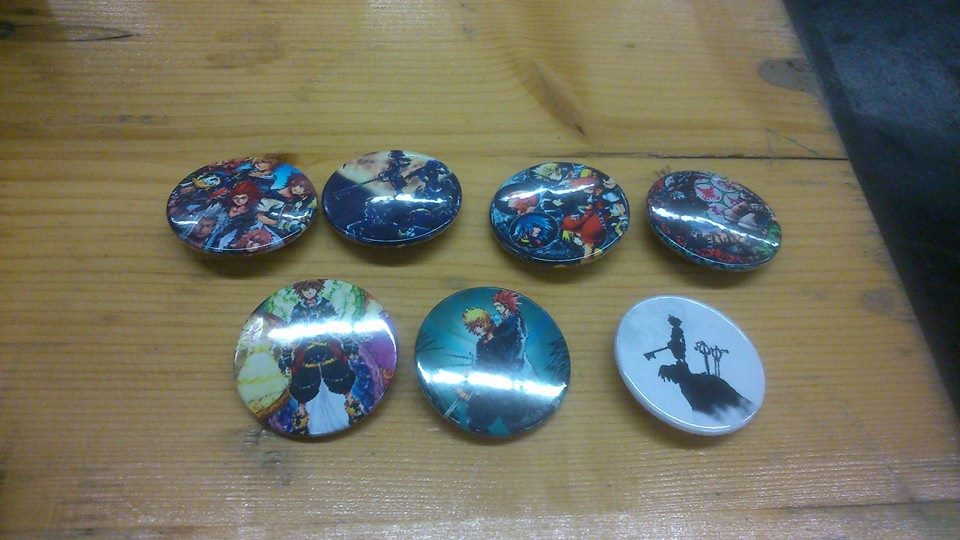
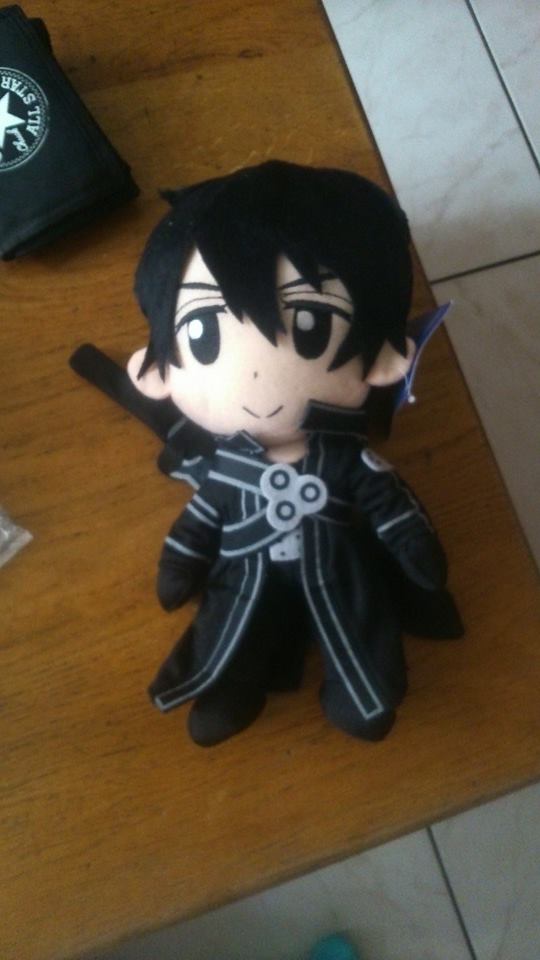
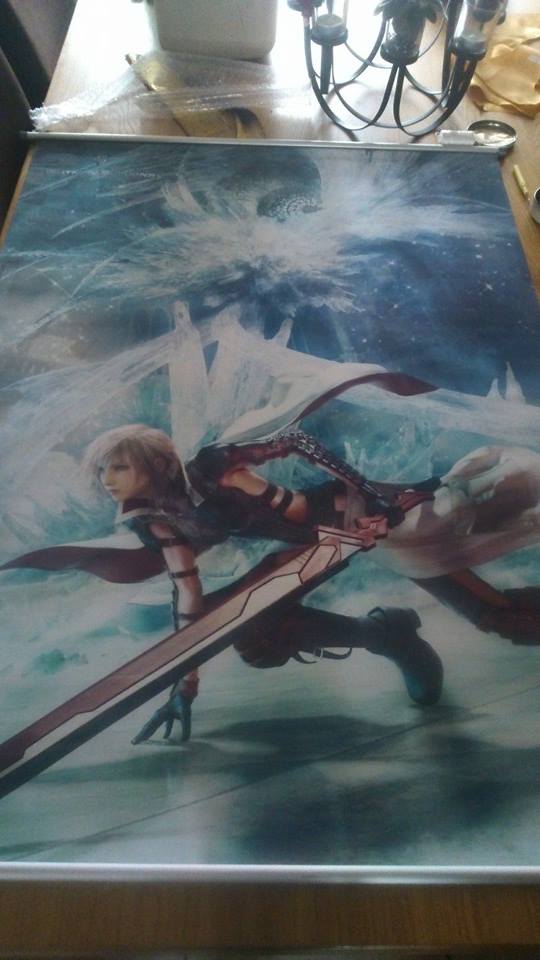
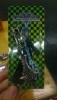
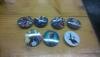
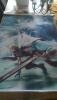
Heyyyy, I went this year to gamescom for the third time and it was great, Here are some photo's (most of them are my stuff that i bought)




-
realm of darkness please
-
-
-
-
-
-
-
-
you're absolutely right
-
-
-
Still waiting for beyond good & evil 2
-
-