Jump to content
View in the app

A better way to browse. Learn more.

KH13 · for Kingdom Hearts

A full-screen app on your home screen with push notifications, badges and more.

To install this app on iOS and iPadOS
  1. Tap the Share icon in Safari
  2. Scroll the menu and tap Add to Home Screen.
  3. Tap Add in the top-right corner.
To install this app on Android
  1. Tap the 3-dot menu (⋮) in the top-right corner of the browser.
  2. Tap Add to Home screen or Install app.
  3. Confirm by tapping Install.

Snow

Verified Member
  • Joined

  • Last visited

  1. Snow posted a status update

    gonna stream some silent hill 3 over at twitch.tv/snowlex.

  2. Snow posted a status update
    Sora96 replied

    X/X-2 HD Remaster is so amazing.

    Snow replied

    It is, although I'm not too fond of the music. Some of the tracks sound like they went through a time machine, either really far into the future or really far into the past. Can't really tell which. Maybe even both.

  3. Snow posted a status update

    Killer is Dead is the most bizarre game I've played.

  4. Snow posted a status update

    I'm having a lot more fun than I thought I would with FFX HD, having party members go down different paths and then challenge myself to have one fixed party for a boss battle, and even if I die with it it's still the one I decided. I may not get bored of this game at all.

    User056743 replied

    The more you play it, the more fun it gets.

  5. Snow posted a status update

    So KH1.5 and Killer is Dead LE got here, but uh, I think I actually might try to 100% FFXHD before I actually try to move on to the rest. FFX has me hooked like Breaking Bad had me hooked.

  6. Snow posted a status update

    So let me get this straight. KH1.5 LE had an artbook and special slipcase. KH2.5 has a "collector's" pin. Wow thanks Square Enix, I'll pin this to my shirt so everyone knows I'm a nerd!

  7. Snow posted a status update
  8. Snow posted a status update

    There's always money in the banana stand.

  9. Snow posted a status update

    Gonna stream RE3 for a bit, see how far I can get in a challenge run. twitch.tv/snowlex

  10. Snow posted a status update

    I might stream Silent Hill 3 later. I don't know if I will because I don't have someone to talk with lol

  11. Snow posted a status update

    that feeling when you're expected to perform

  12. Snow posted a status update

    Papa's coming home.

  13. Snow posted a status update

    Gained five followers on twitch so far. Today was a good day.

  14. Snow posted a status update

    going to stream Silent Hill pretty soon, so maybe pop in a little bit? just the tip? twitch.tv/snowlex

  15. Snow posted a status update

    I poured water on my cat to get her to stop bothering me and now I feel really bad

    Snow replied

    Well, I don't think pouring water on her is inherently the same as shooting a kid in the arm. The cat was bothering me because I was the only one home but it never seems to want attention from me, just to meow at me. It's not like it was a full bucket or anything, just a little left over from my cup last night.

    Javelin434 replied

    Fine. Maybe a gun is too high of a metaphor. Ok, a high-powered air rifle instead. With lead pellets.

    Kodakliv replied

    Awww don't feel bad go pick her up and hold her she'll forgive you and meow some more lol

  16. Snow posted a status update
    highlight from my re3 stream
  17. Snow posted a status update
    King Demise replied

    Why do you have to be so active when I'm on mobile

    Sora replied

    'Omfg King same

    Xiro replied

    The struggle of cellular users

    (You guys, not me :P)

  18. Snow posted a status update

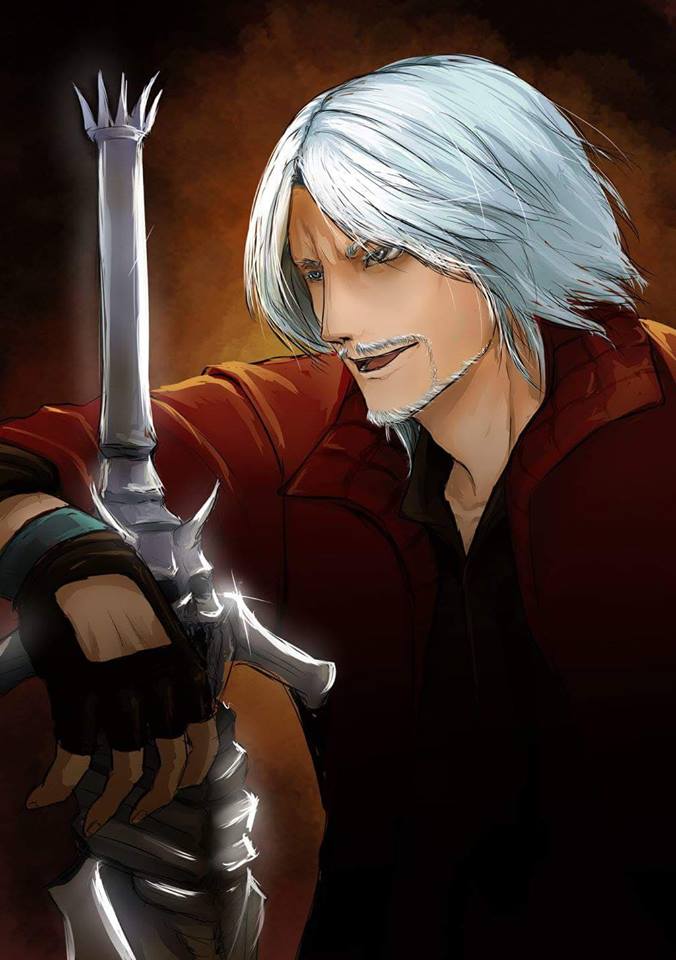
    and I'm gonna stream devil may cry 4. pop in maybe? twitch.tv/snowlex

    RoxSox replied

    when did you get the technology

    Snow replied

    I have DMC4 for pc you nut

  19. King Demise left a comment on Snow's profile

    Happy birthday roxas

Configure browser push notifications

Chrome (Android)
  1. Tap the lock icon next to the address bar.
  2. Tap Permissions → Notifications.
  3. Adjust your preference.
Chrome (Desktop)
  1. Click the padlock icon in the address bar.
  2. Select Site settings.
  3. Find Notifications and adjust your preference.
Scroll to the top