




Jump to content
View in the app

A better way to browse. Learn more.

KH13 · for Kingdom Hearts

A full-screen app on your home screen with push notifications, badges and more.

To install this app on iOS and iPadOS
  1. Tap the Share icon in Safari
  2. Scroll the menu and tap Add to Home Screen.
  3. Tap Add in the top-right corner.
To install this app on Android
  1. Tap the 3-dot menu (⋮) in the top-right corner of the browser.
  2. Tap Add to Home screen or Install app.
  3. Confirm by tapping Install.

Snow

Verified Member
  • Joined

  • Last visited

  1. Snow posted a status update
    Snow replied

    but its funny.

    and there's no smex.

    Snow replied

    but its funny.

    and there's no smex.

  2. Snow posted a status update

    CID RAINES PLS

  3. Snow posted a status update

    Can I trust you people enough to show you a picture of me?

  4. Snow posted a status update

    FINAL FANTASY XIII, I DON'T WANT TO USE THE LIGHTNING FANG HOPE PARTY. I WANT TOP USE SAZH HOPE AND SNOW. That is all.

  5. Snow posted a status update

    I got like realistically like six messages, but they duplicated into 35. My phone must be PMSing.

    Snow replied

    *throws phone*

    Snow replied

    I just got another message, and all of my other ones started duplicating themselves again.

    T-mobile please.

  6. Snow posted a status update

    ONLINE SCHOOL PLS.

  7. Snow posted a status update

    1:21 AM. Listening to creepypasta. My body is ready.

  8. Snow posted a status update

    and there goes my profile. I call hax

    coolwings replied

    Thats why you save your profile on a word document

    VanitasisKirby replied

    @coolwings Heheh, I thought I was the only one who did that.

  9. Snow posted a status update

    Now I feel terrible D8

  10. Snow posted a status update

    Serah: "Sonw, I'm pregnant." Snow: "I'm going to the pub, okay?"

  11. Roxie left a comment on Snow's profile

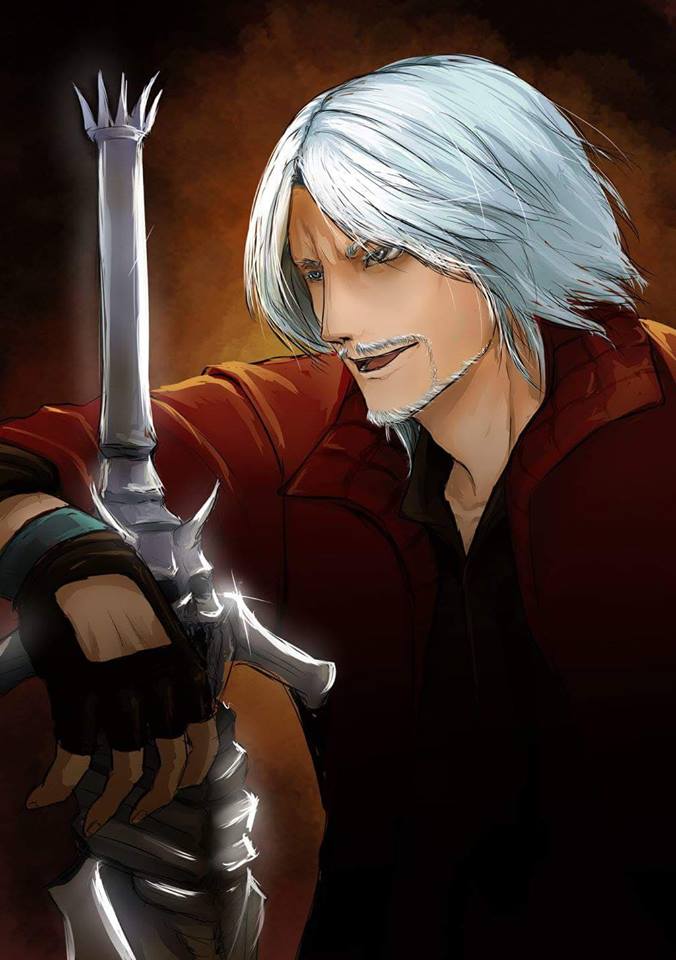
    Love your profile picture!

    Snow replied

    Thanks. ^_^

    Roxie replied

    No problem. I know it's a stupid question but who is it? If he's from Final Fantasy, then I'm sorry to ask. I'm still a newbie to Final Fantasy.

  12. Snow posted a status update

    I AM ANGRY. SNOW SMASH.

  13. Snow posted a status update

    baytrey. I am not a fan of this new "vanisilrikutrey".

    Weiss replied

    Every guy and every girl.


    SNOW YOU'RE A GR8 PERSON

    Snow replied

    What Keysofblades said.

    how you claim to love every guy and girl on KH13 sickens me

  14. Snow posted a status update

    Firaga96 x 4Everbee, I ship it.

    Snow replied

    It's not like you're getting any other better pairings, so why are you mad, bro?

    Snow replied

    Be glad you're actually getting a pairing for once.

    Snow replied

    Hey, this is all on you, you're the one who said she was your kind of girl.

  15. Snow posted a status update

    There is only enough room in my heart for Shera Wizard and Vanitasiskirby.

  16. Snow posted a status update

    Why can't I ever have what I want in FF13?

    King Riku replied

    Because your girlfriend's a statue.

    Shana09 replied

    A crystal statue*


    details riku details

    King Riku replied

    Shhhhhhhh, plot point.

  17. Snow posted a status update

    If Romney wins the election, my life is forfeit.

    King Riku replied

    Can I join you?

  18. Snow posted a status update

    I'm always on this website. And I don't think that's about to change. @_@

    Col.Random replied

    you are not alone

    Shera Wizard replied

    I wish I could say that. But then~

  19. Snow posted a status update
    http://tinychat.com/roxas1432 COME ONE COME ALL
  20. Snow posted a status update
    Blake replied

    I'm sure some Tea-bagger can find some way to denounce all of this.

Configure browser push notifications

Chrome (Android)
  1. Tap the lock icon next to the address bar.
  2. Tap Permissions → Notifications.
  3. Adjust your preference.
Chrome (Desktop)
  1. Click the padlock icon in the address bar.
  2. Select Site settings.
  3. Find Notifications and adjust your preference.
Scroll to the top











