Hoshiko Hikari
Verified Member
-
Joined
-
Last visited
Everything posted by Hoshiko Hikari
-
 Well his voice actor is pretty popular already, and he's a professional singer. Plus he's even starred in a live action film as he's also good-looking. So if he keeps getting more famous it's entirely possible he'll win that award one day ^_^
-
And he can dance!
-
Yep, unfortunately he never did the whole version. This was part of a medley of songs from different things that Miyu Irino had provided voices for.
-
No but I knew he voiced Tamaki in Ouran High School Host Club I know! I love listening to the Japanese version. Sora's Japanese voice actor has actually sung the whole of Under The Sea on his own as well
-
I'm sorry if you're only a fan of the English KH voices but this is Sora's Japanese voice actor (Miyu Irino) singing the first part of the KH 1 theme song. It's AMAZING! His voice puts a huge fangirl grin on my face every time I listen to it Just so you know, he starts singing about 13 seconds into the video so you might want to ignore the beginning bit. Also I didn't make this video.
-
Beauty and the Beast? Or pretty much any Disney film.
-
Yes because I don't like hurting people. I tend to feel guilt pretty easily to be honest.
-
Yes I agree. She has cosplayed a number of other characters including Kairi, Riku, Roxas, Axel and Neku.
-
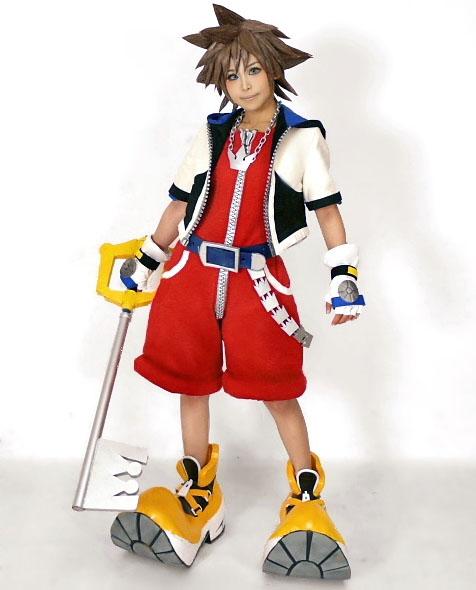
What do you think of this Sora cosplay? I think the outfit and wig are amazing, especially the shoes! Though I do wish the cosplayer was wearing a more Sora-ish smile. Please note that this is not my own cosplay, it's Laki's from Cosplayers' Cure.

-
I actually thought the title was pretty clever. It shows that the game is based around the keyblade war and the forging of the x-blade whilst the 'x' can also stand as an imaginary number. I guess you could also say that the fact the 'x' can be pronounced as 'key' can refer to the requirement of a keyboard (on a computer) in order to play the game
-
I'm a Mormon Christian myself but I respect other people's beliefs (or unbeliefs). No one should be forced to believe in something against their will.
-
I have a feeling the HD Remix version of 358/2 Days will make us see the true relationship between Axel, Roxas and Xion more clearly. Just watching the scenes in the trailer shows that Axel did have genuine concern for her, even if his methods for trying to save her were occasionally harsh.
-
-
As long as their new clothes are equal to or better than their current clothes. I'd like to see Kairi playable as well. And yes I definitely want Riku's hair to be longer in KH3! It doesn't have to be as long as it was in KH2 though (I did actually think it was getting a bit too long) just not as short as it is now. He looks fine with short hair when he's younger but somehow it doesn't look right with his older self.
-
I agree with Flaming Lea: (spoiler alert) "You know right? Because you all have hearts! Axel and Roxas and Naminé and that other girl...I felt what Roxas felt and they laughed together, got mad, and they grieved...You have to have a heart to cry." And then there was that other great line: "Roxas, you're you! [...] You deserve as much as I do to be your own person!"
-
I just typed in a load of different character names and look what type of Pokémon Naruto is! No.791 NarutoNinja Pokemon PSYCHIC BUG HT 3′00″WT 39.6 lbs. In order to restrain its excess power it is alwayssleeping in the sea. It rarely shows itself in public. Good fortunecomes to those who see Naruto.
-
No.902 CharlotteDragon Pokemon DRAGON HT 4′02″WT 60.9 lbs. It is popular among people of Johto to comparetheir Charlotte's big jaws. It is strong enough to easily lift up peopleof Kanto. Yay I'm a Dragon! Wait...is that a bad thing? :huh:
-
She only says one line in the whole game but it's in this scene at 1:41. Warning: DDD Spoilers! http://kh13.com/videos/3d/eng-cut/171-ansem-the-wises-legacy/
-
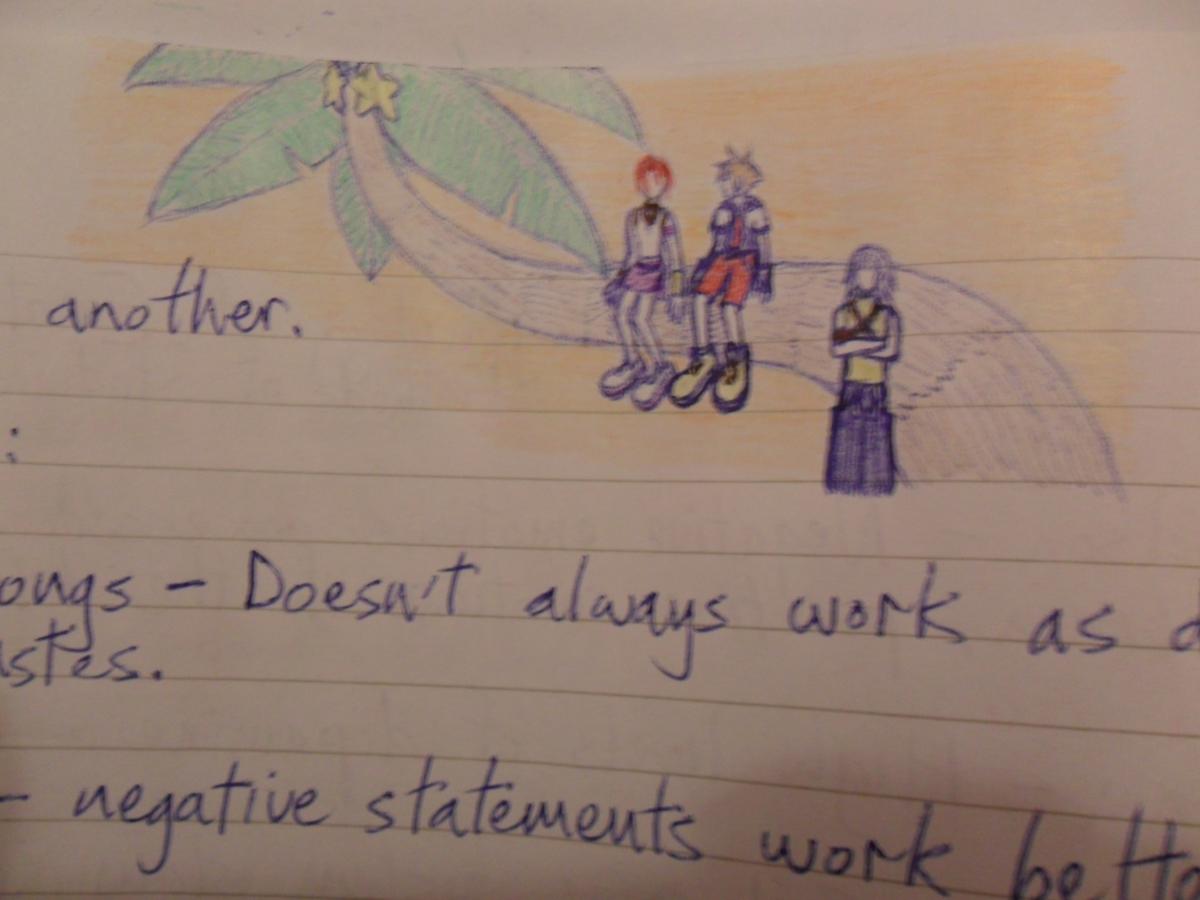
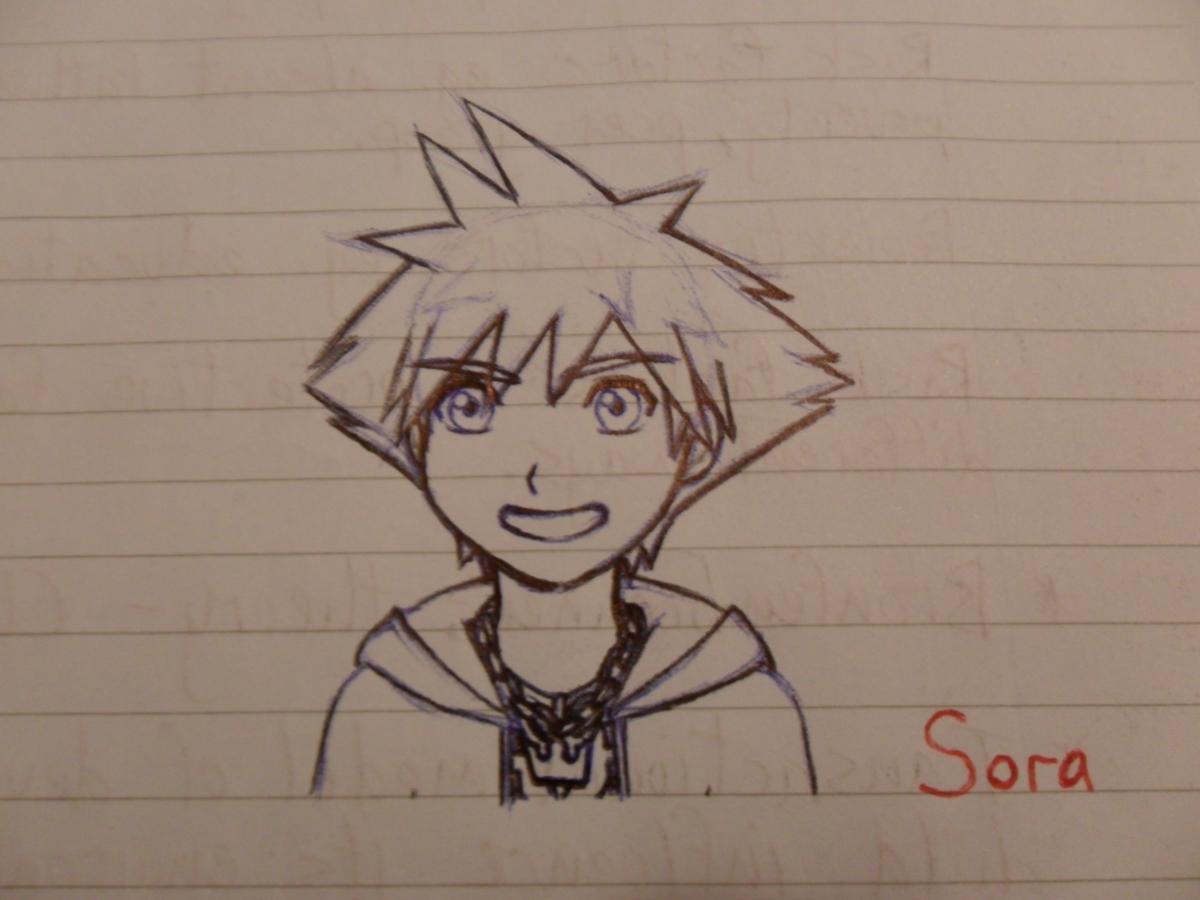
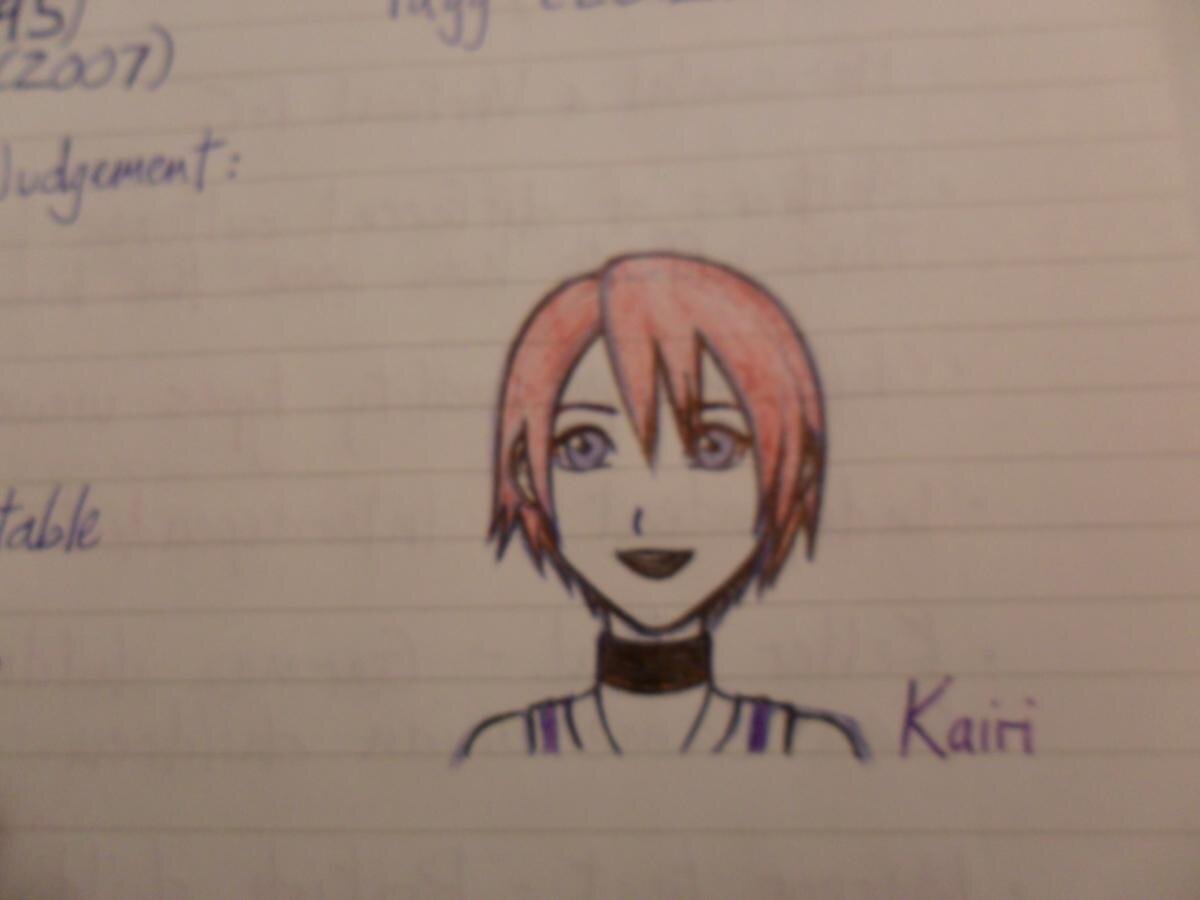
Ah! I've finally worked out how to post pictures! Here's some I did during university lectures: Thank you Rainbow Dash! I actually managed to work it out just after I asked the question ^^; But thanks so much for responding!


-
Umm and how do you get the full editor? Also are you able to just upload a picture directly from your computer rather than the internet? I really do feel stupid for not being able to work this out for myself :unsure:
-
At the risk of sounding stupid, how do you post pictures on here without having to upload them onto the gallery first?
-
Oooh tough one but I think one of the best for me is the Tsubasa Chronicle soundtrack: http://www.youtube.com/watch?v=_79NLaTdO5o
-
I'd love a Kingdom Hearts animé too! Though if Disney themselves were in charge of making it, here's a taste of what it might be like :
-
....Okay, there is no way I'm getting past this round. Ah well I'm still pleased I made it this far anyway.
-
Oops, thanks!